
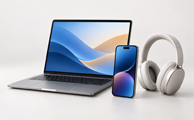







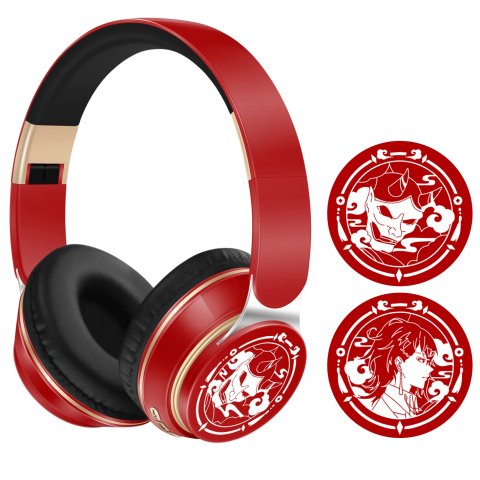
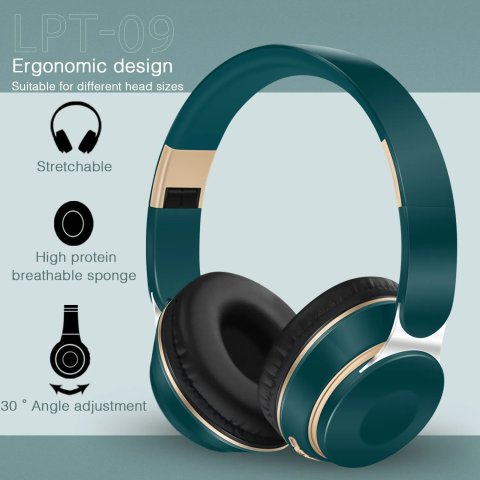
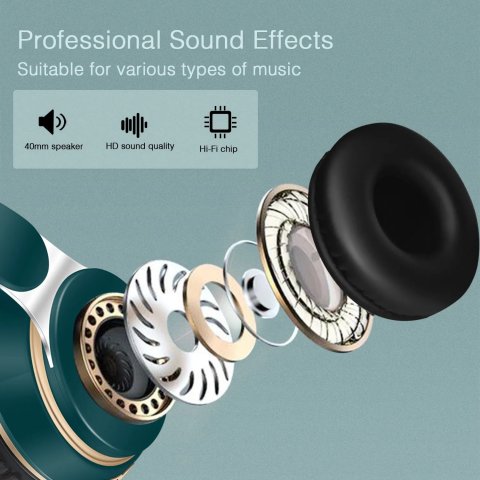
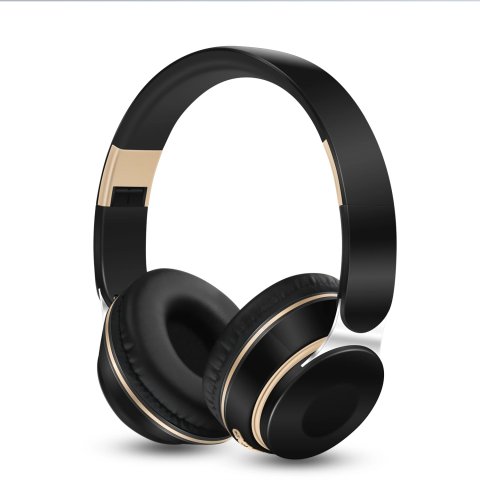
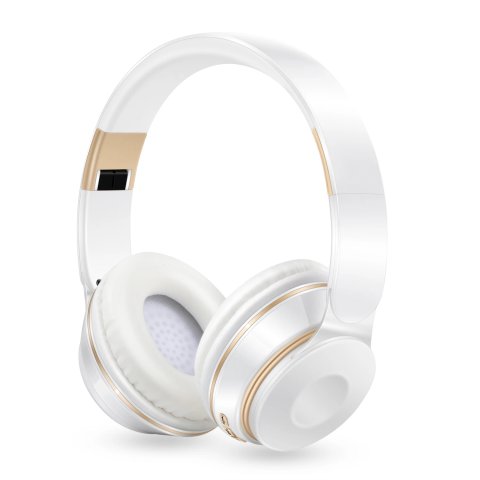
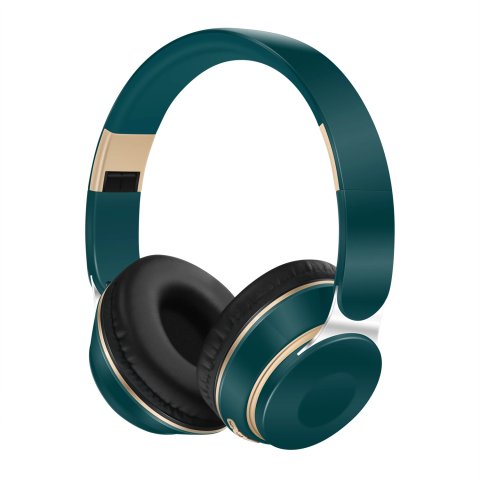
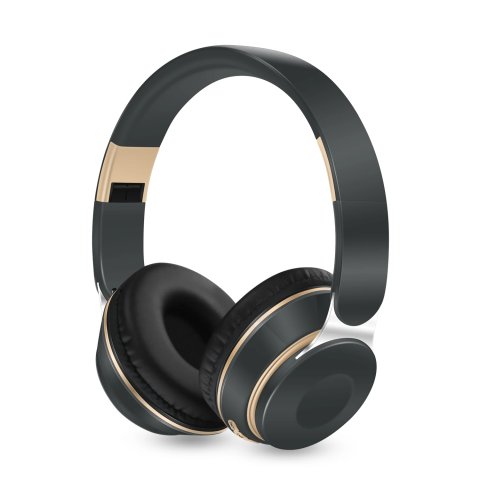
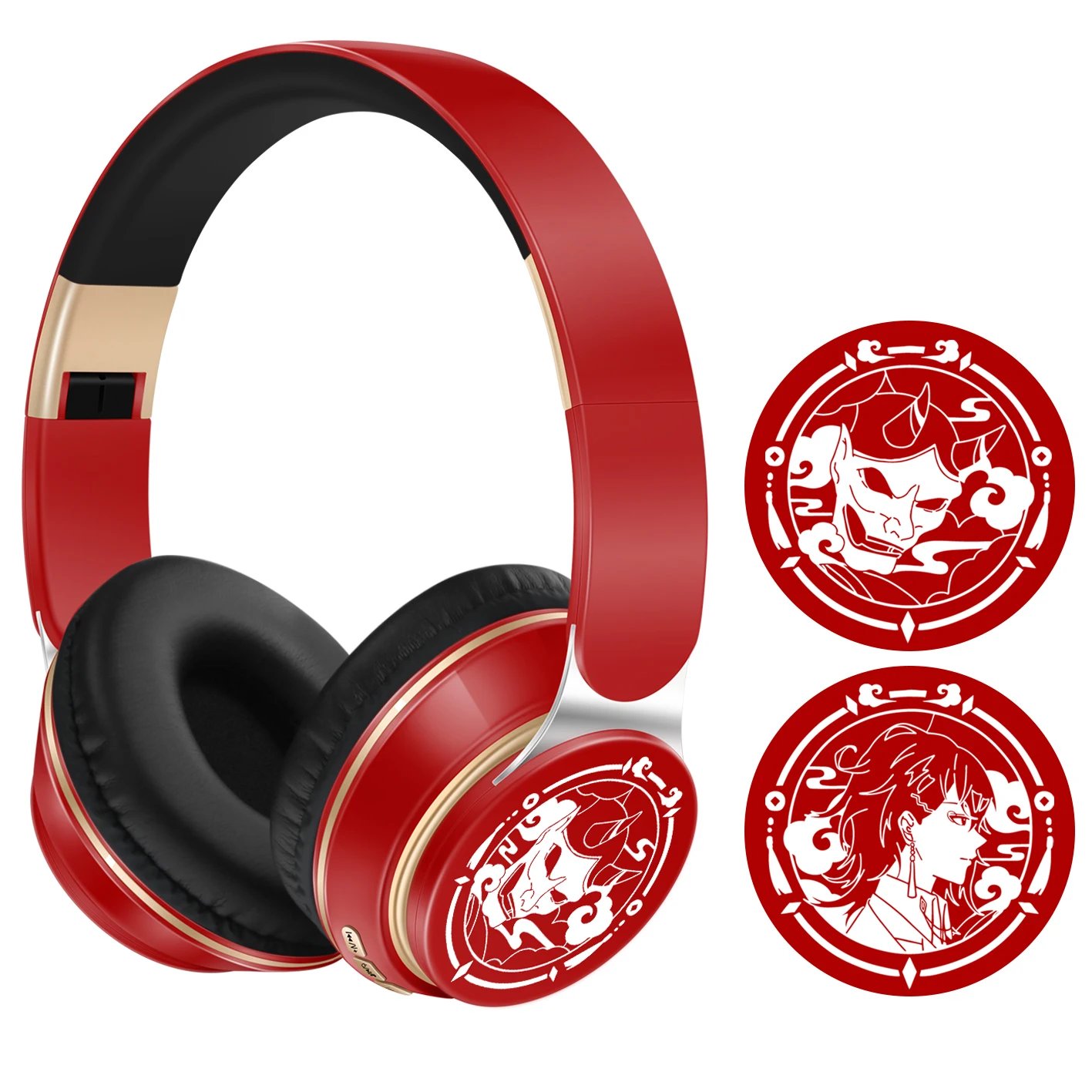
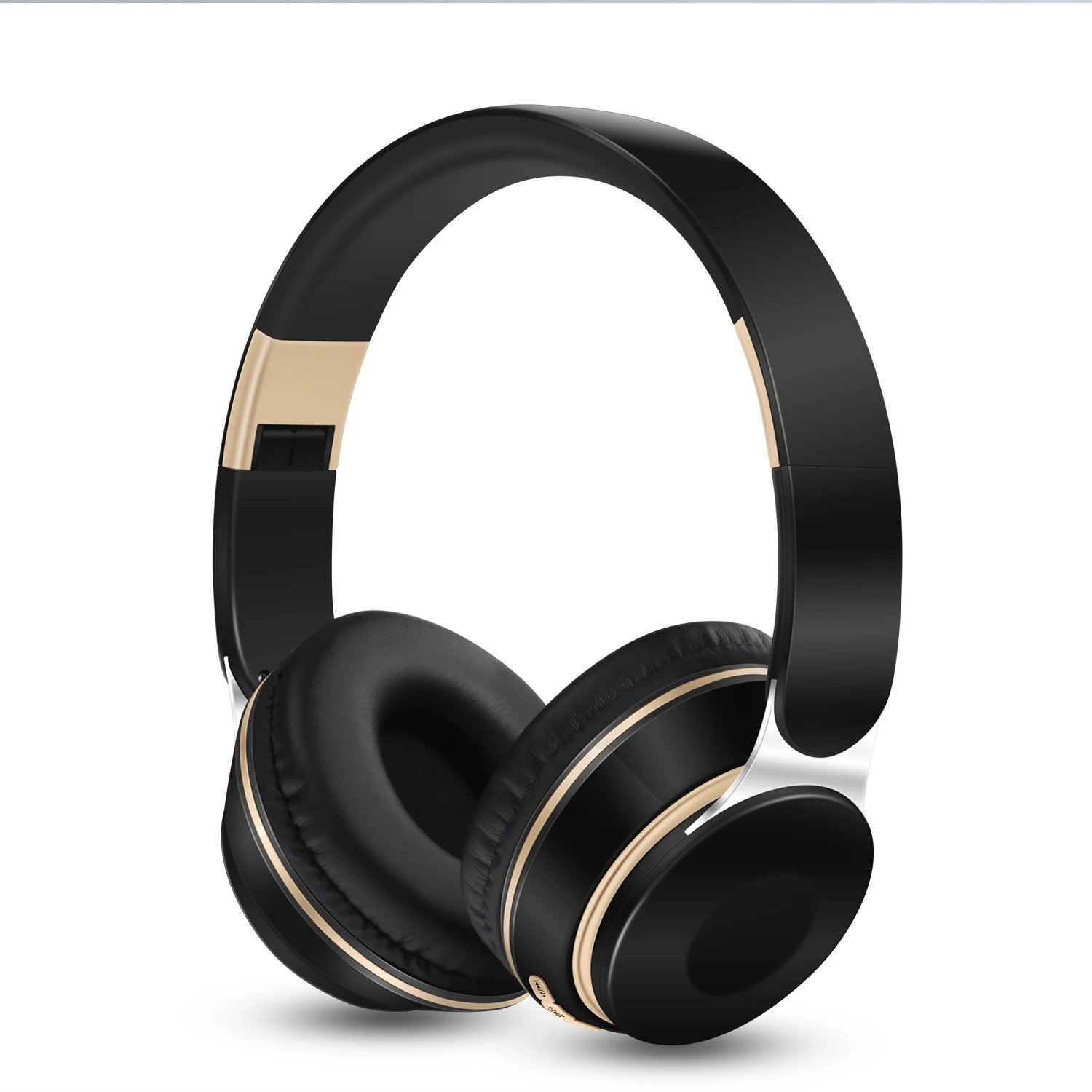
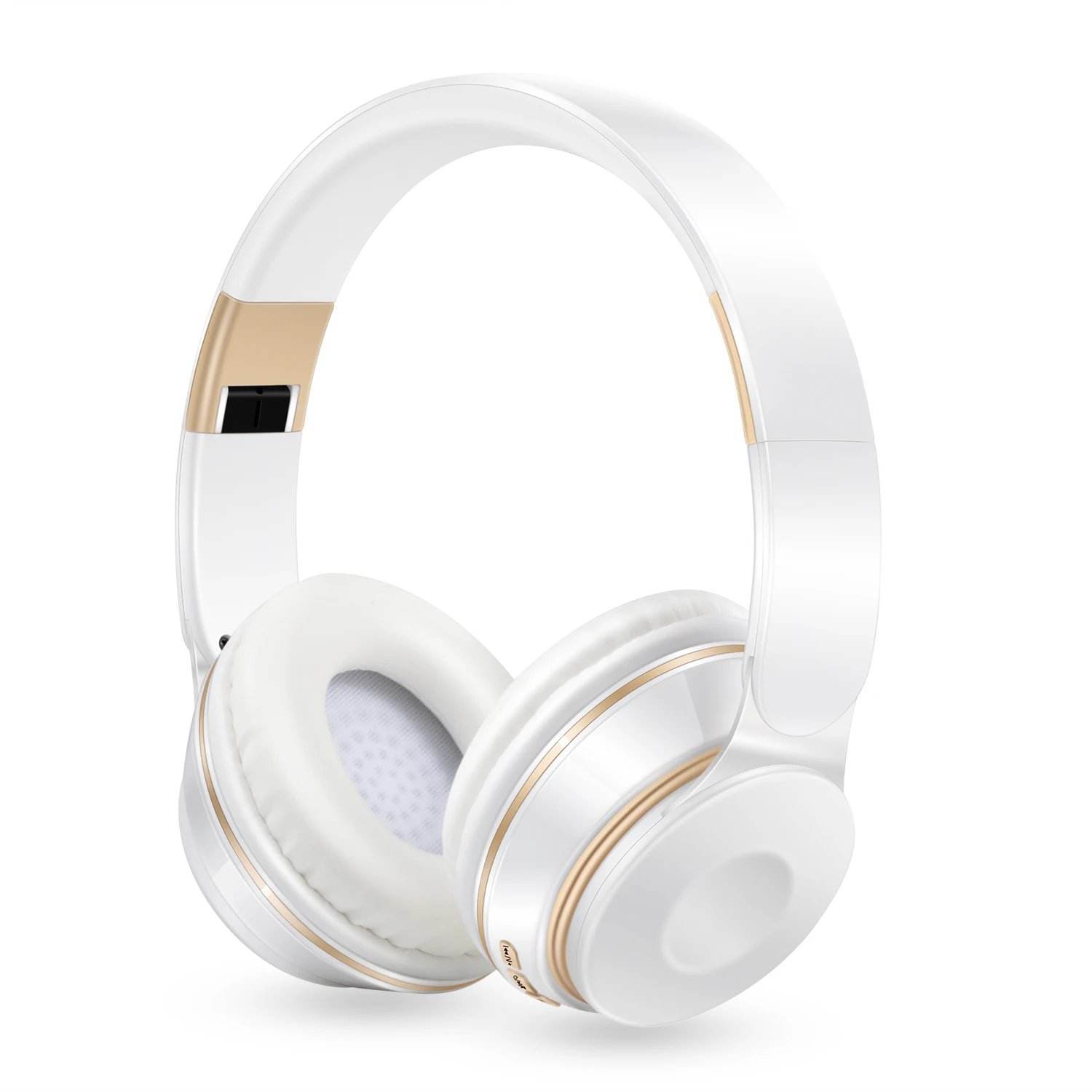
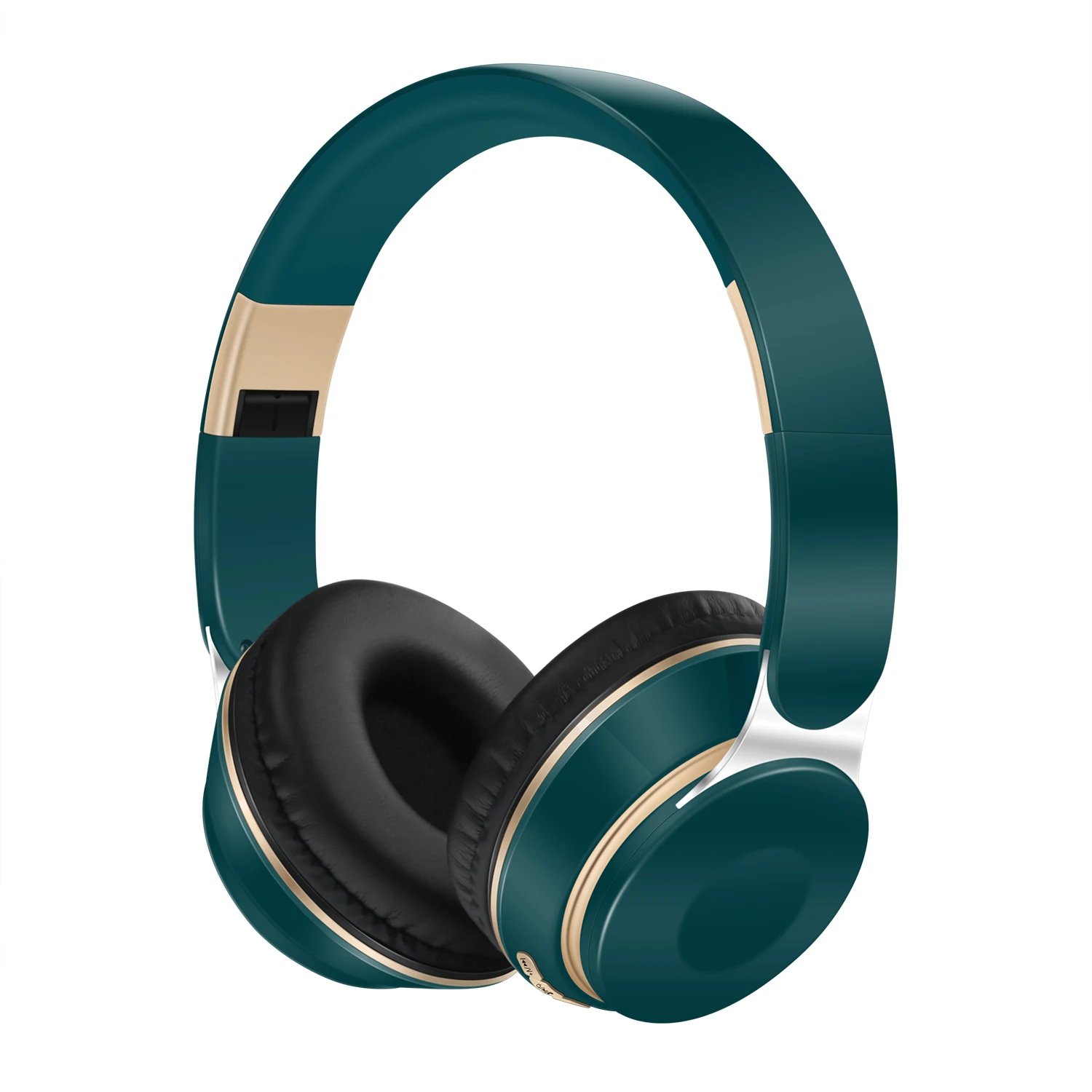
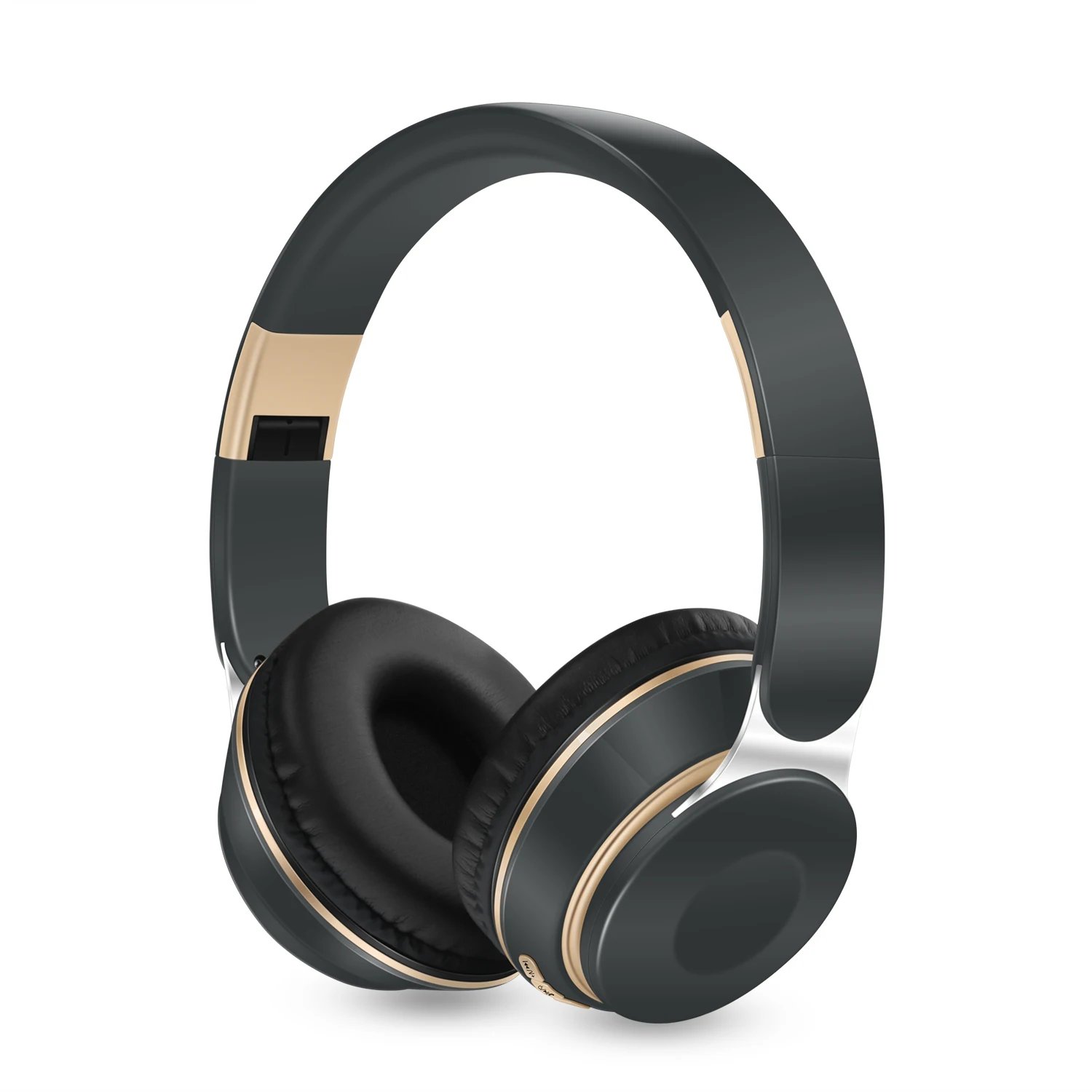
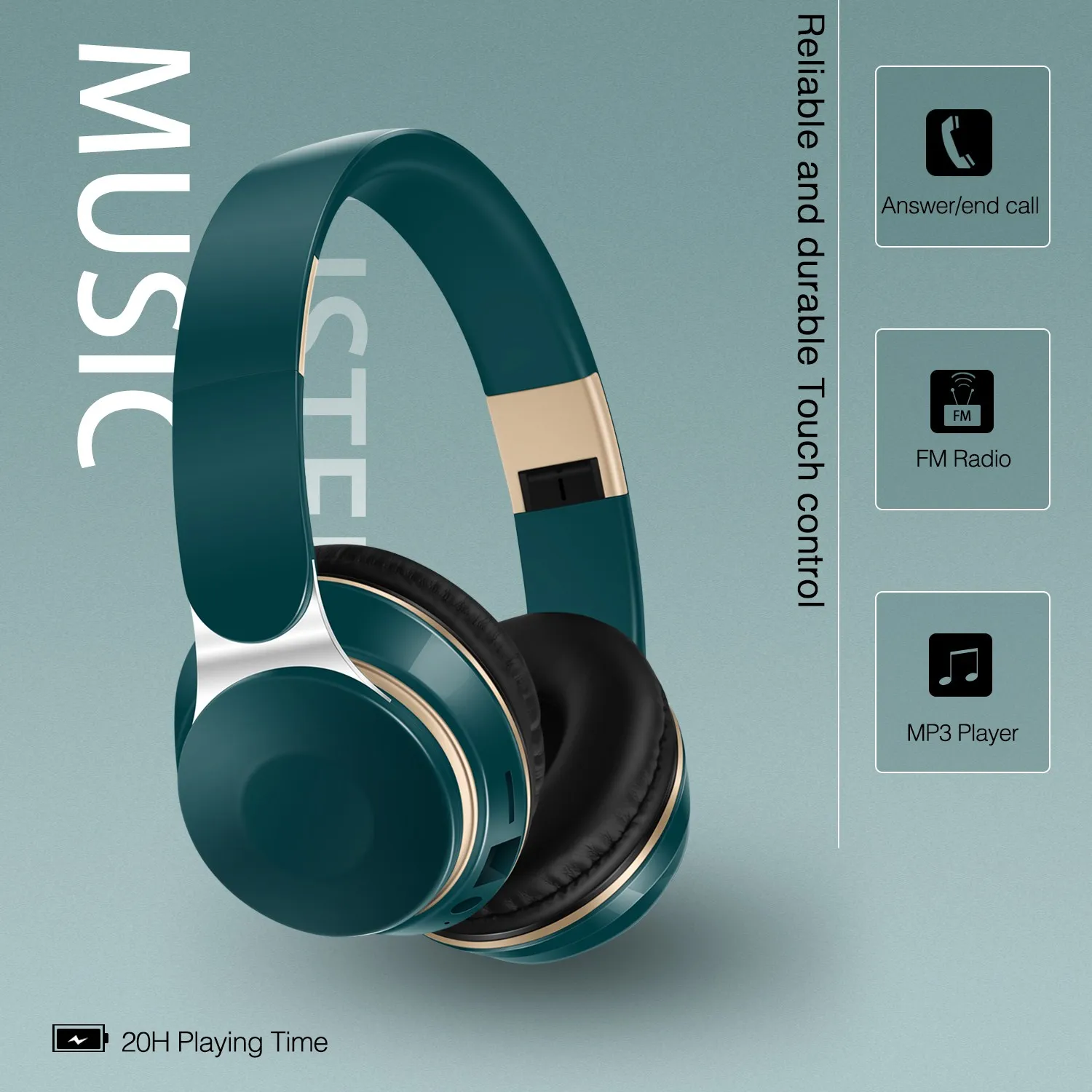
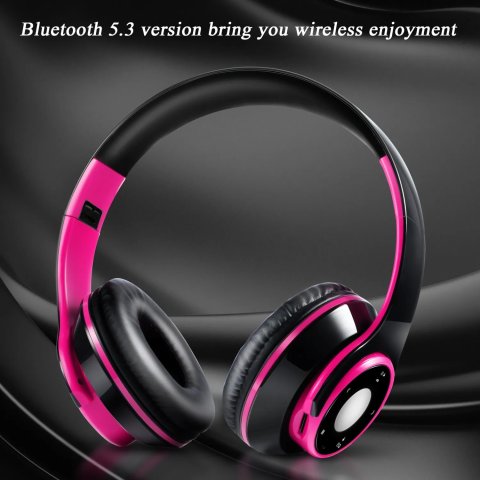
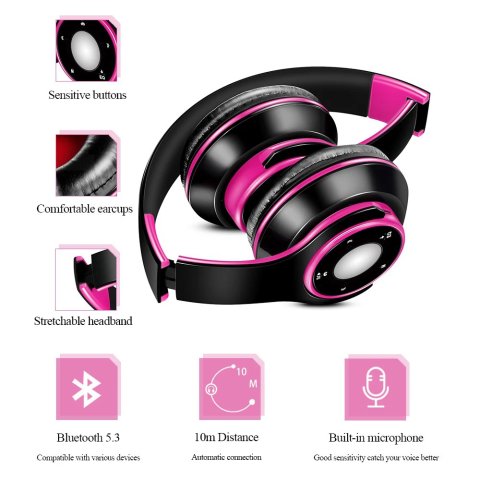
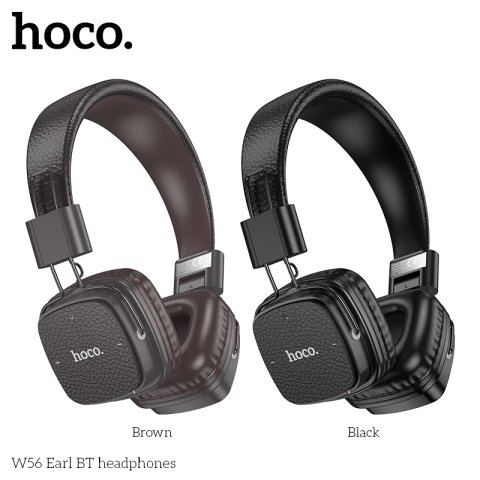
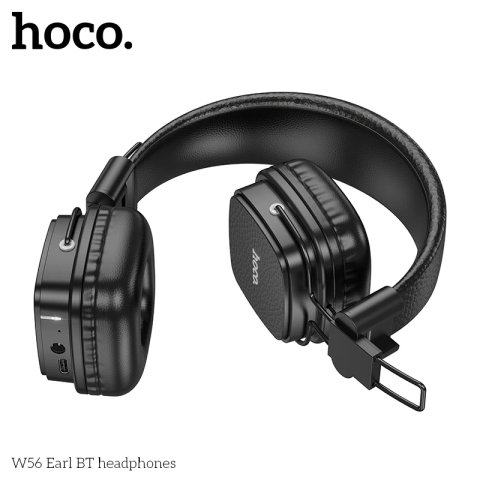
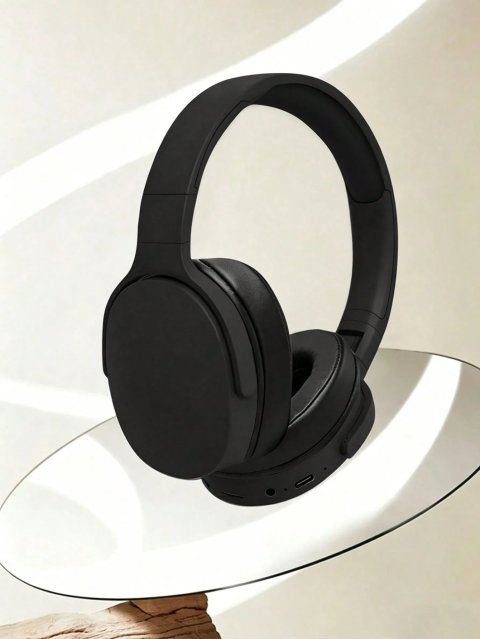
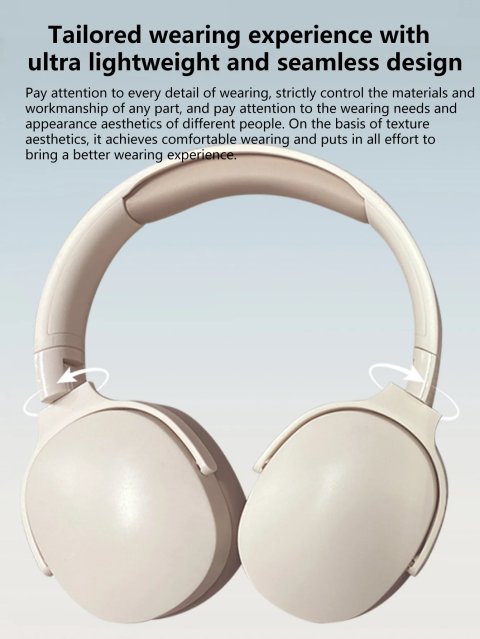
Introducing the latest wireless Bluetooth stereo headphones with a comfortable headband design, equipped with a microphone and SD card support for versatile audio experience.
for Xiaomi Iphone Sumsamg Tablet Students Gift
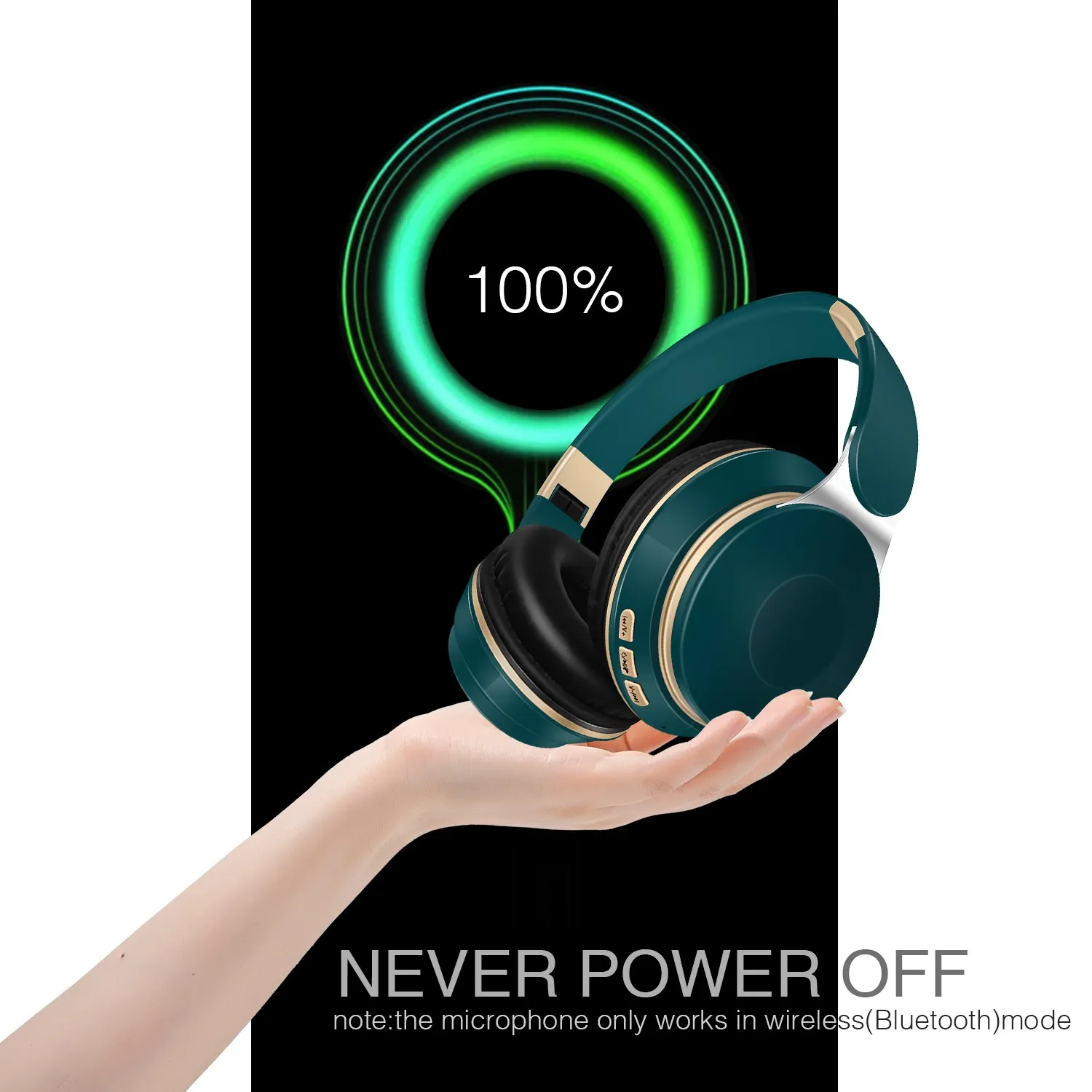

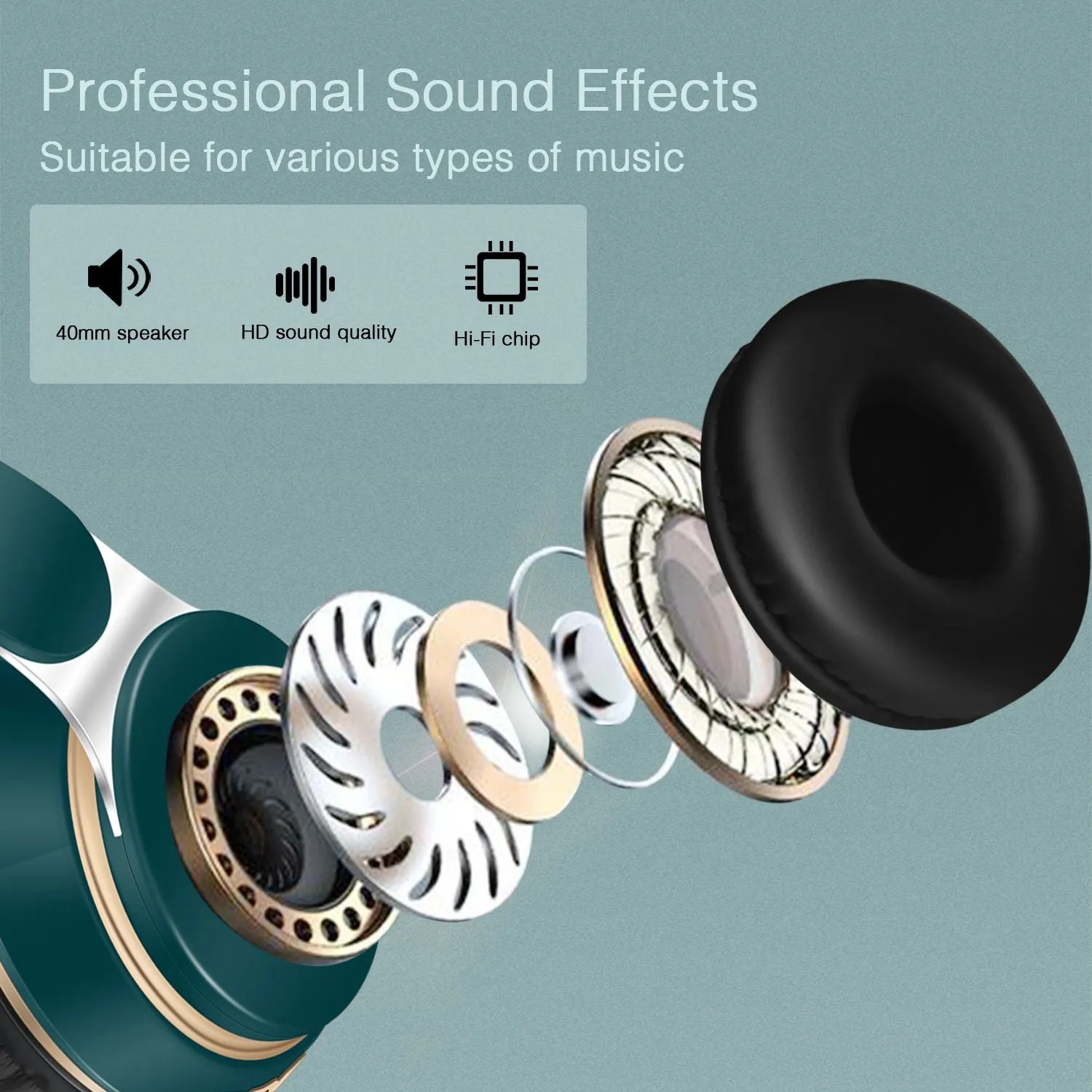
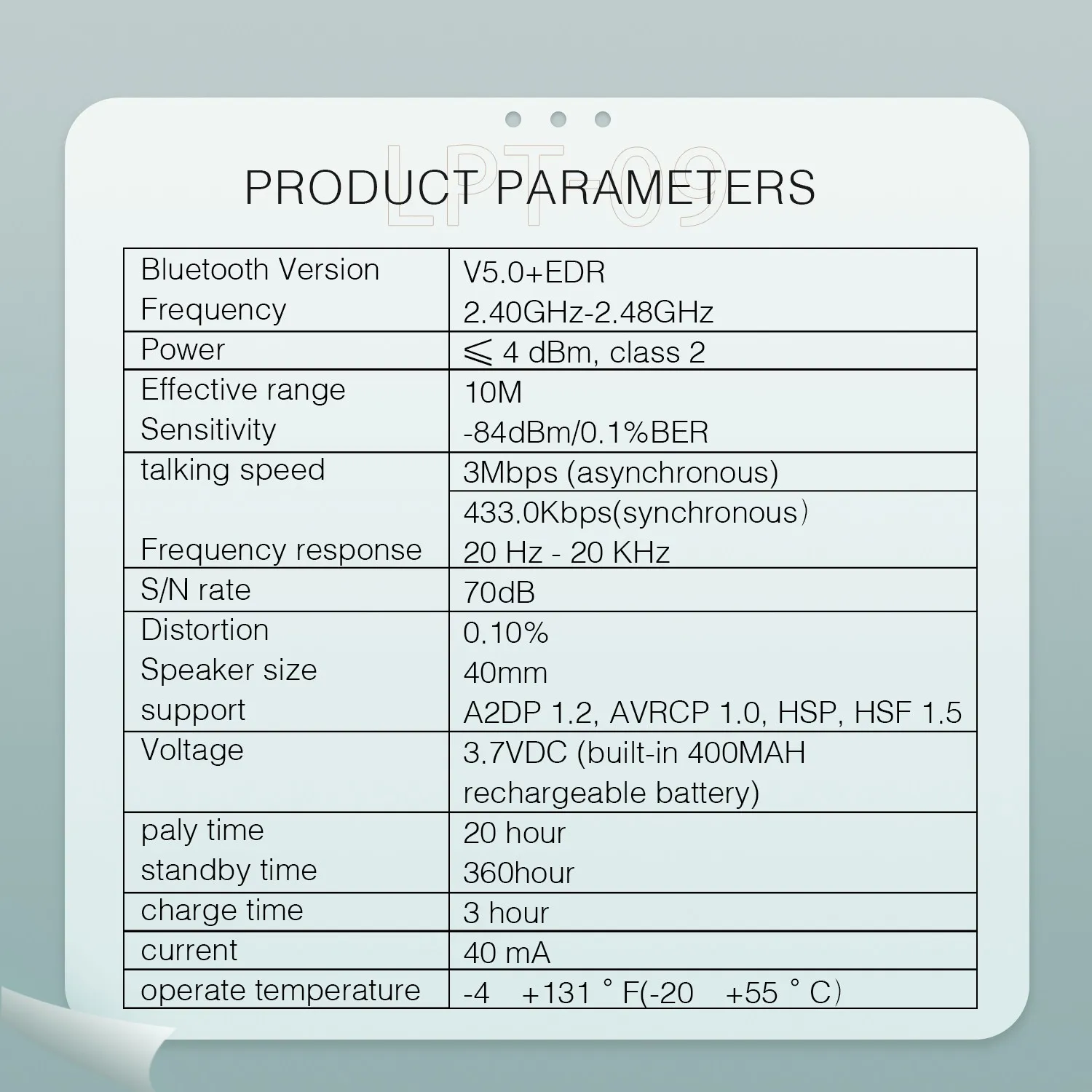
1. Bluetooth Version 5.0 combined with MP3 playback functionality and FM radio support provide high-quality stereo sound and the ability to make phone calls effortlessly....
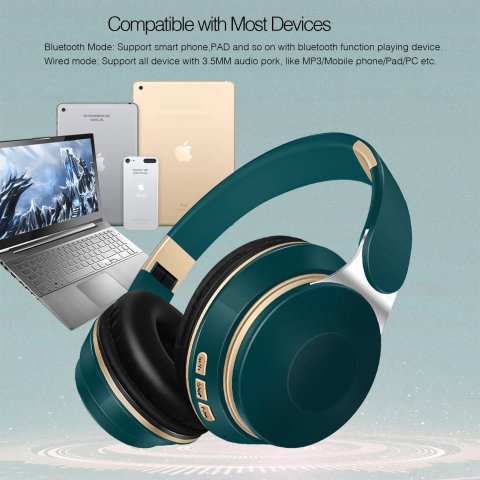
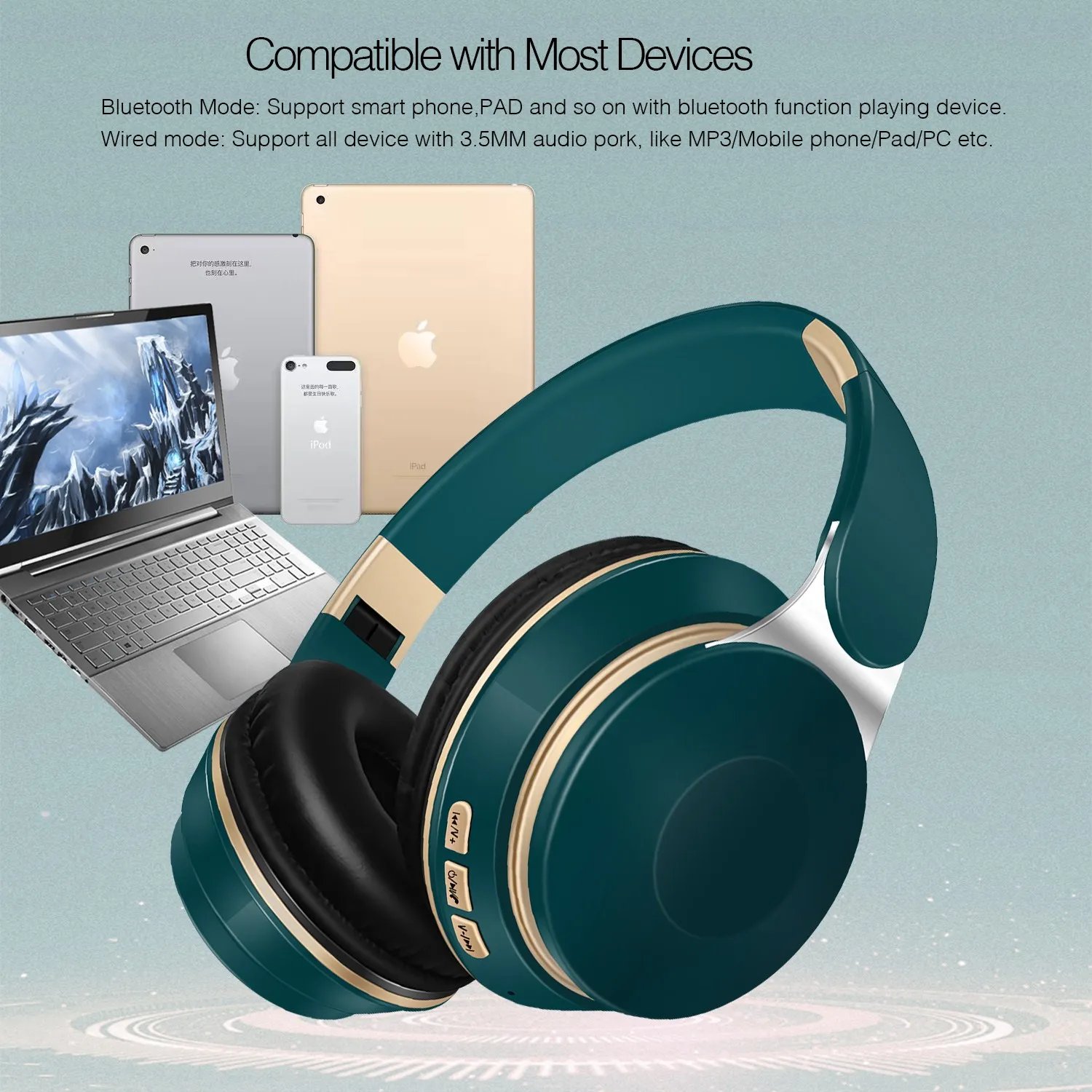
2. Compatible with any Bluetooth-enabled audio device including smartphones, tablet PCs, laptops, and computers, allowing seamless wireless audio connections across diverse electronics.
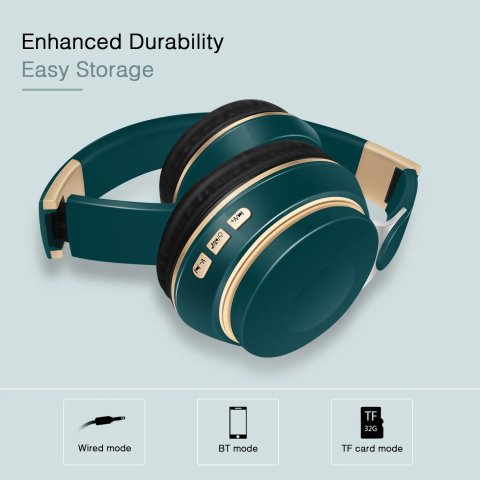
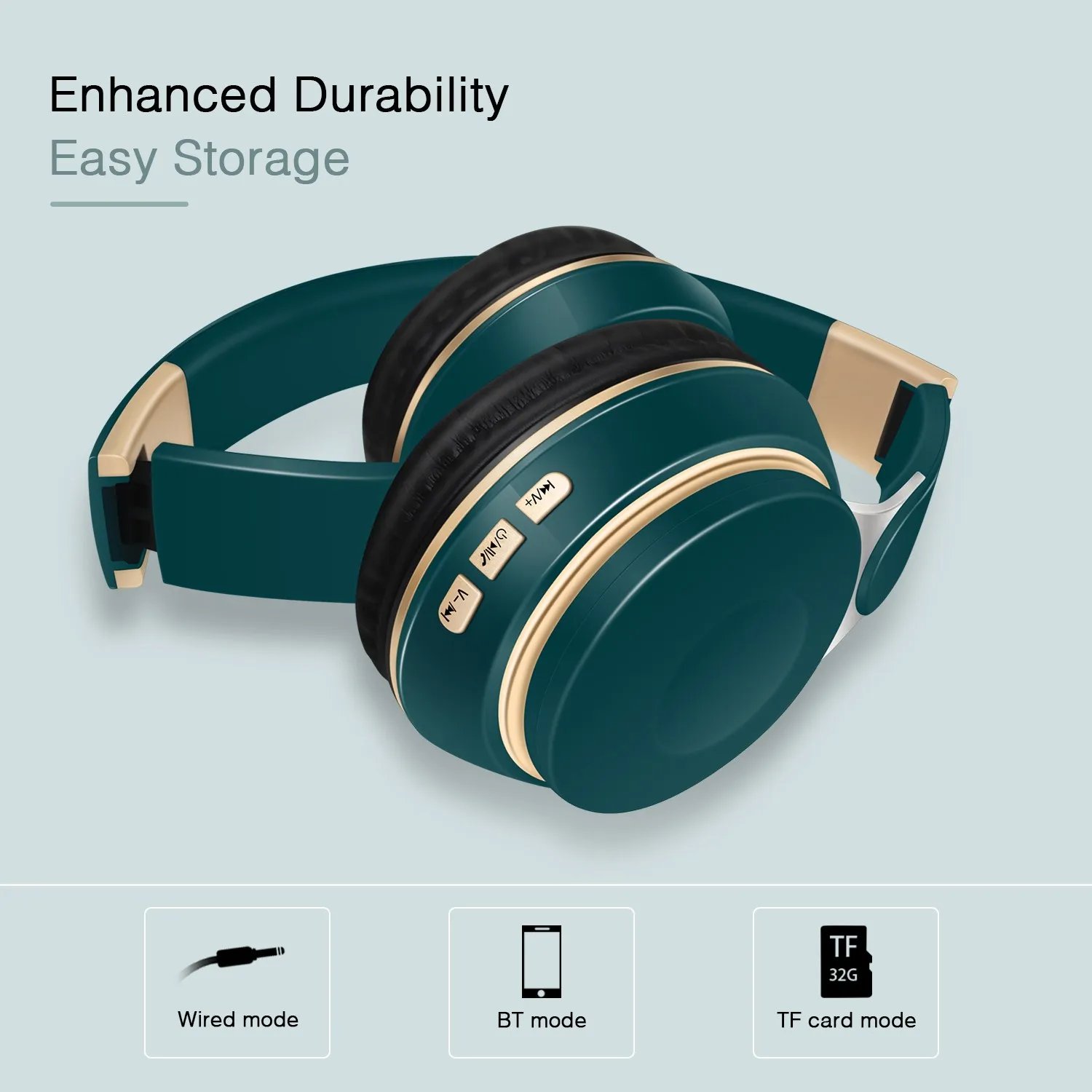
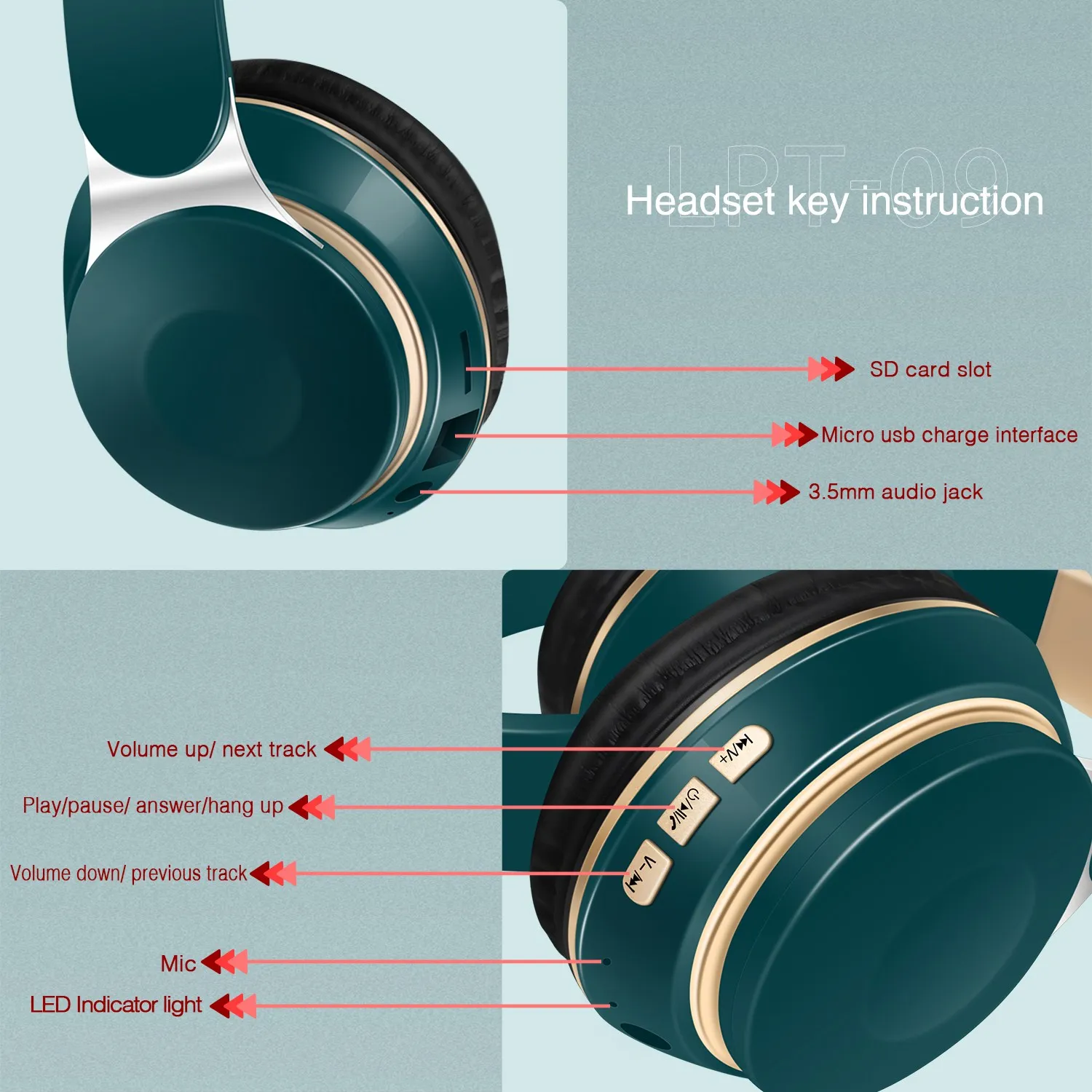
3. Equipped with a 3.5mm audio jack, these headphones offer a straightforward wired connection option for devices that lack Bluetooth capability.
4. Allow you to answer or reject phone calls anytime and anywhere.
5. Charged via USB, rechargeable battery, convenient and practical.
6. Playing time up to 20 hours, standby time up to 360 hours.
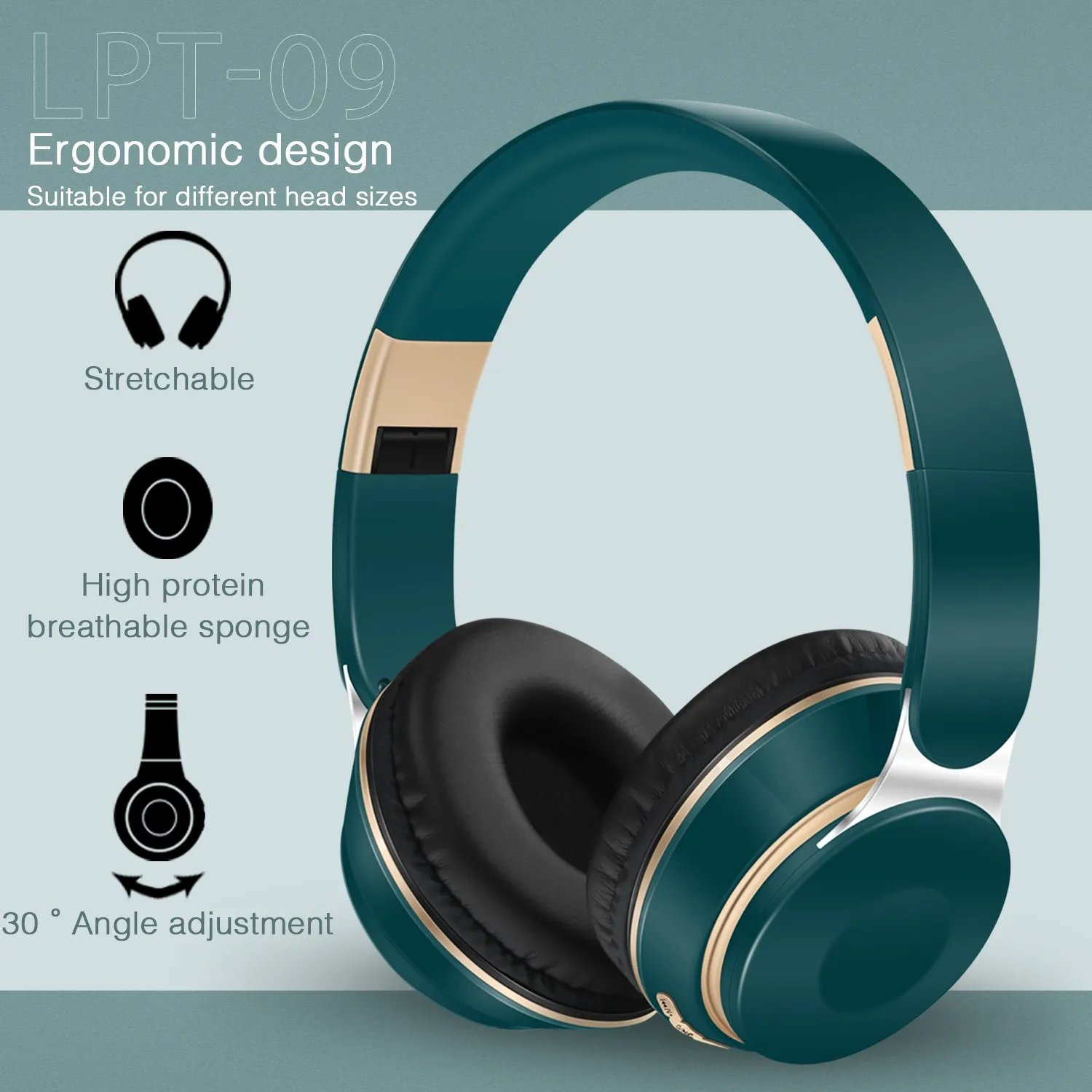
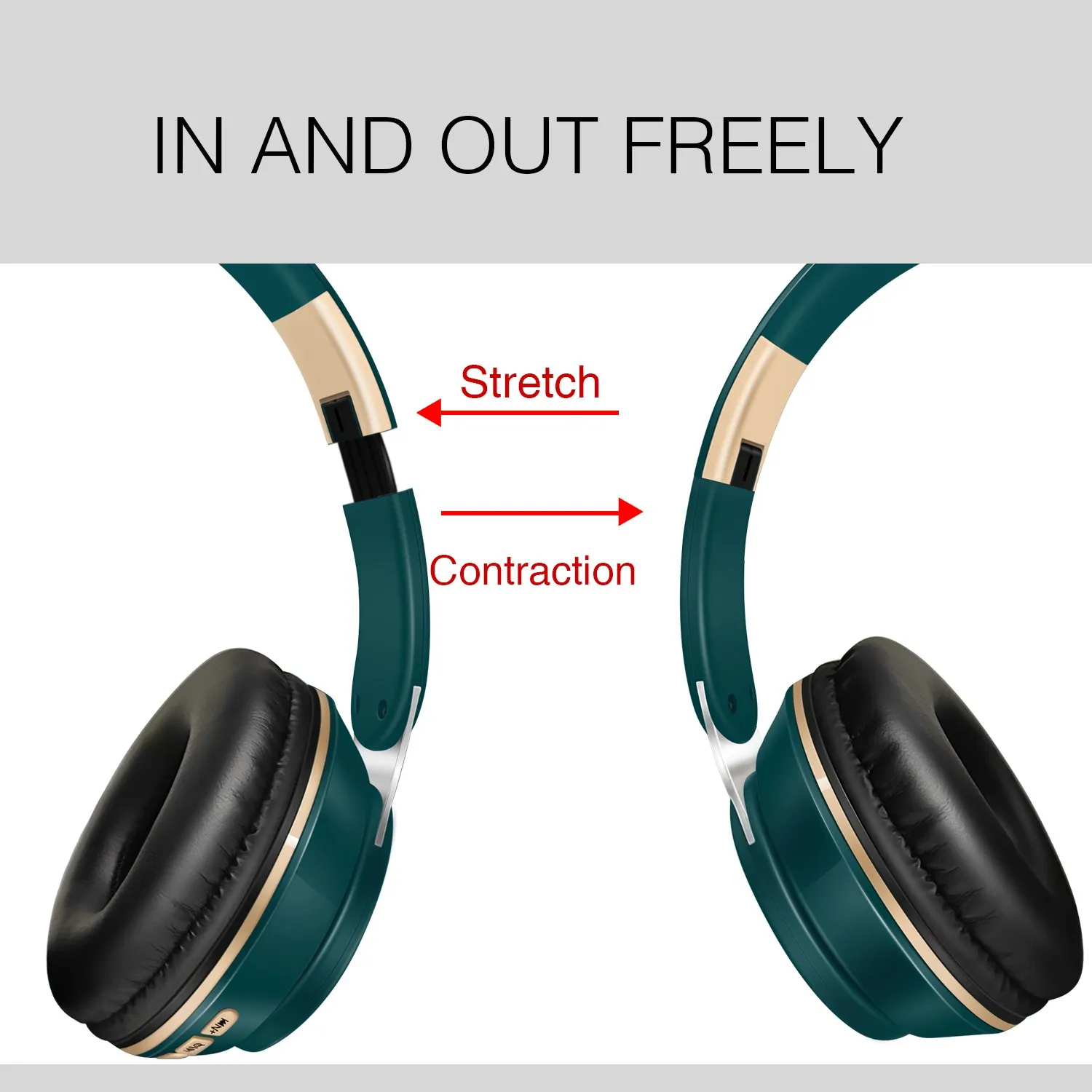
7. Constructed with durable materials, the headphones boast a foldable build and adjustable headband hinges, ensuring both comfort during extended wear and convenience for portability.
8. Best choice for listening music, watching movie, chatting online etc.
9. Featuring a TF card slot, these headphones enable you to listen to your favorite music anytime and anywhere, even without an active Bluetooth connection or external device.



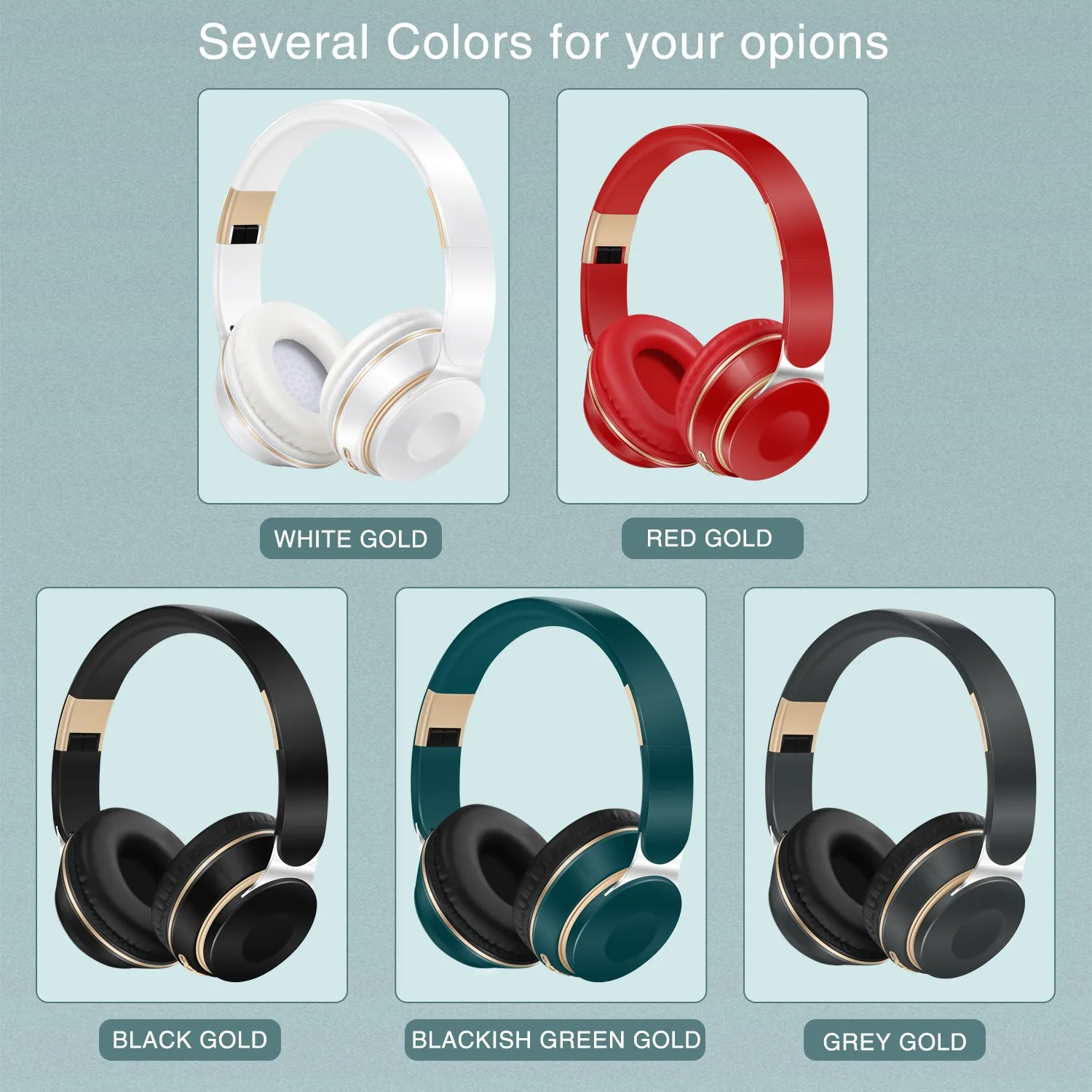

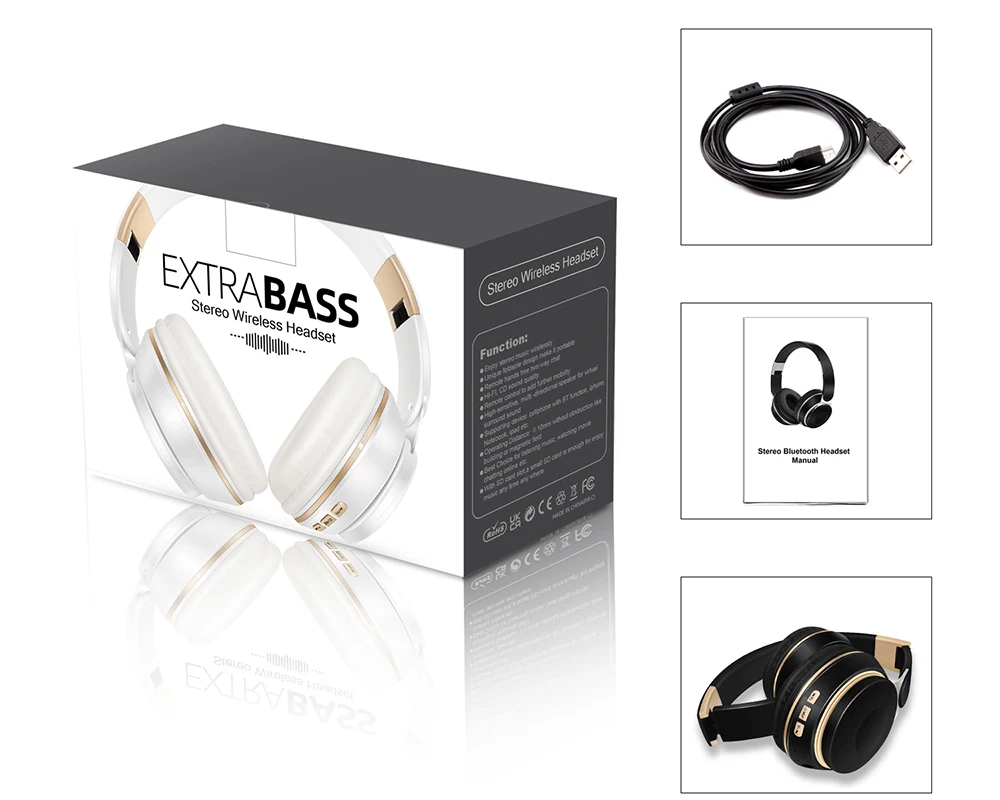
1 x the colorful bluetooth headset (Please choose color)
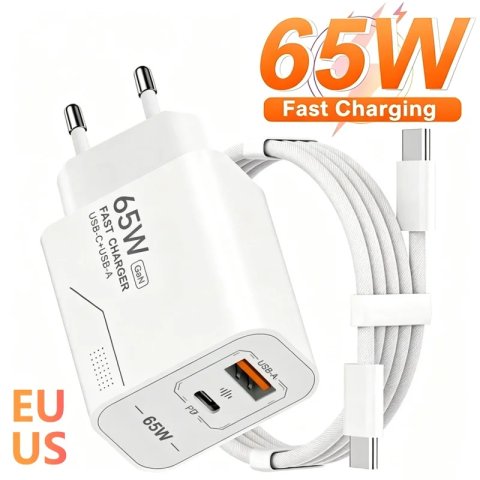
1 x micro USB charge cable
1 x instruction guide

1.How to charge this headset?
Connect your computer and headphone with the USB cable.
2.How to start the headset and listen the music on the computer?
Ensure your computer has Bluetooth functionality activated before powering on the headphones by pressing their ON/OFF button. Once the blue indicator light flashes, the device is ready for pairing. Initiate a search from your computer and pair the devices until a successful connection is established. Then, start playing music from your computer to enjoy wireless audio through the headset.
3. How to operate the bluetooth headphone with mobile phone?
a. Activate Bluetooth on your mobile phone, then press the ON/OFF button on the headphones to initiate pairing mode signaled by a blinking blue light. Proceed to search for the headphones on your phone and complete the pairing process to connect successfully.
b. When you receive a phone call, simply press the Hang up/Pause button on the headphones to answer and have a conversation with your caller. After finishing the call, press the same Hang up/Pause button to end the conversation and resume your music playback.
4.How to use the FM function?
Short press ON/OFF/▶‖to search radios
5.How to use the MP3 function?
Just insert the TF card into the slot, short pressON/OFF/▶‖to play/pause


| Shipping Cost |
|
| Shop Location |
No reviews found!

No comments found for this product. Be the first to comment!