








Specifications
| Brand Name | VALDUS |
| Category | Smart Watches |
| System | Android Wear,Android OS,iOS |
| Department | Unisex-adult |
| Function | Passometer,fitness tracker,sleep tracker,Calorie Counter,Heart Rate Tracker |
| Battery Life | 1 |
| Type | On Wrist |
| Voice assistant built-in | Yes |
| Language | English,Russian,Spanish,Italian,French,German,Korean,Japanese,Dutch,and other languages |
| High-concerned chemical | None |
| Display Size | 1.85 |
| Network Mode | None |
| Metrics measured | Heart Rate Monitor,Women's Health Monitoring,Blood Oxygen Monitor,Sleep Monitor,Blood Pressure Monitor,Stress Monitor |
| RAM | <128MB |
| Screen Shape | SQUARE |
| Battery Capacity(mAh) | 180-220mAh |
| Resolution | 0 |
| Bluetooth-compatible Version | 5.0 |
| GPS | No |
| Screen Material | Amoled |
| Clasp Type | Others |
| Application Age Group | Adult |
| Origin | Mainland China |
| Wearable computer type | Smart watch |
| Compatibility | All Compatible |
| ROM | <128MB |
| Activity Tracked | Steps Tracker,Calorie Tracker,Activity Tracker |
| Waterproof Grade | Life Waterproof |
| SIM Card Available | No |
| Multiple Dials | Yes |
| Mechanism | No |
| Model | Air band |
| Rear Camera | None |
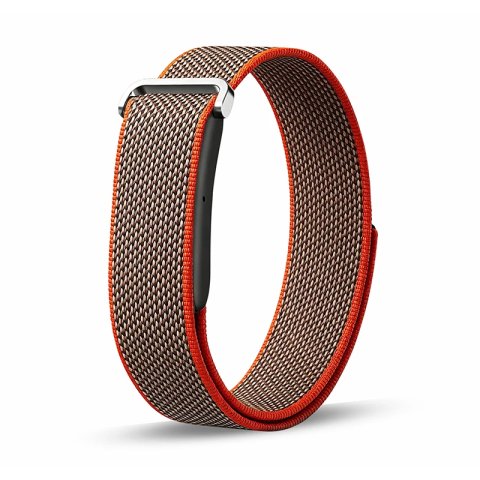
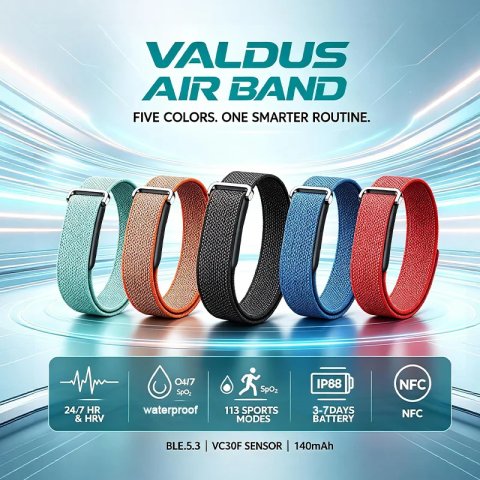
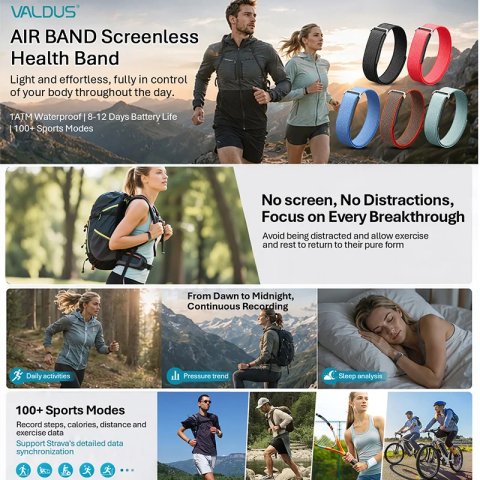
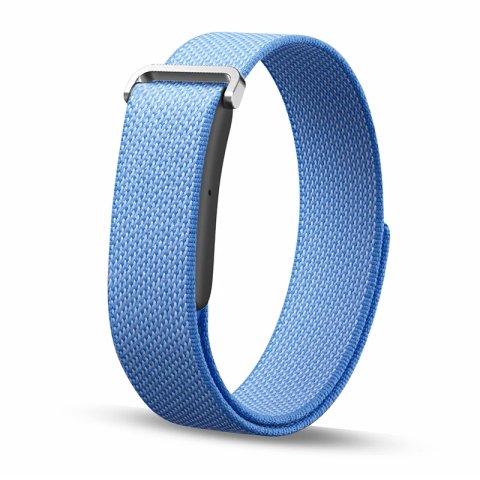
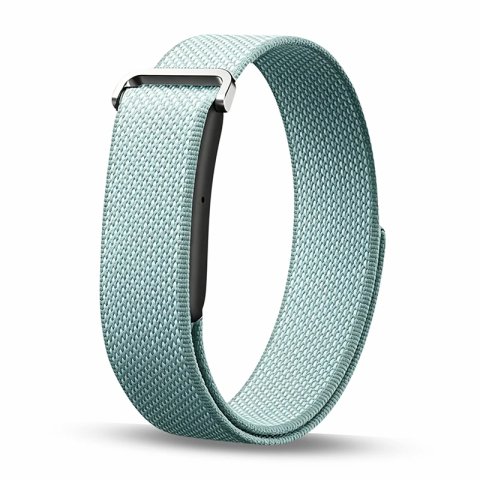
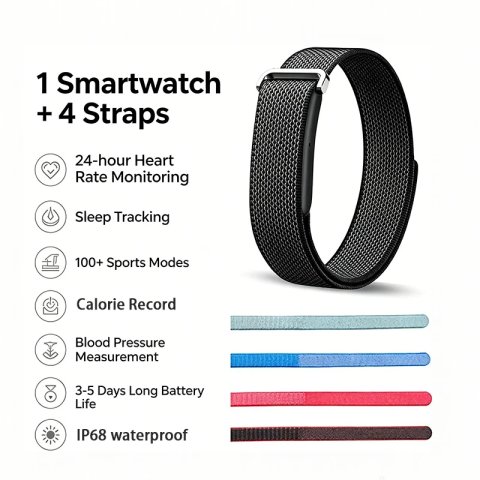
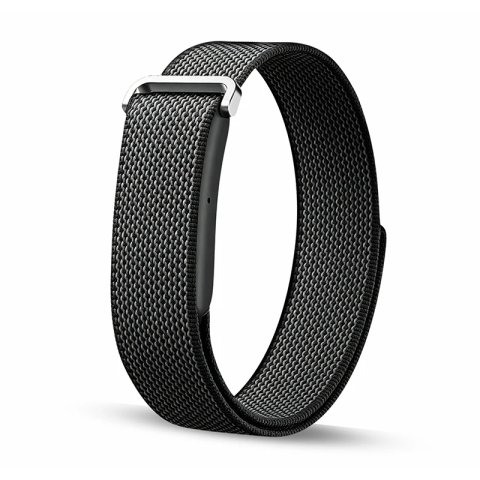
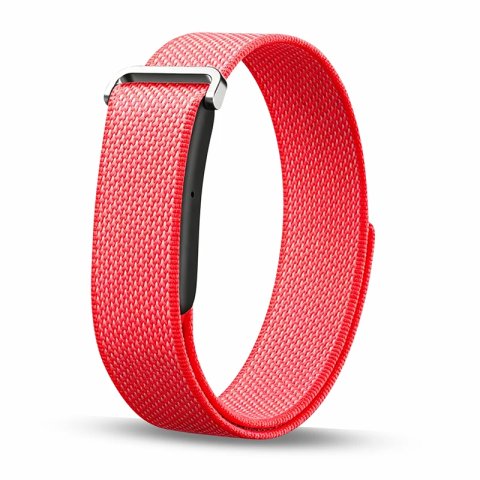
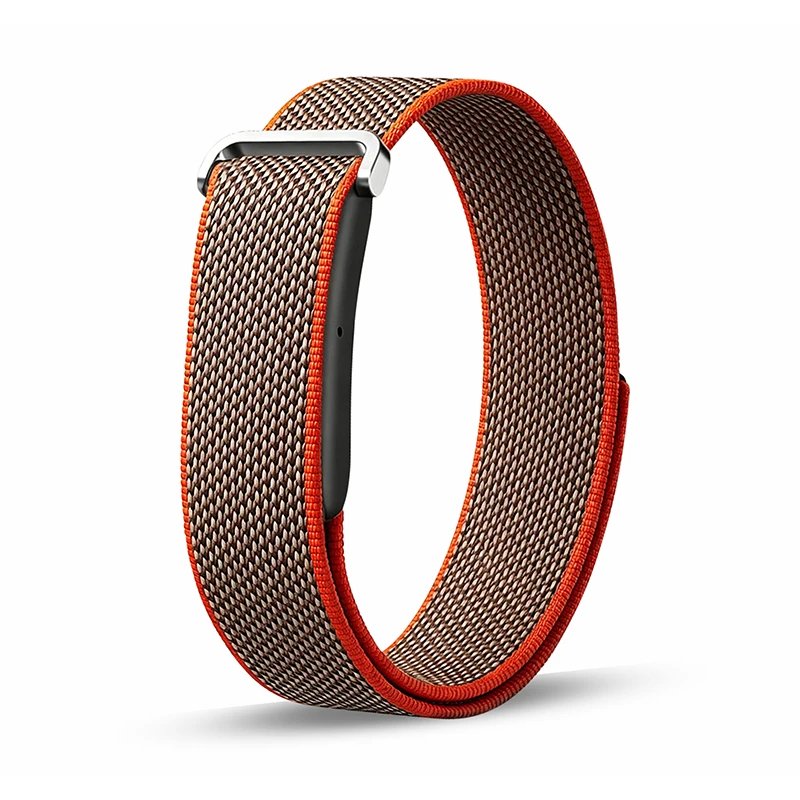
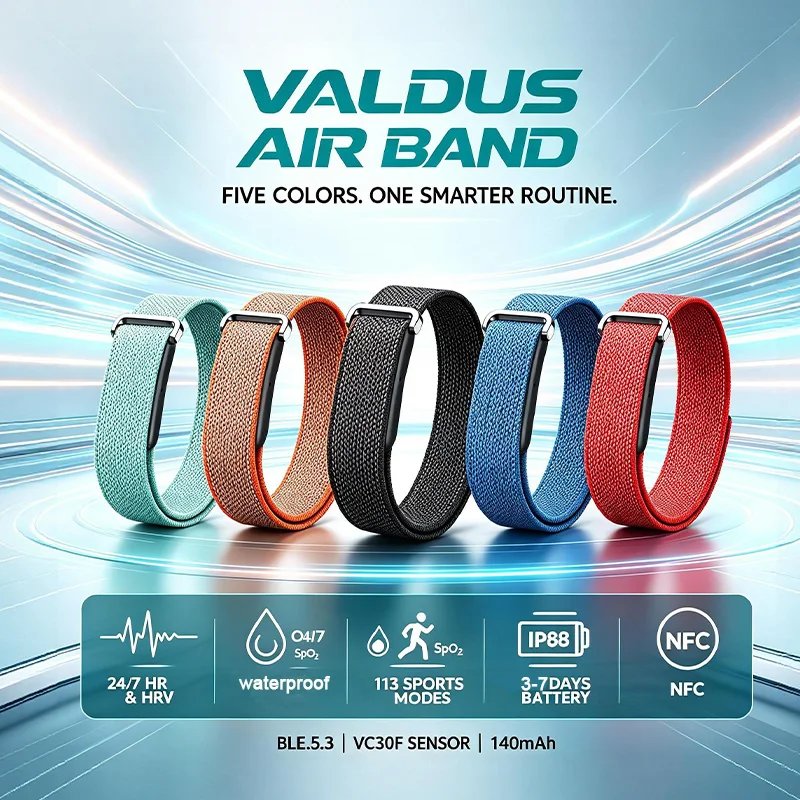
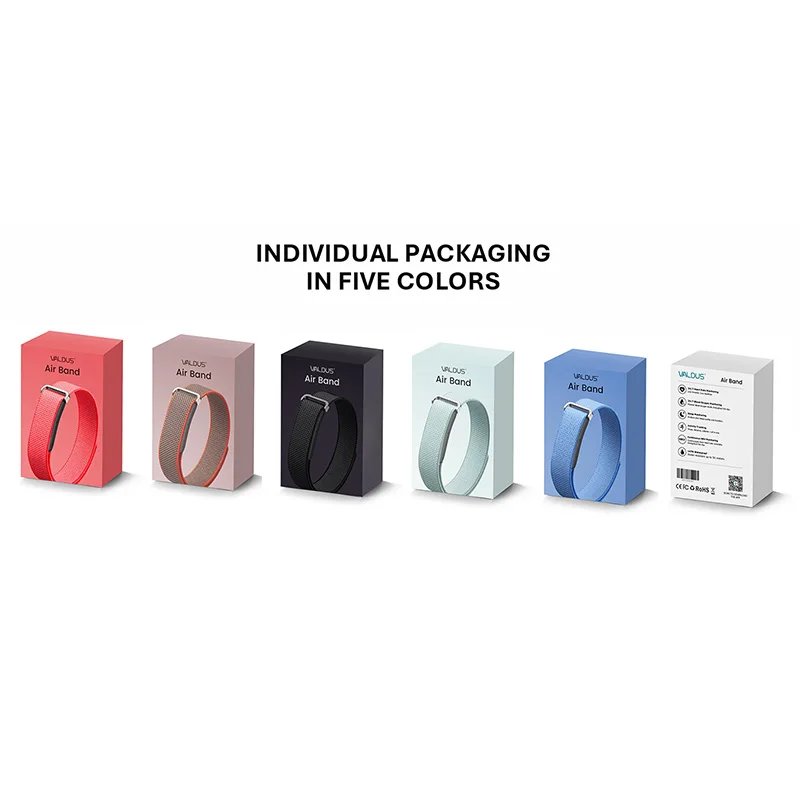
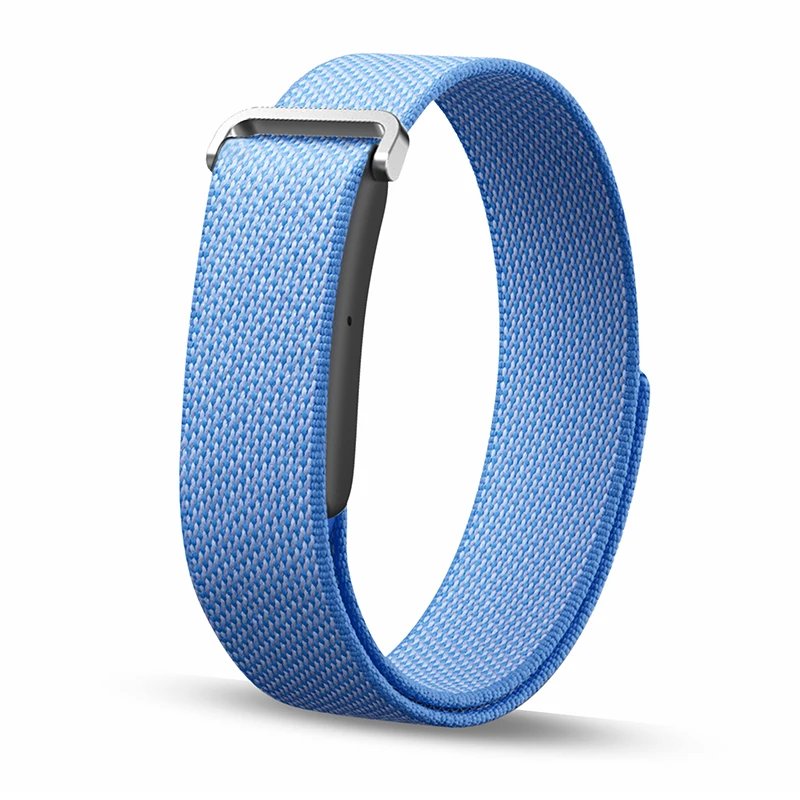
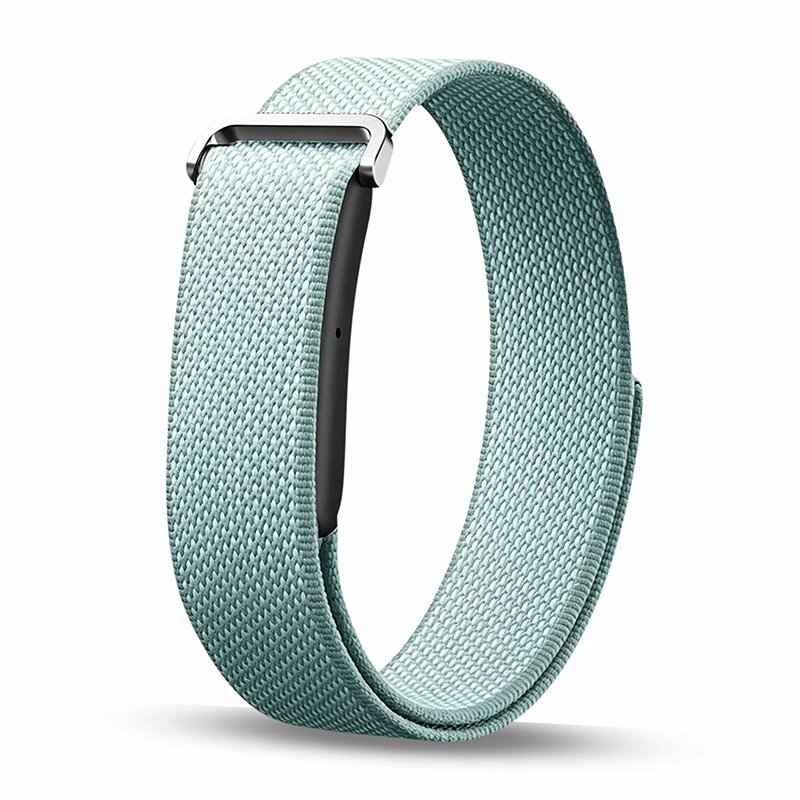
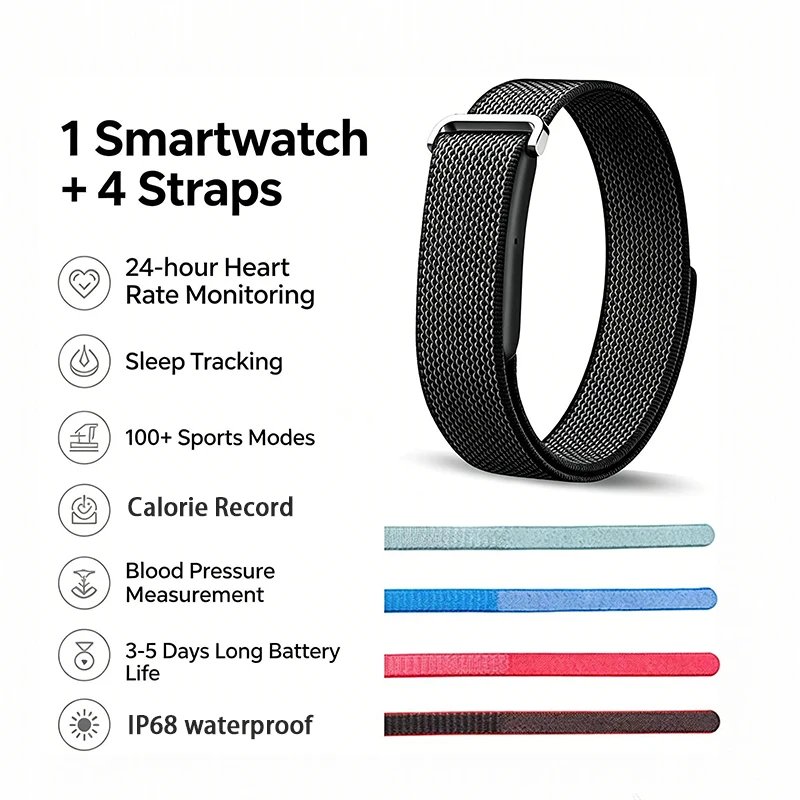
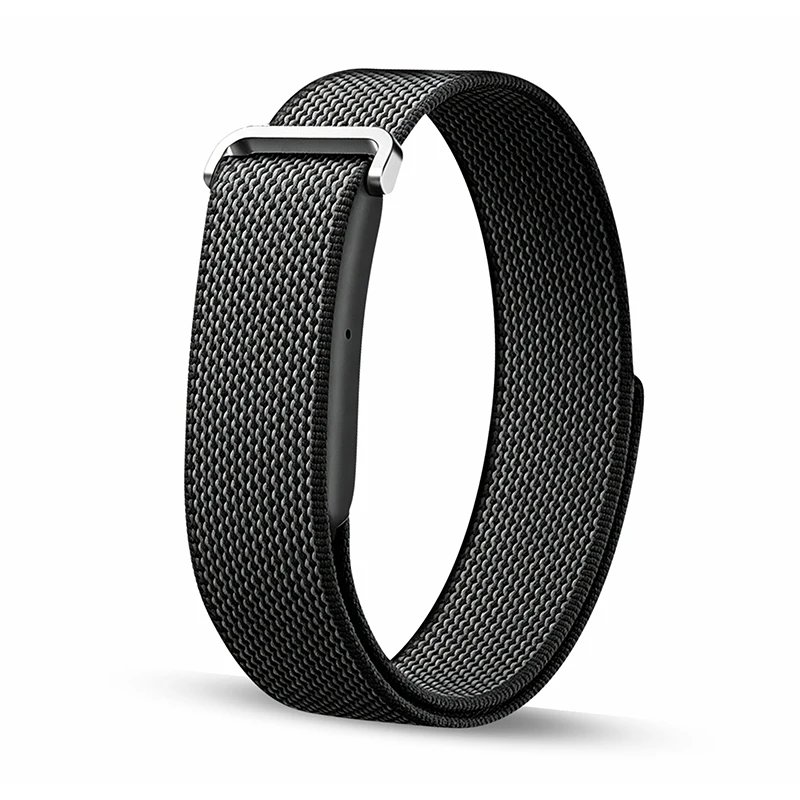
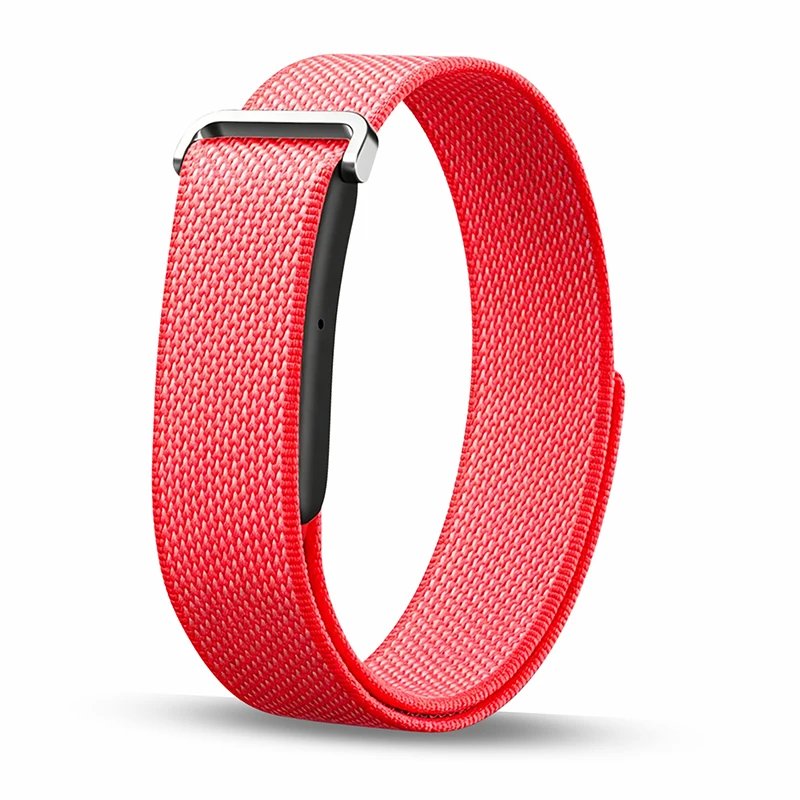
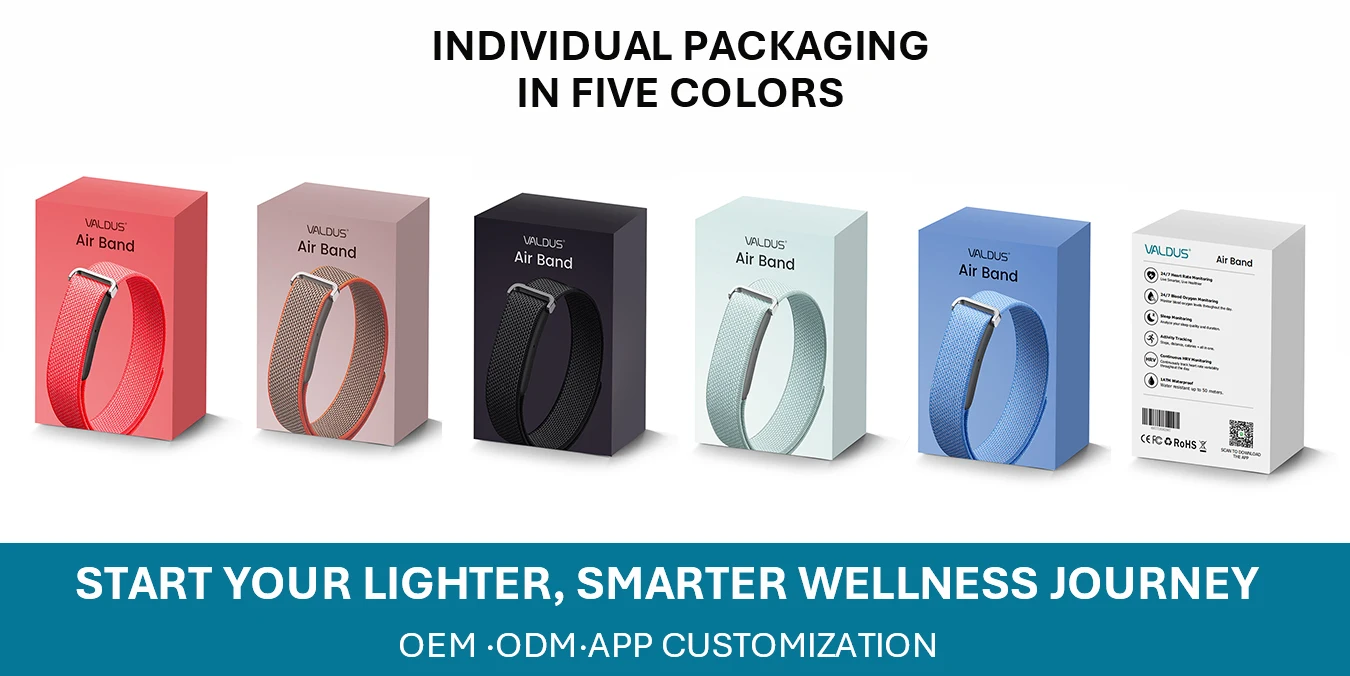
VALDUS Air Band Smart Bracelet Heart Rate Blood Pressure Calorie Fitness Tracker Waterproof Long Battery Life NFC New Smartwatch
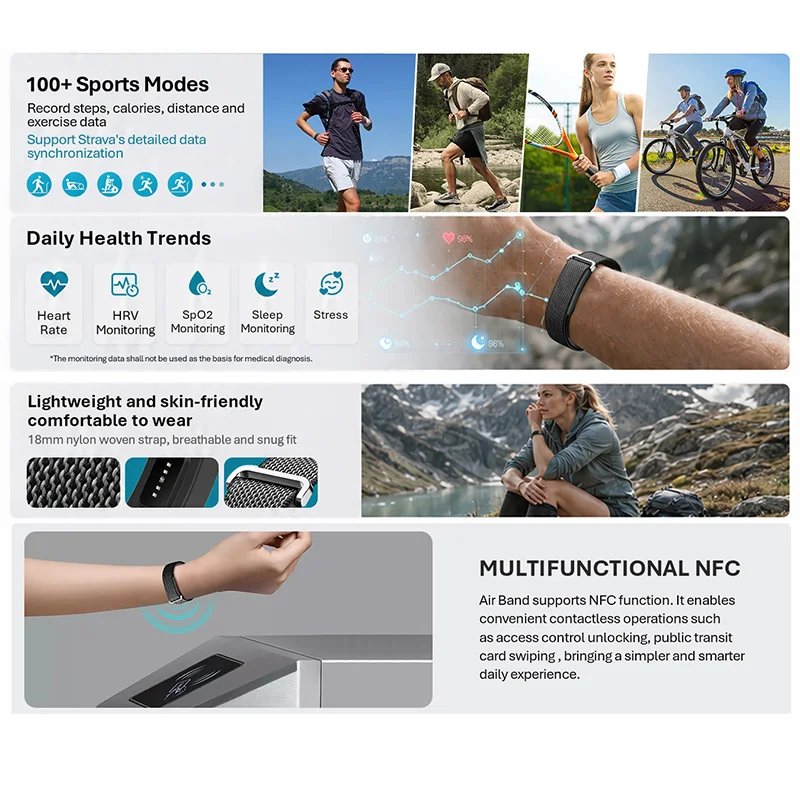
Watch Features:
-Bluetooth: BLE 5.3 / BT 3.0
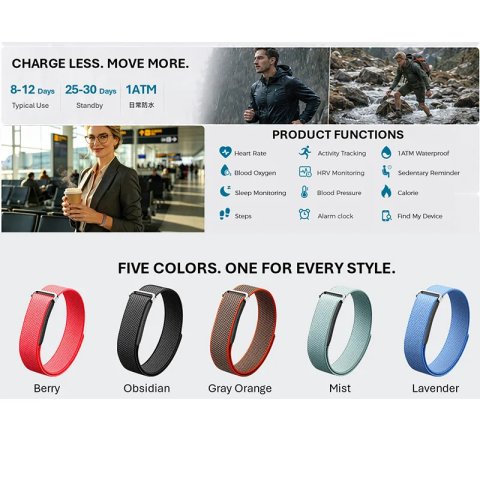
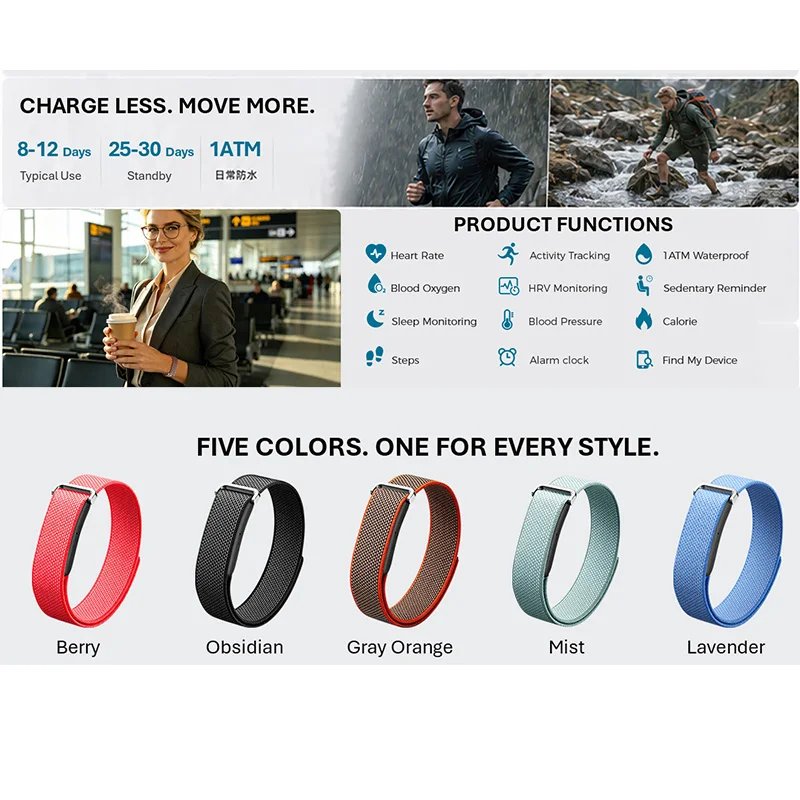
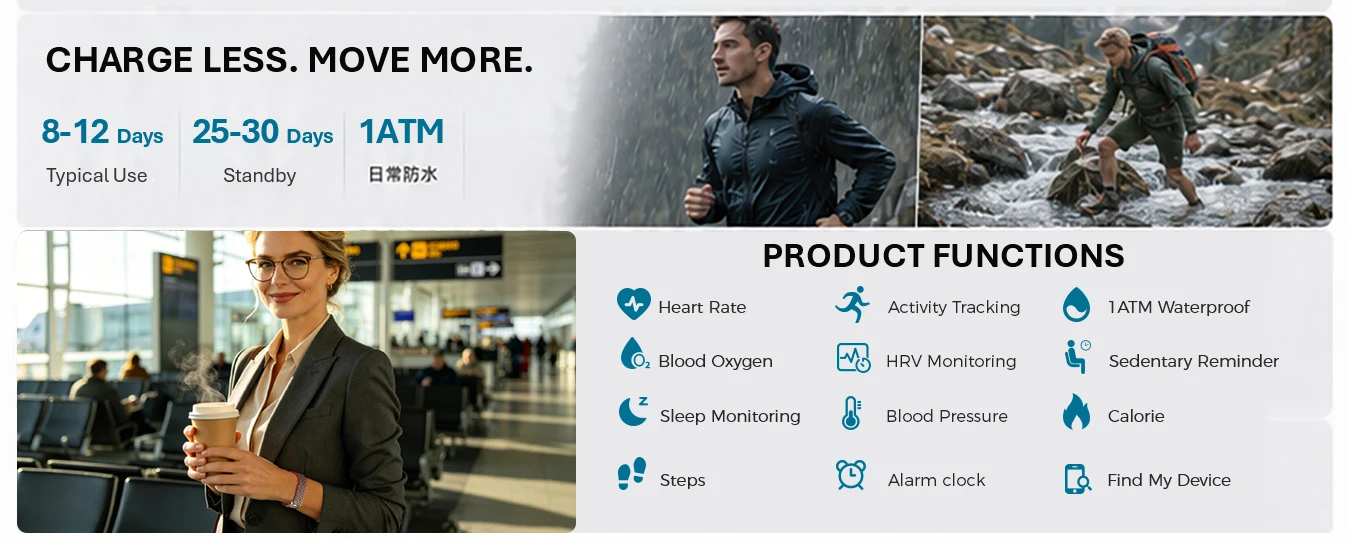
-Battery: Use for about 3-5days
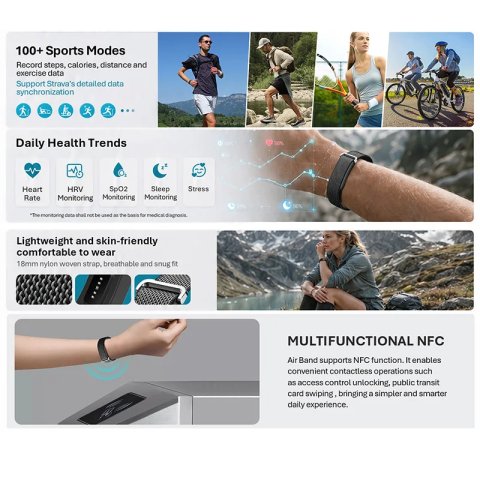
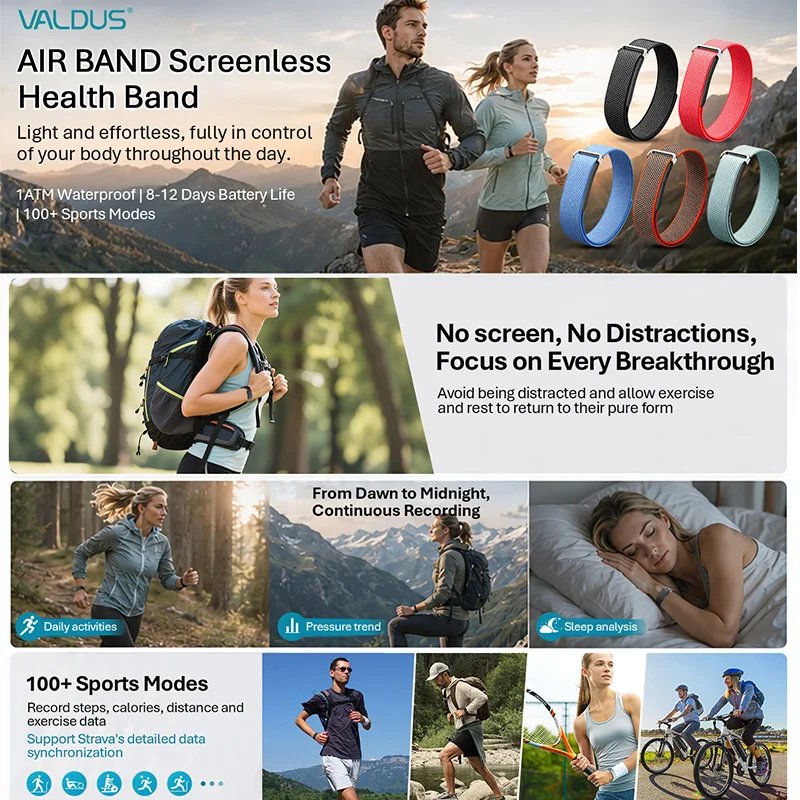
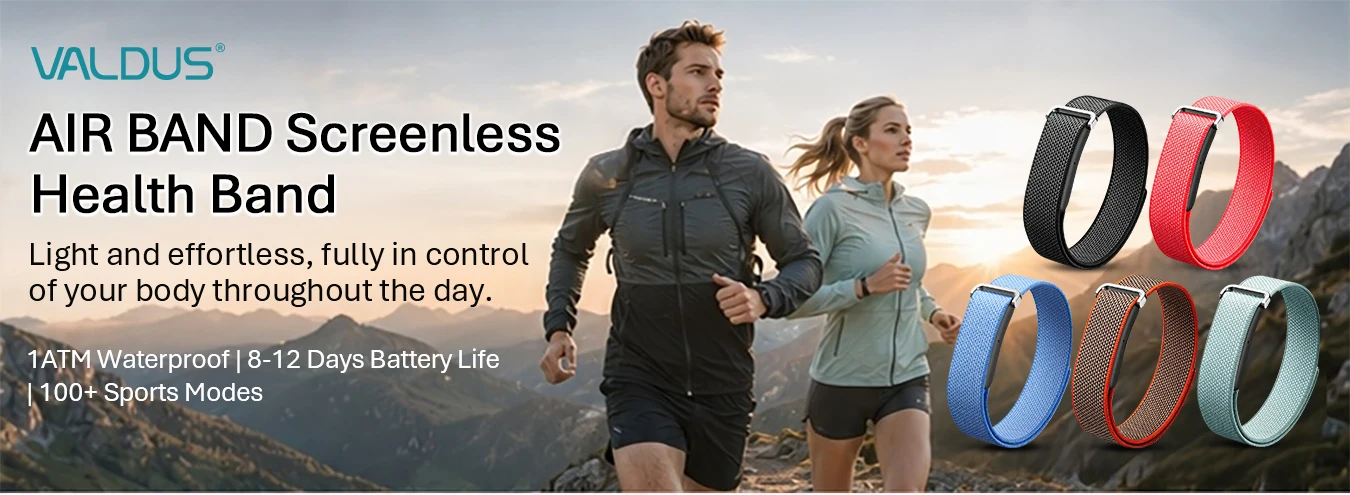
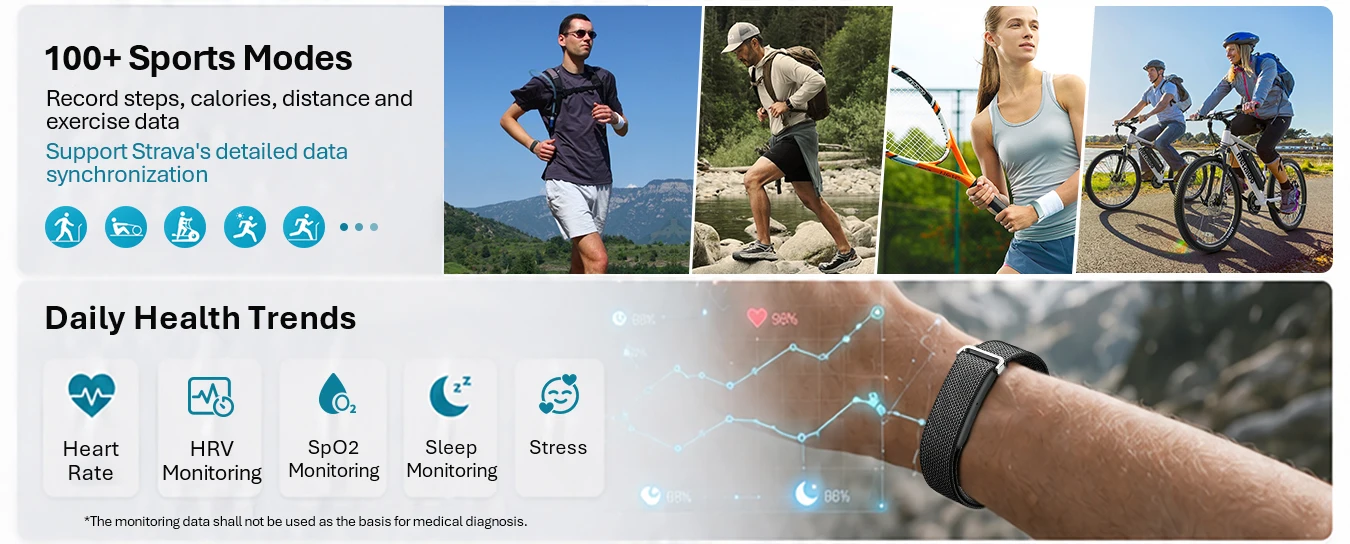
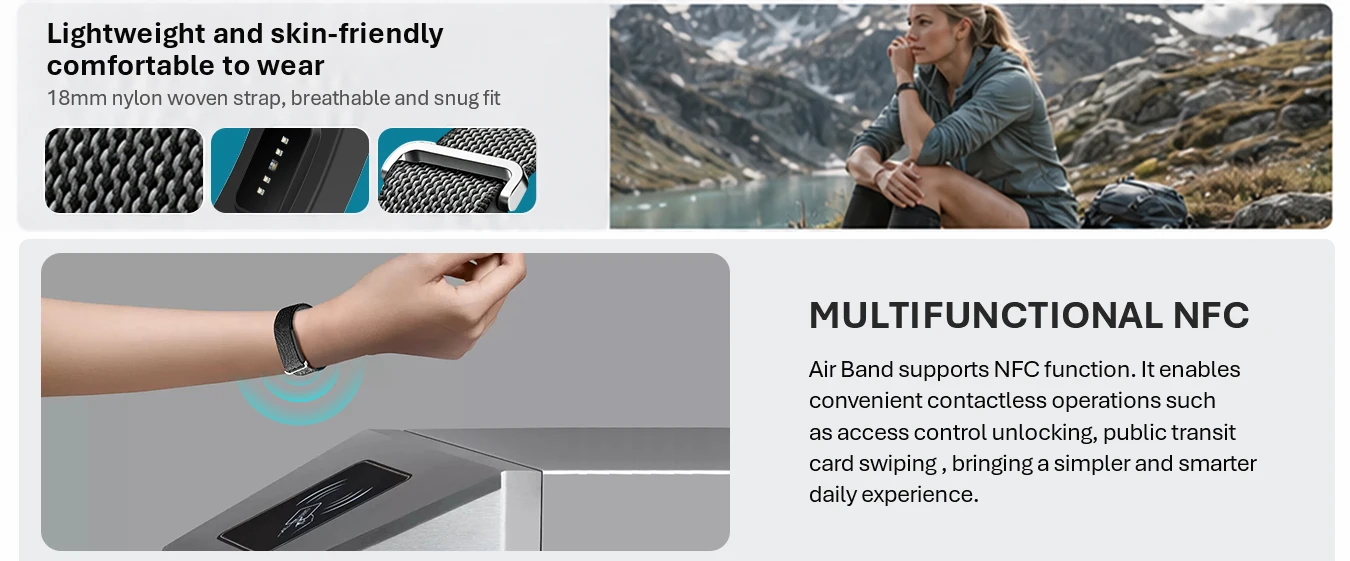
【Main Features】: NFC, Alarm clock, message phone reminder, step counter, sleep, blood pressure, blood oxygen, heart rate monitoring, 100+exercise mode, do not disturb mode
Health & Fitness Features:
- Heart Rate Monitoring | blood pressure monitoring
|blood oxygen monitoring
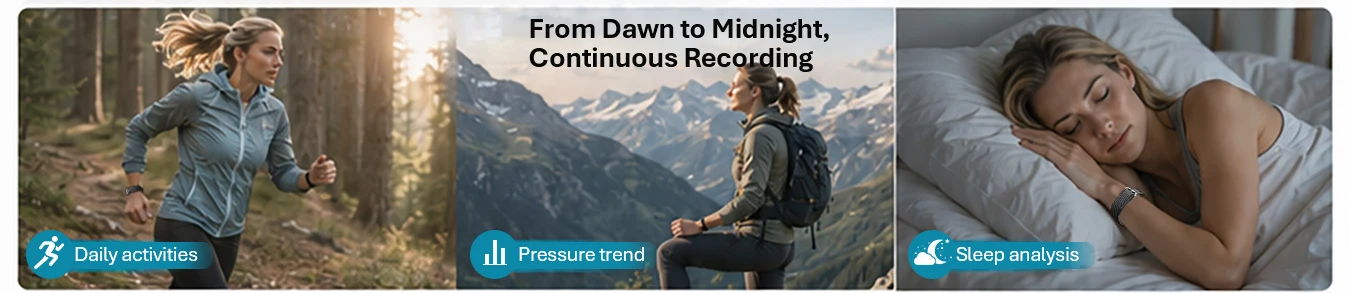
-Sleep Analysis | Women’s Health
-Step/Distance/Calorie Counting |Sit-reminder
Sports Modes:
-Pre-installed Modes (8):
Walking, Running, Hiking, Cycling, Basketball, Badminton, Football,skipping rope.
-Expandable via App (100+):
Tennis, Golf, Yoga, Gym, Dance, Baseball, Skiing, Rowing Machine, Free Training, etc.
App Compatibility:
- App Name: GloryFit
- Supported OS: IOS 9.0+ & Android5.0+
✅ No screen on the band. NFC function is NOT displayed in the App.
How to use NFC for your smart door lock:
1. Put your smart door lock into administrator mode for adding new NFC cards.
2. When the lock is ready to register an NFC card, hold this band against the lock’s NFC sensor position.
3. After successful registration, you may use the band to unlock your smart door lock directly.
> Note: This NFC function only works for compatible NFC‑enabled smart door locks. It cannot simulate bank cards, access cards or other non‑lock NFC devices.
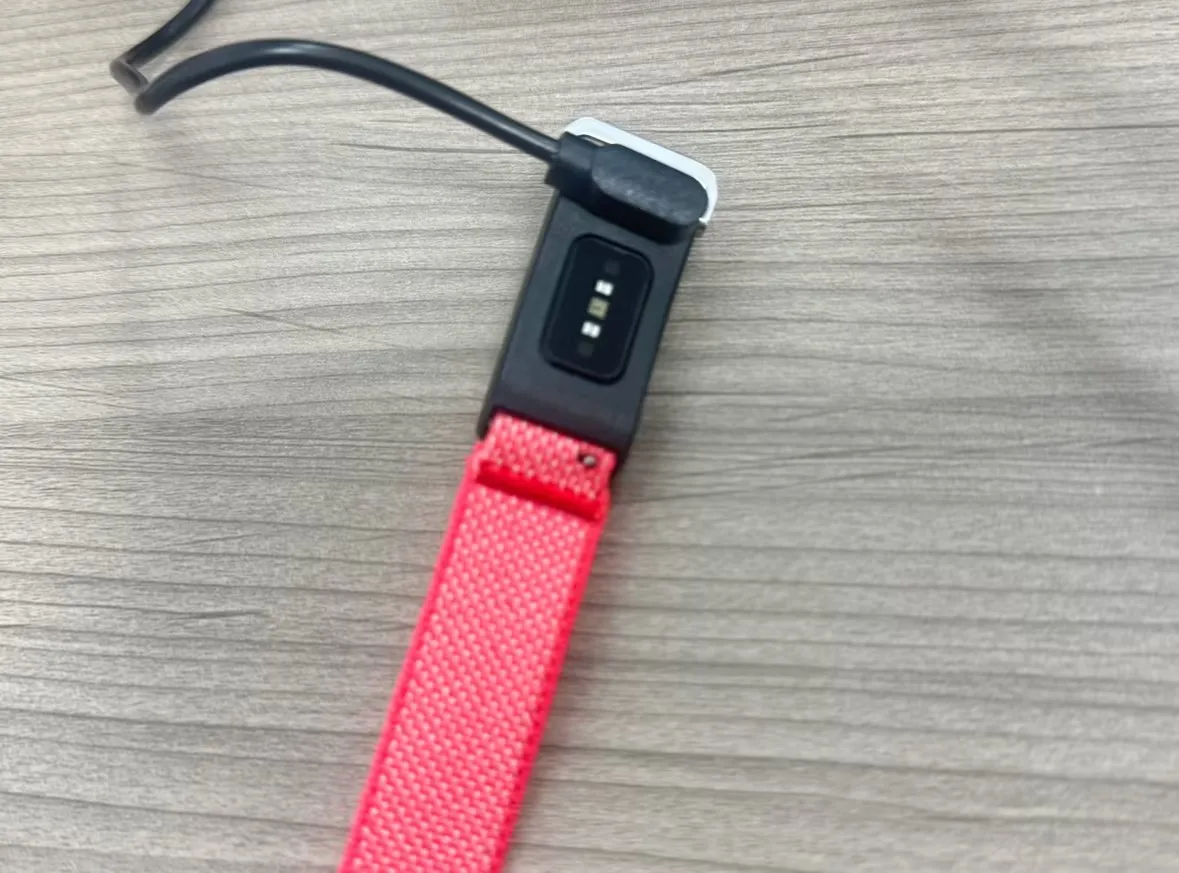
Note:It will not light up or vibrate during charging. (Please don't misunderstand that it doesn't charge or work) But you just need to let it charge for about 3 hours, it will automatically turn on, and then you can open the app to connect.
No reviews found!


No comments found for this product. Be the first to comment!