








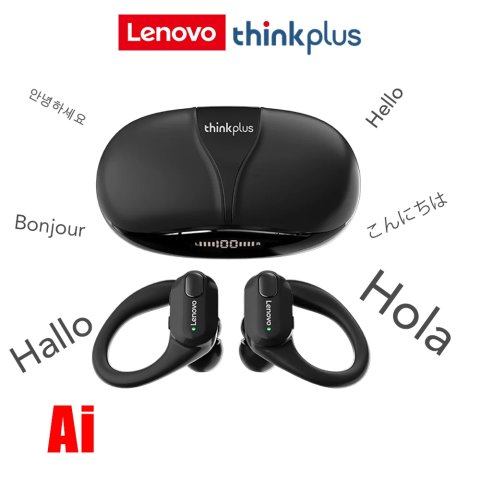
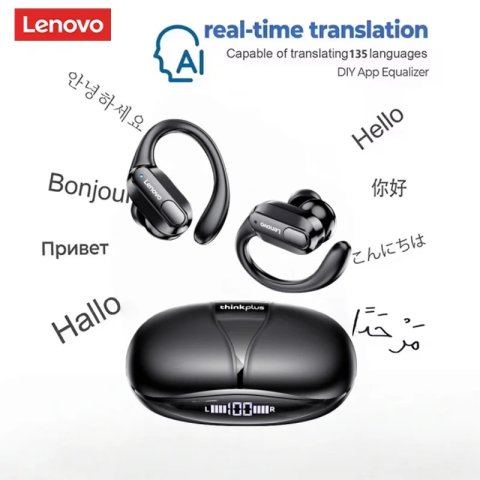
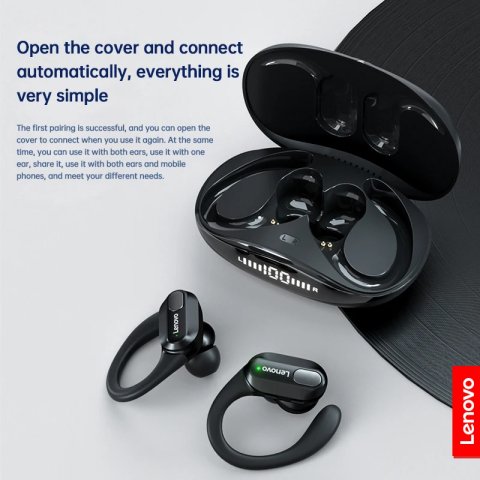
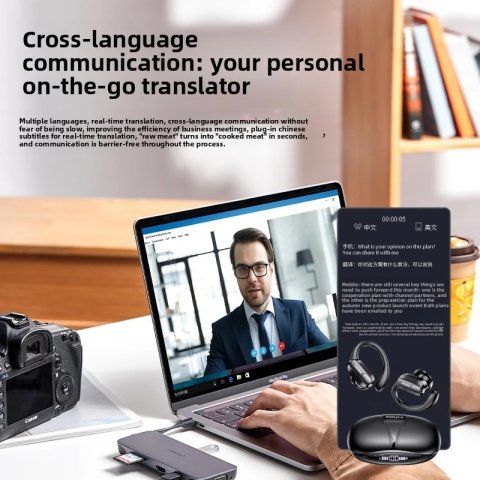
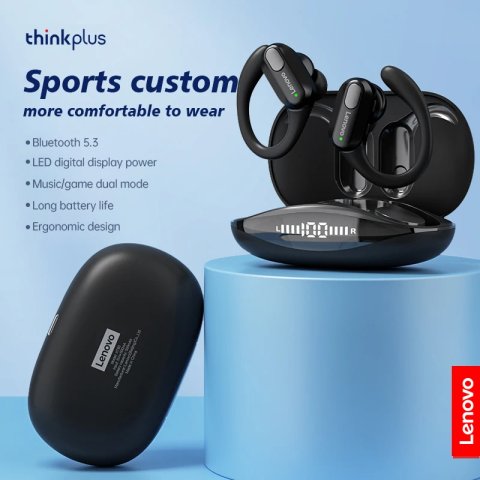
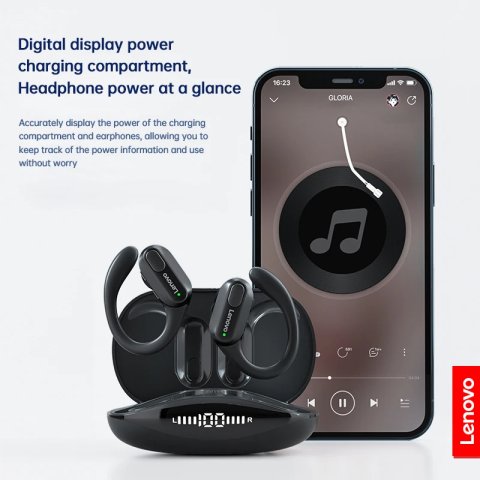
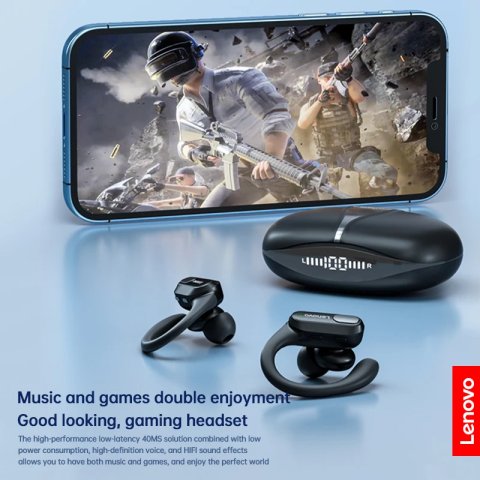
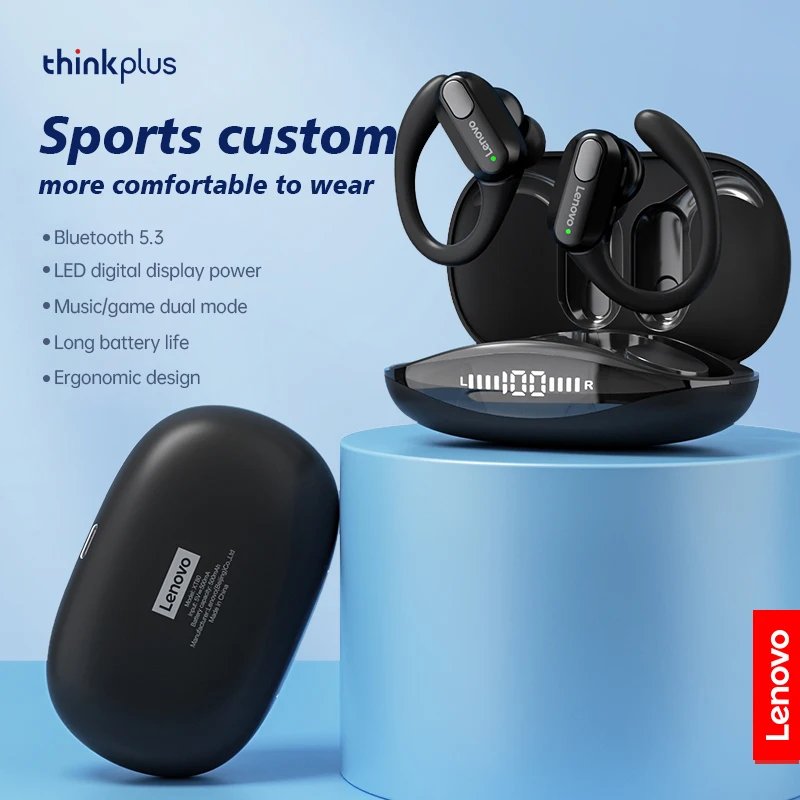
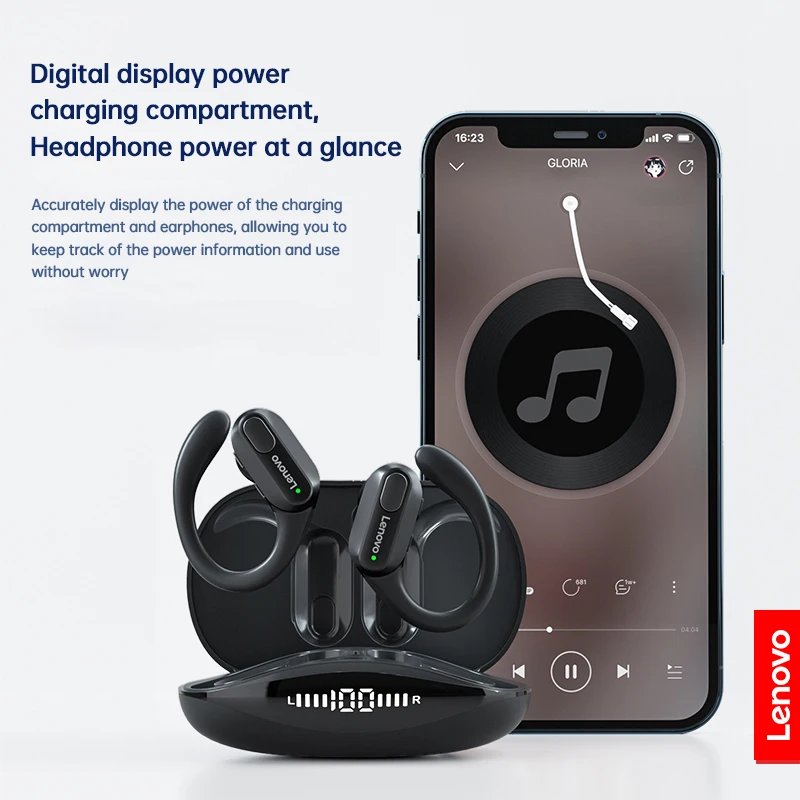
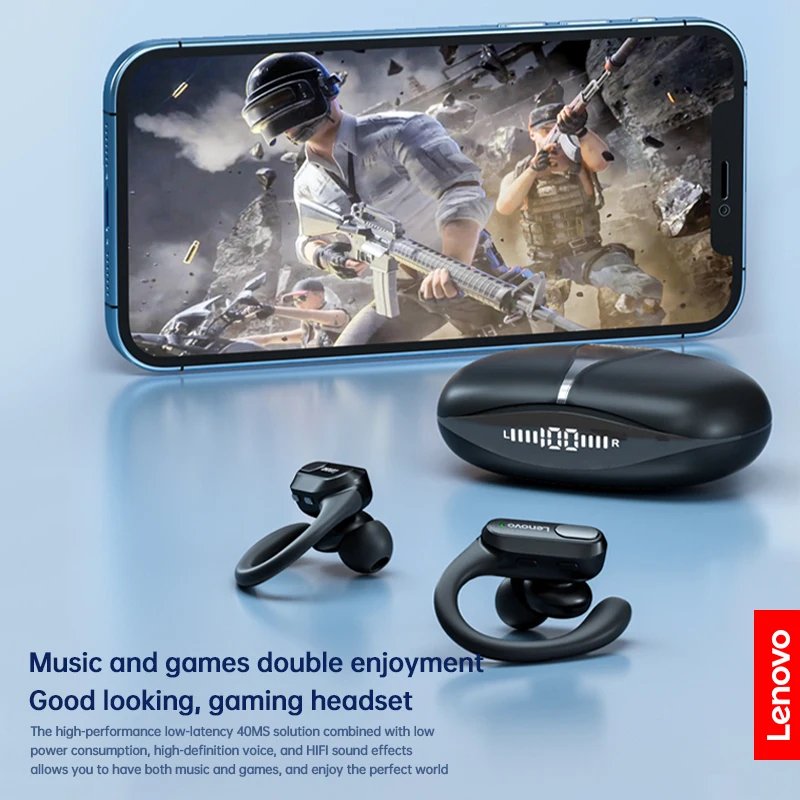
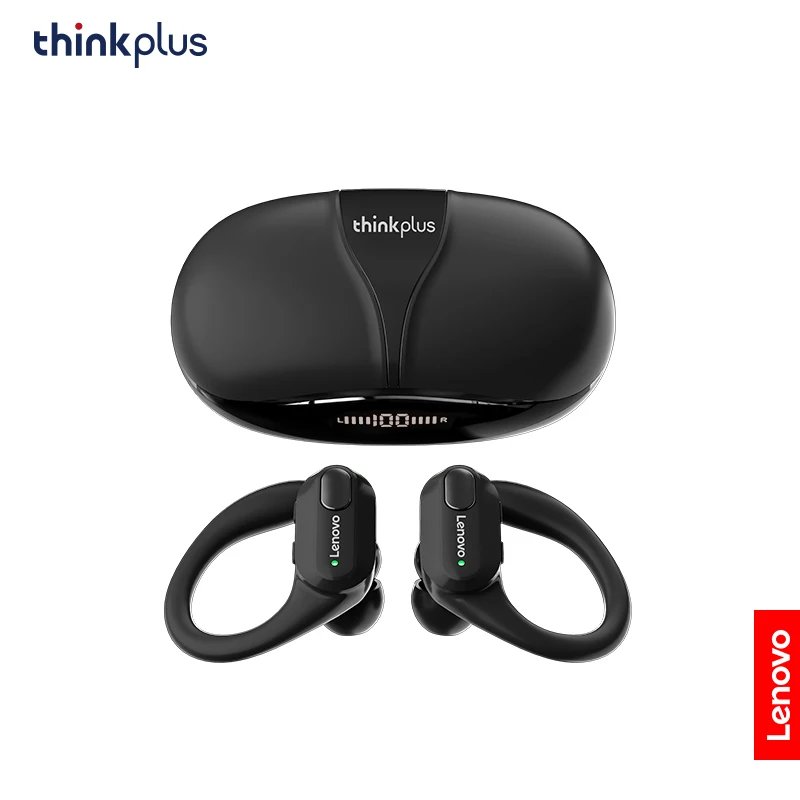
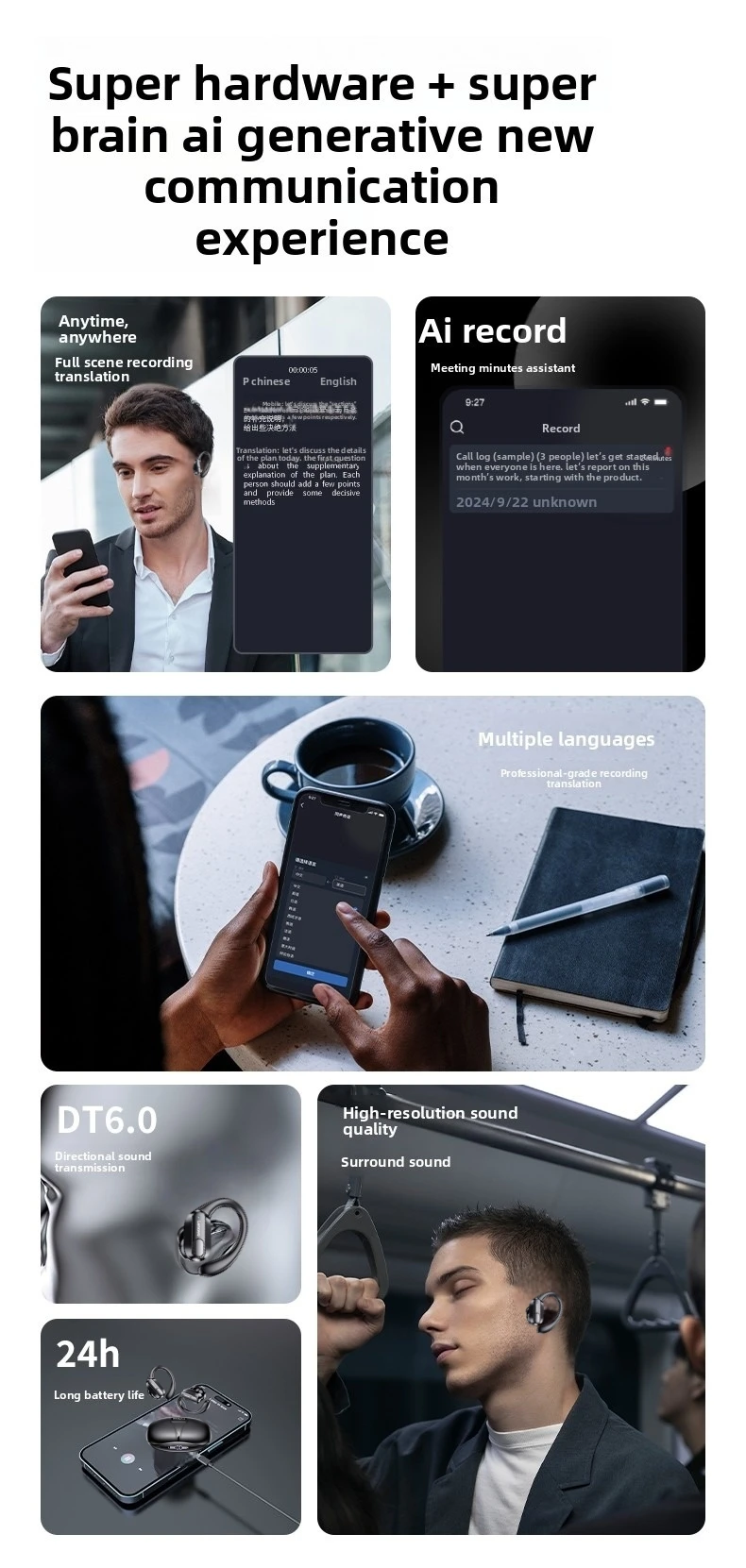
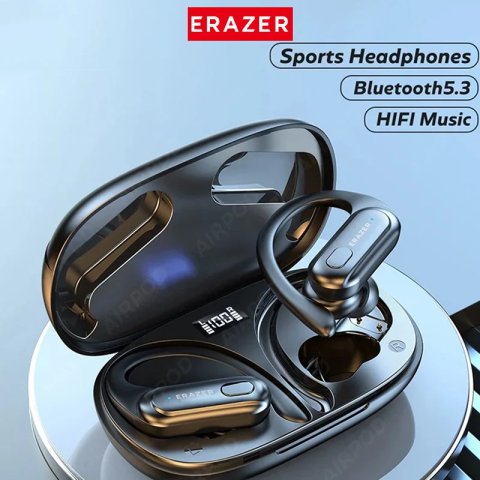
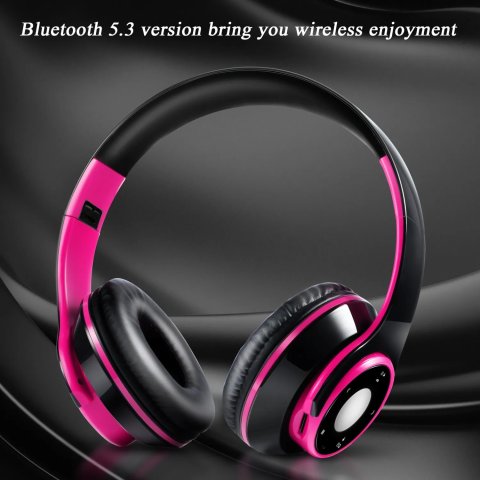
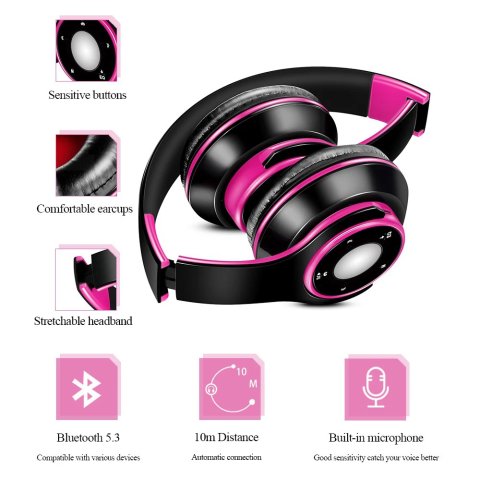
• Bluetooth 5.3 Wireless Connectivity:Experience continuous and stable audio streaming through the advanced Bluetooth 5.3 technology implemented in these earphones.
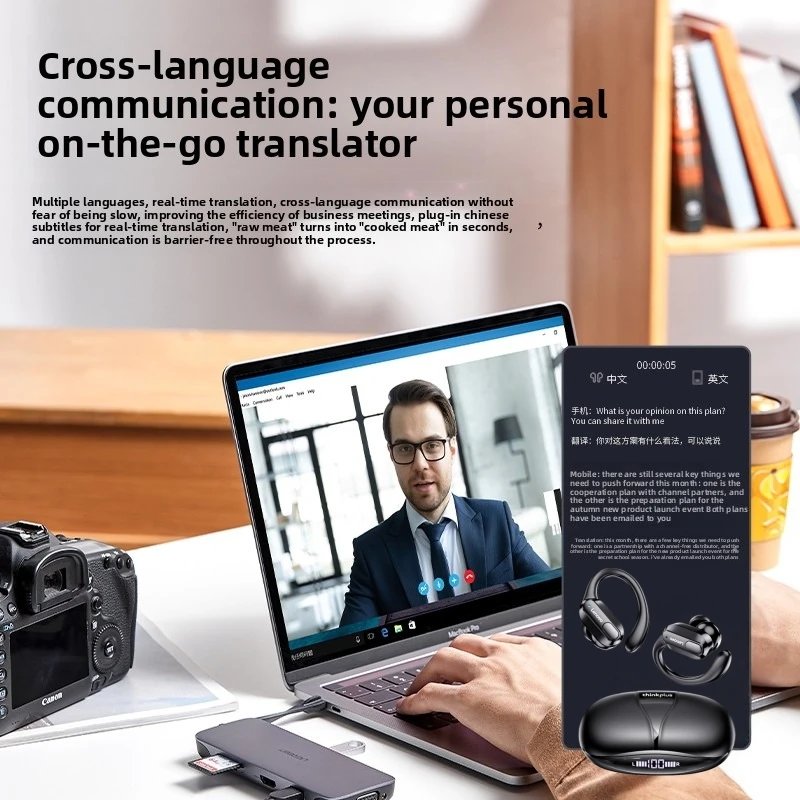
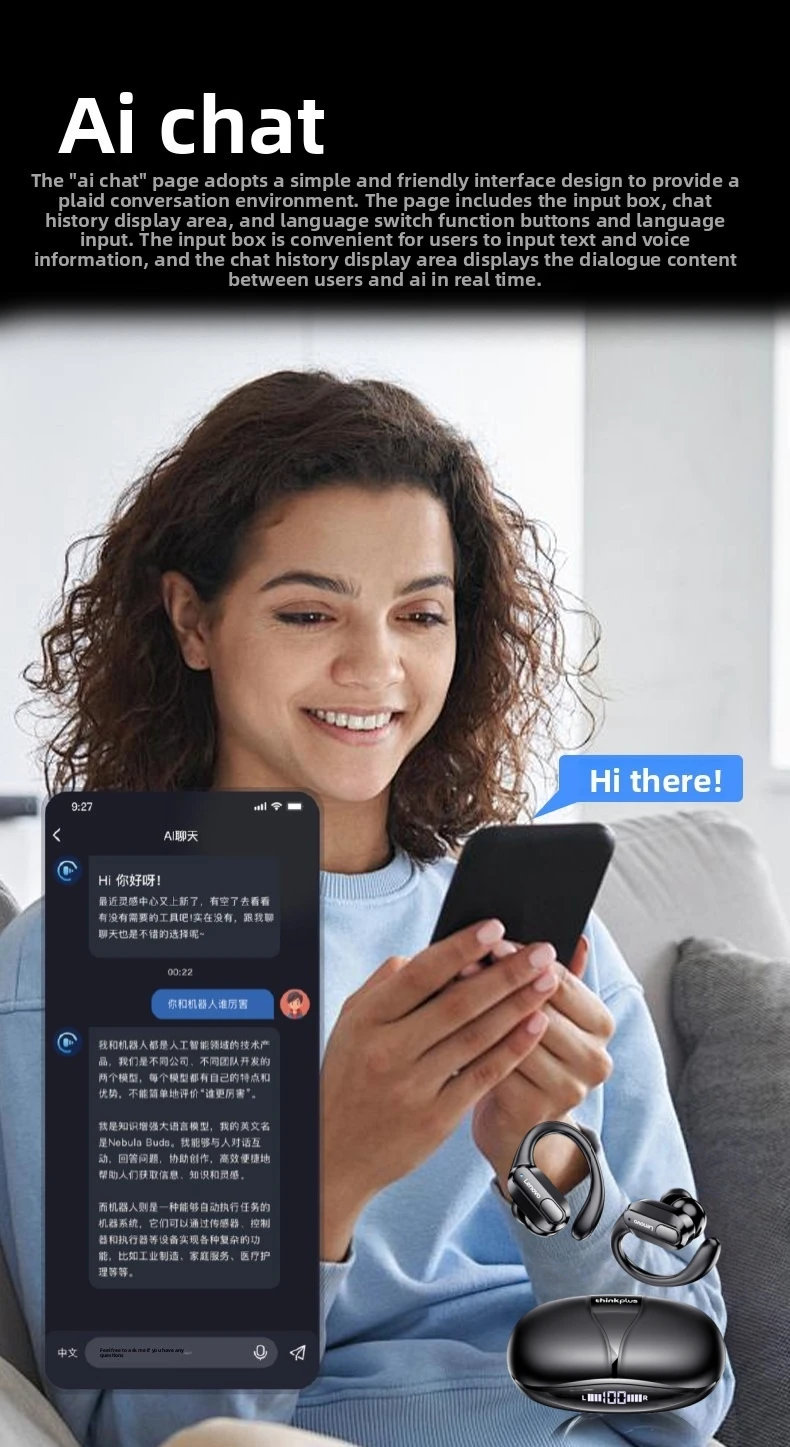
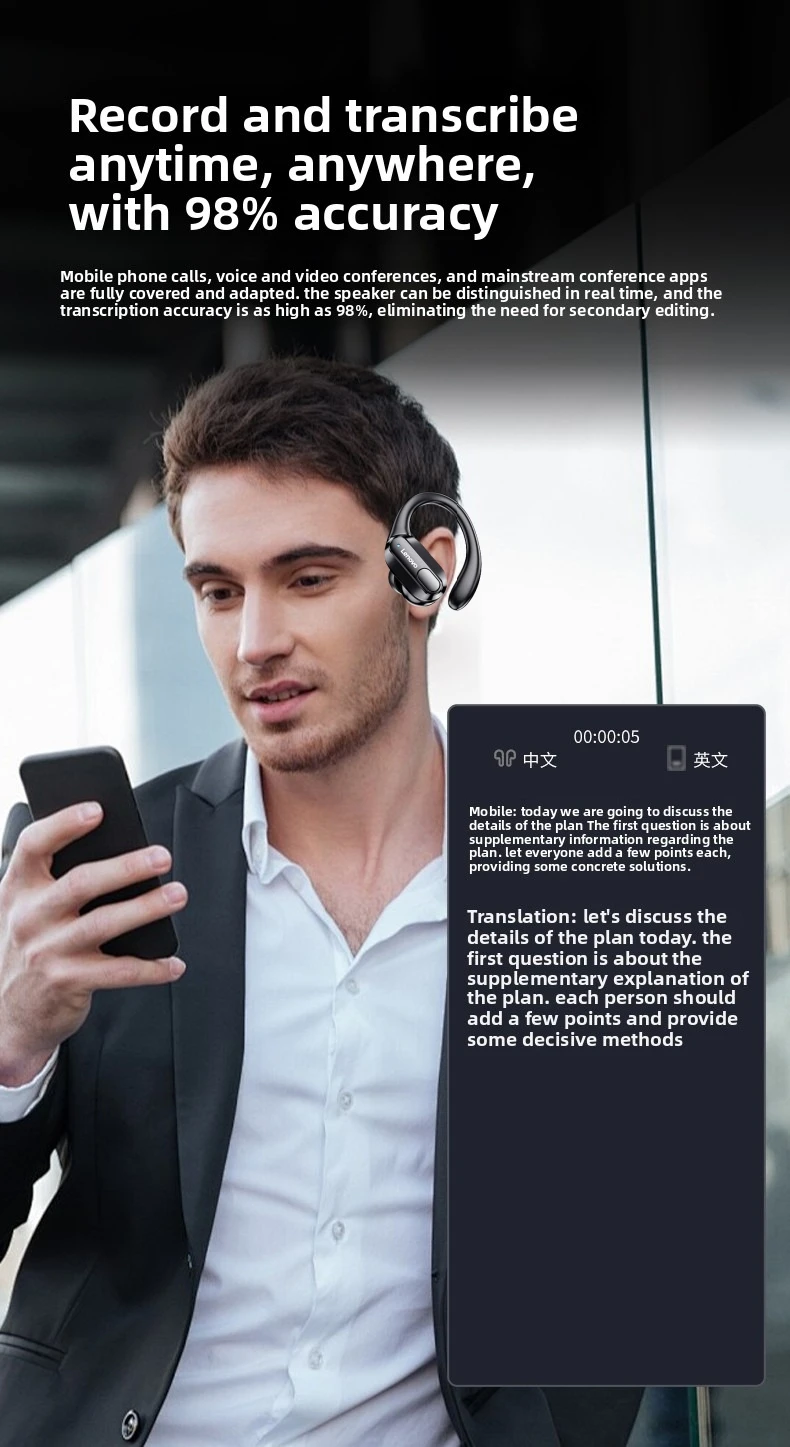
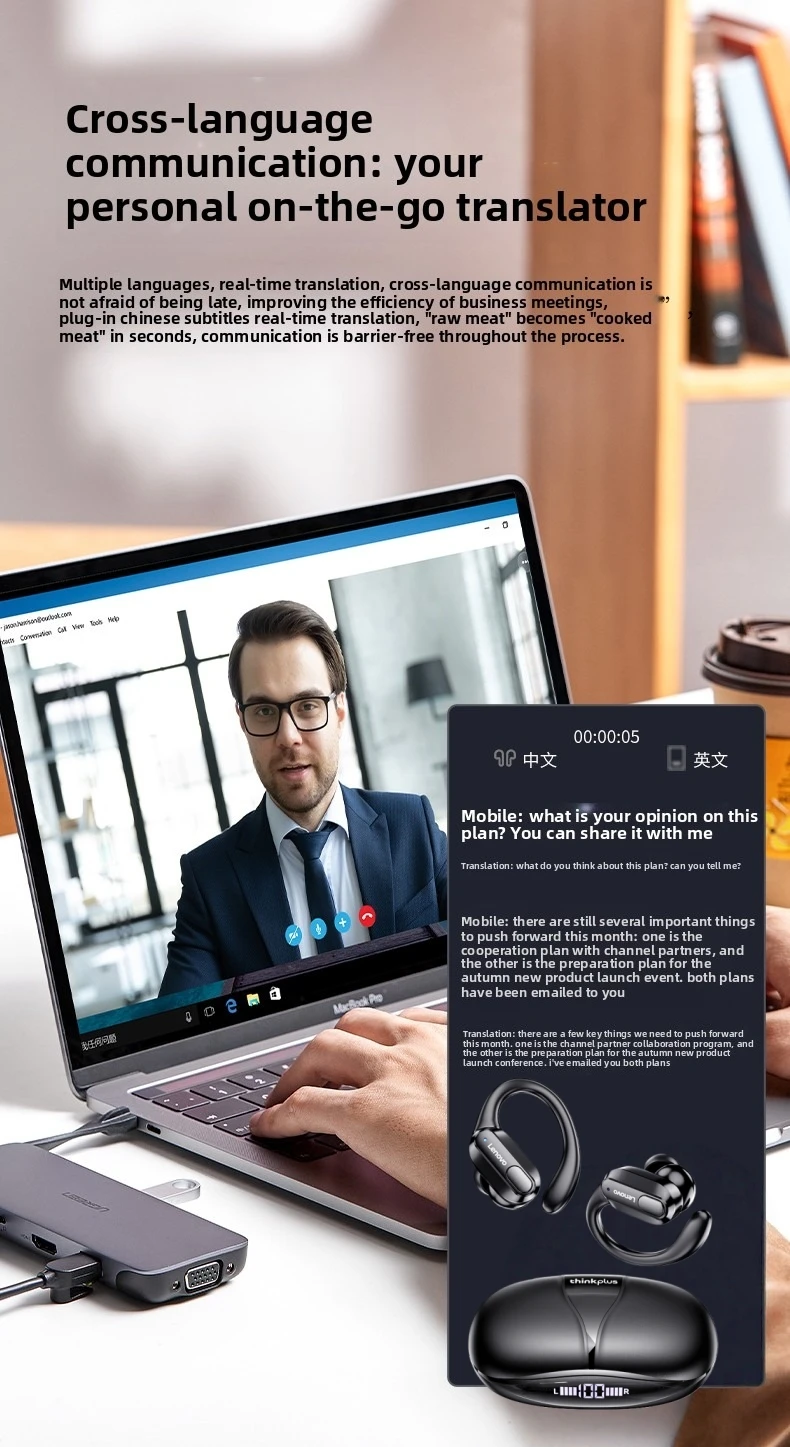
• Integrated Microphone:Easily manage calls on the move with the built-in microphone that facilitates hands-free communication.
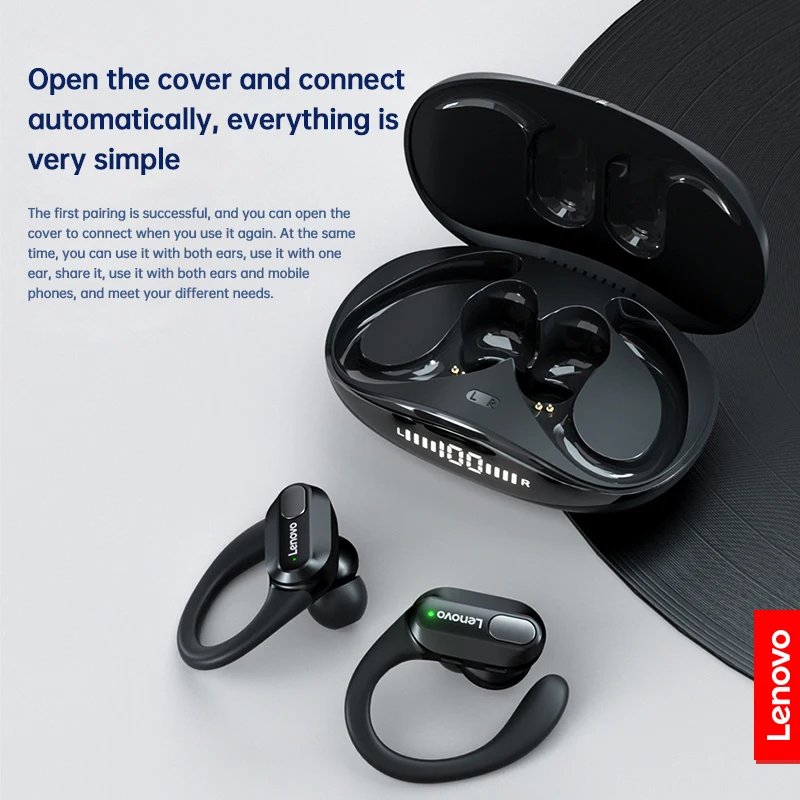
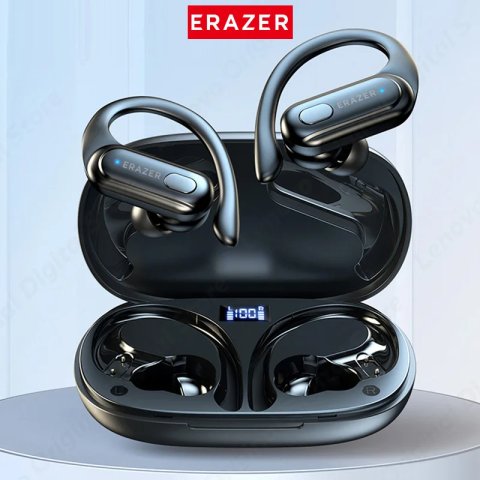
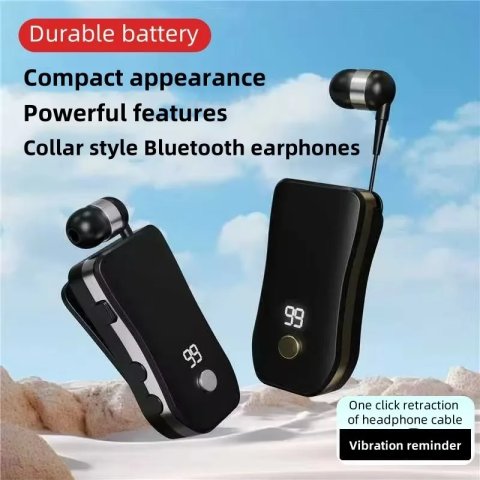
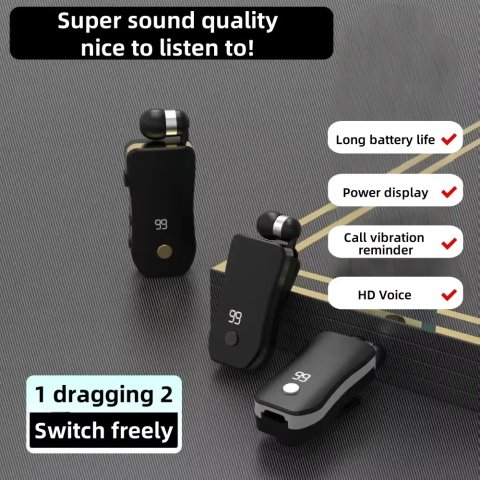
• LED Battery Indicator:Monitor your headphones’ remaining battery efficiently through the LED power display, which clearly indicates the charge level.
• Volume Adjustment:Easily regulate the sound levels during calls or music playback using the intuitive volume control feature.
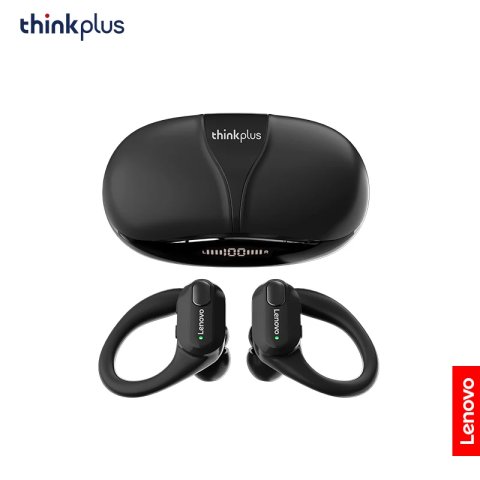
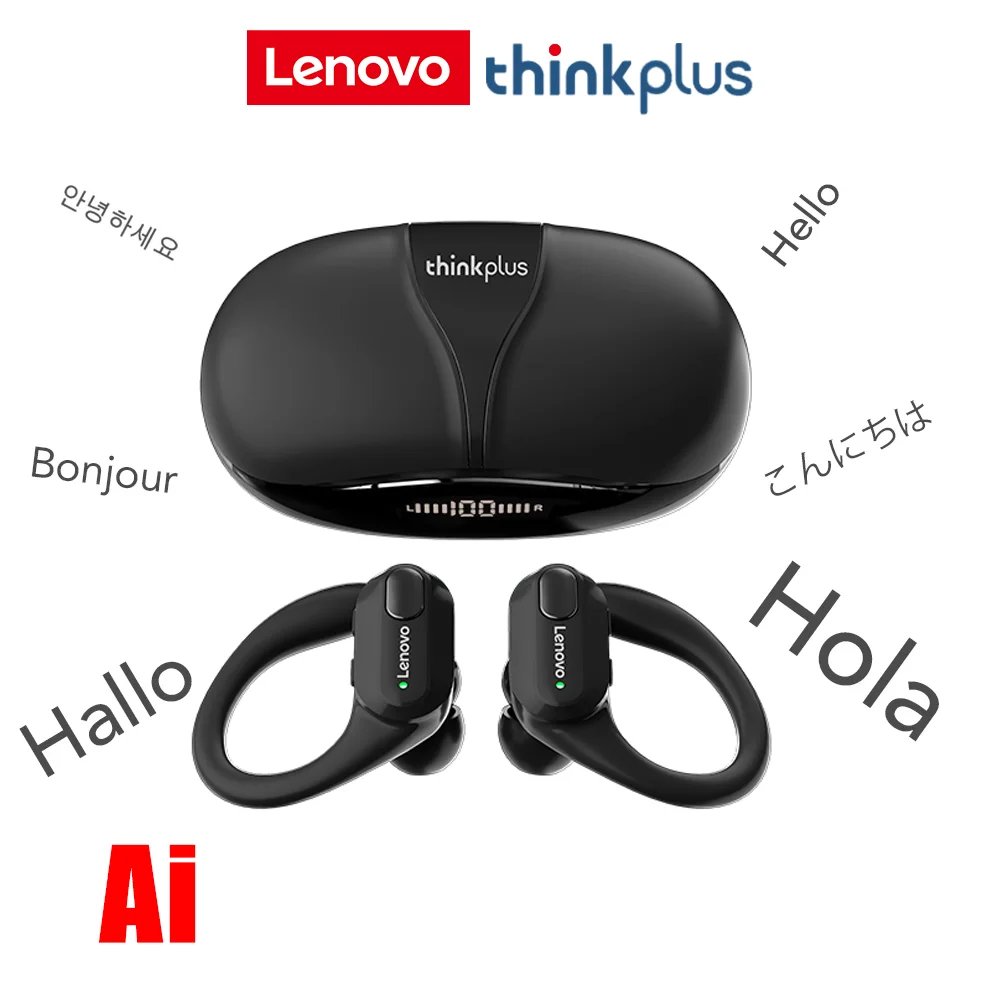
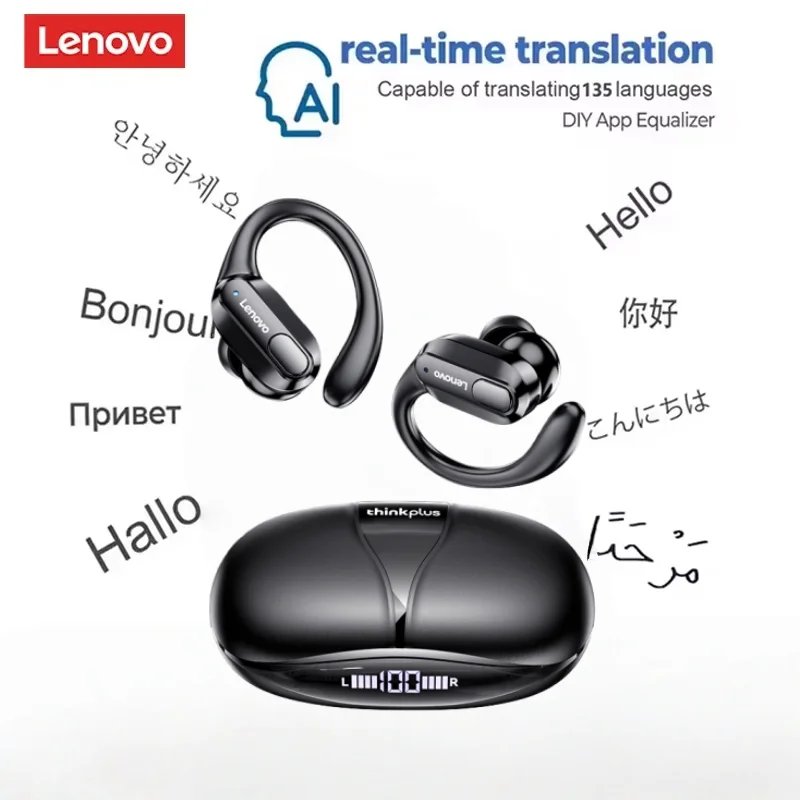
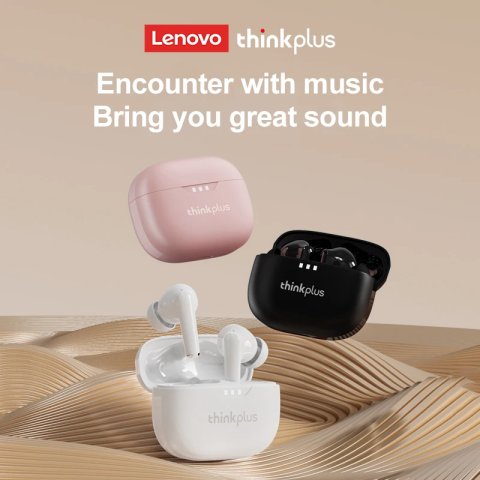
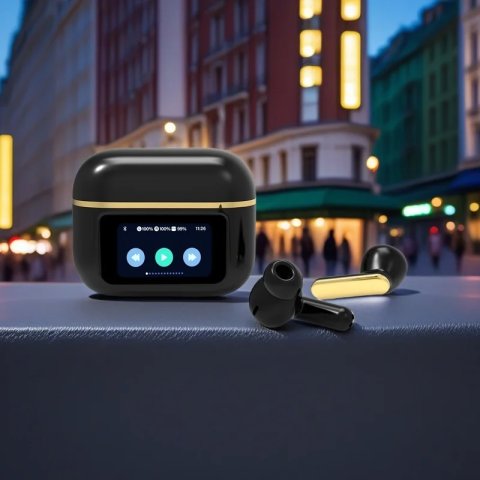
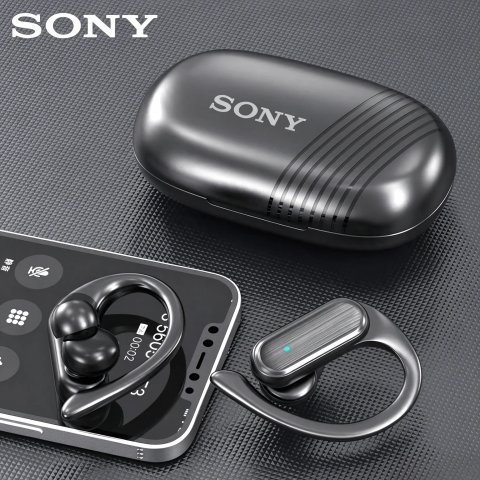
Lenovo XT80 Ear Hook Sports Wirless Headephone
Product Feature:
Model No.: XT80
Effective Distance: About 10m
Horn Diameter: 13mm
Playing Time: About 5-6 Hours
Earphone Battery Capacity: 55mAh
Battery Capacity of Charging Case: 500mAh
Charging Time: About 1.5 Hour
Bluetooth Version: V5.3





Package List:
Bluetooth Earphone*2
Charging Case*1
Charging Cable*1
Instruction*1
Ear Cap*6
FAQ
1. Why two earphones cannot be connected synchronously?
3. Can I activate Siri voice controls with these headphones?
Siri can be activated by pressing and holding the button on the left earphone for 2 seconds.
4. Does this have a built-in microphone?
Yes, a built-in microphone is made for clear talks.
5. It says they're waterproof, can you swim with them?
No. It's just sweatproof. We don't recommend swimming with them.
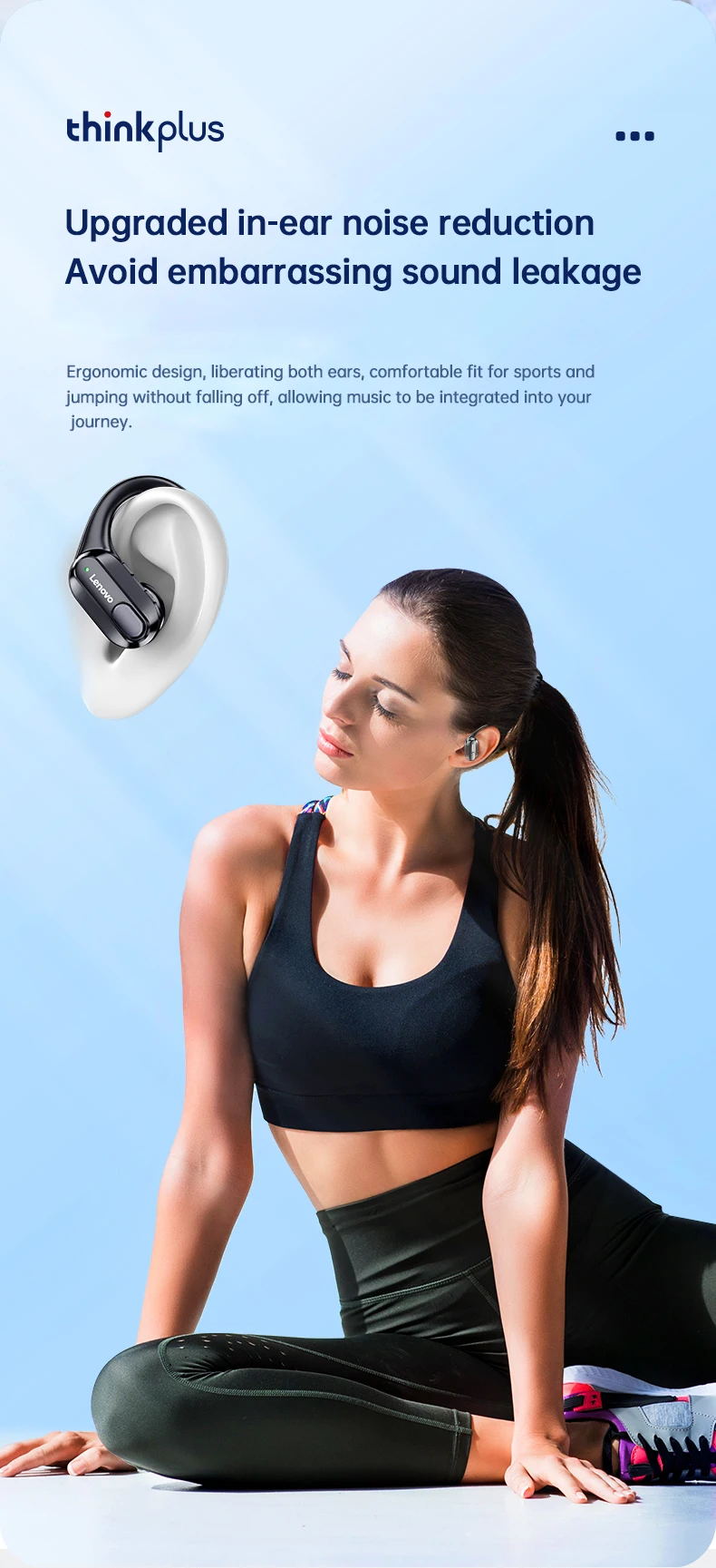
6. Is this sound leak serious?
Sound leakage will not occur provided the volume is kept below maximum. For ear health, it is recommended to avoid prolonged exposure to maximum volume levels.
| Shipping Cost |
|
| Shop Location |
No reviews found!


No comments found for this product. Be the first to comment!