







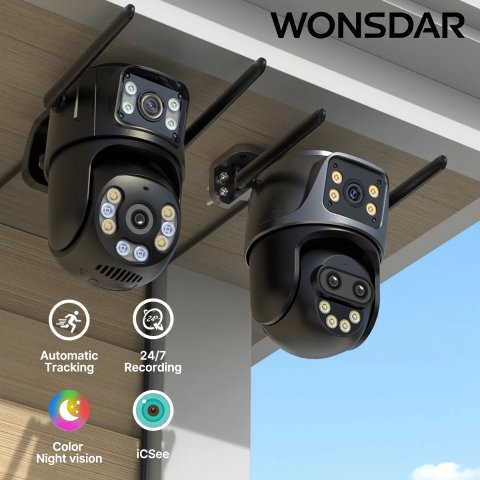
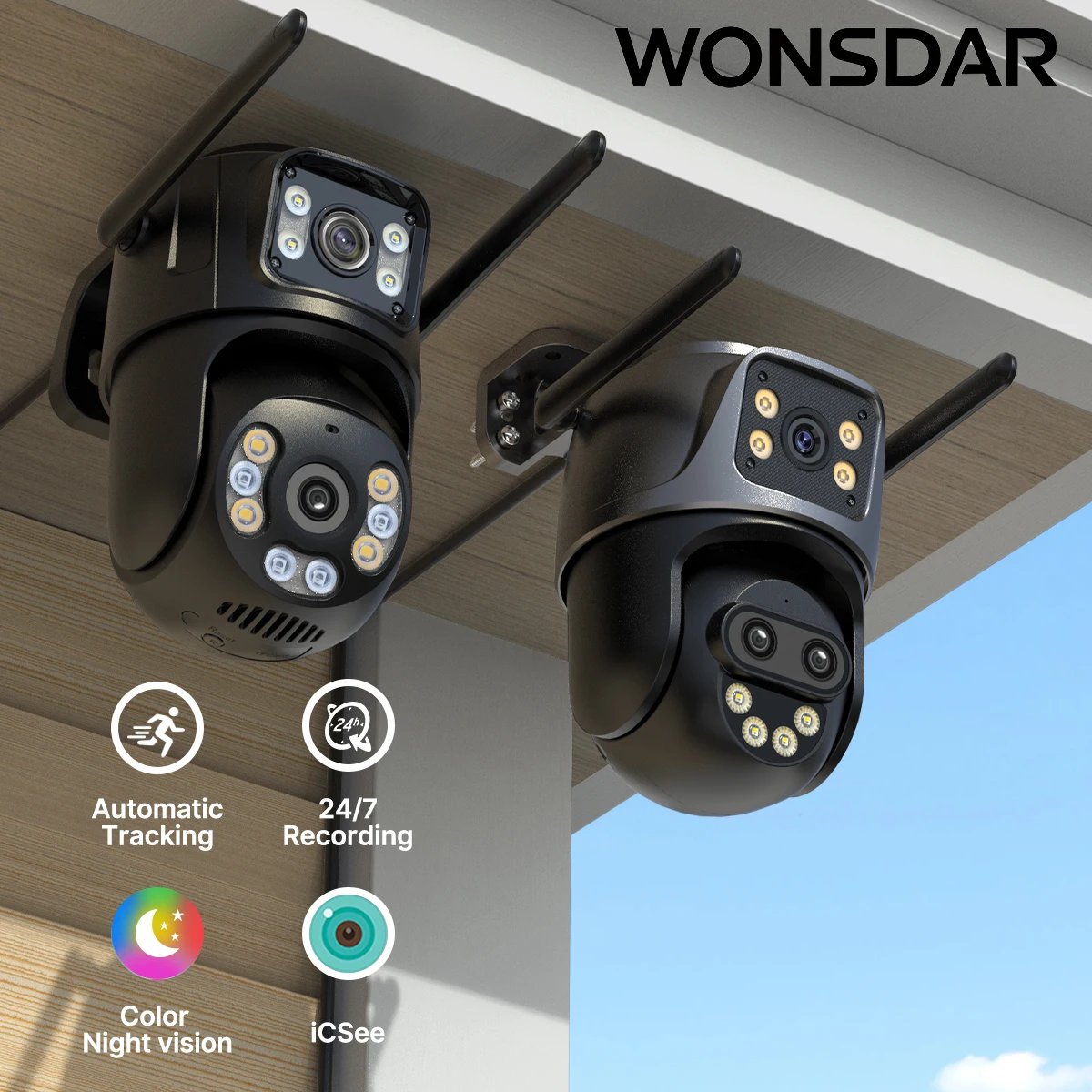
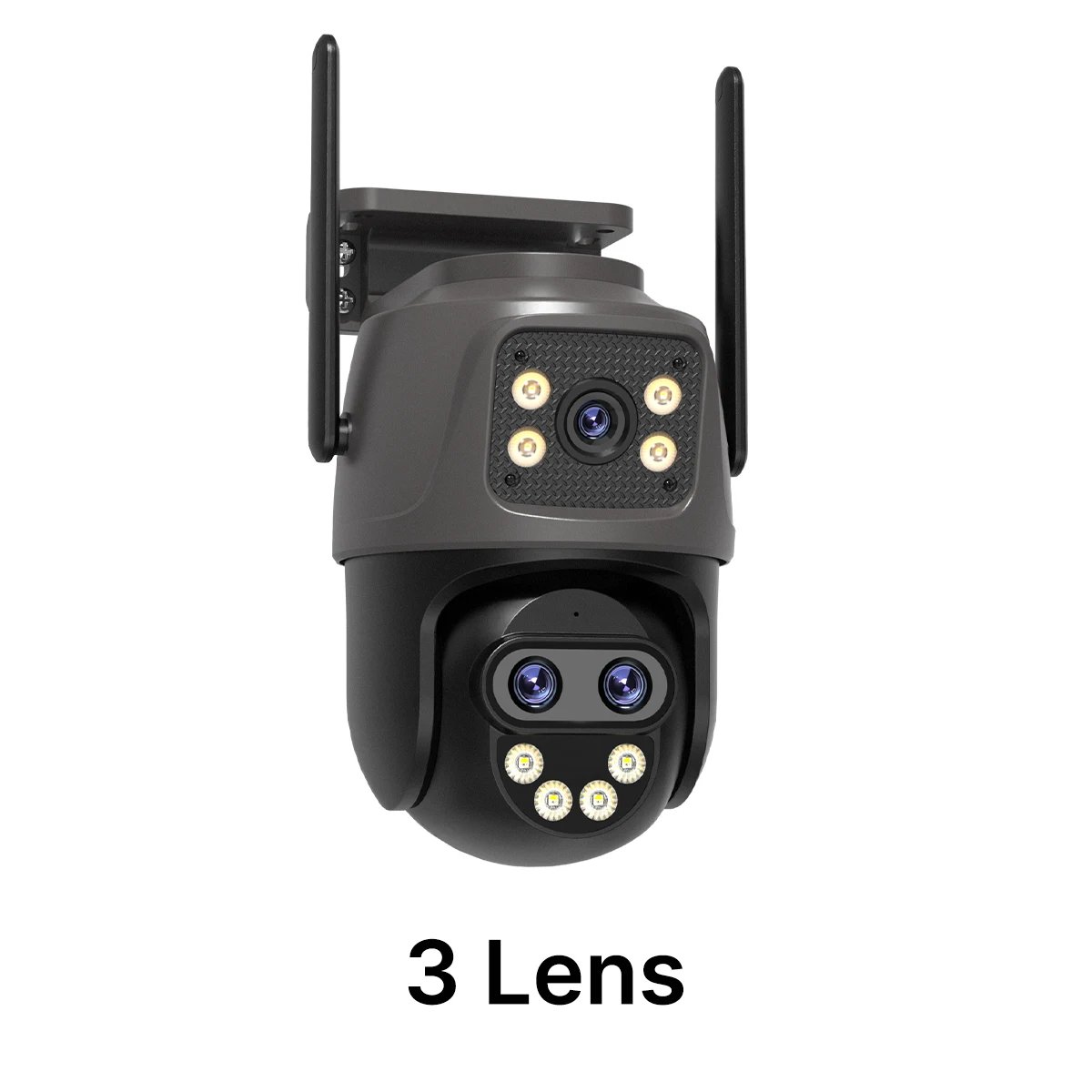
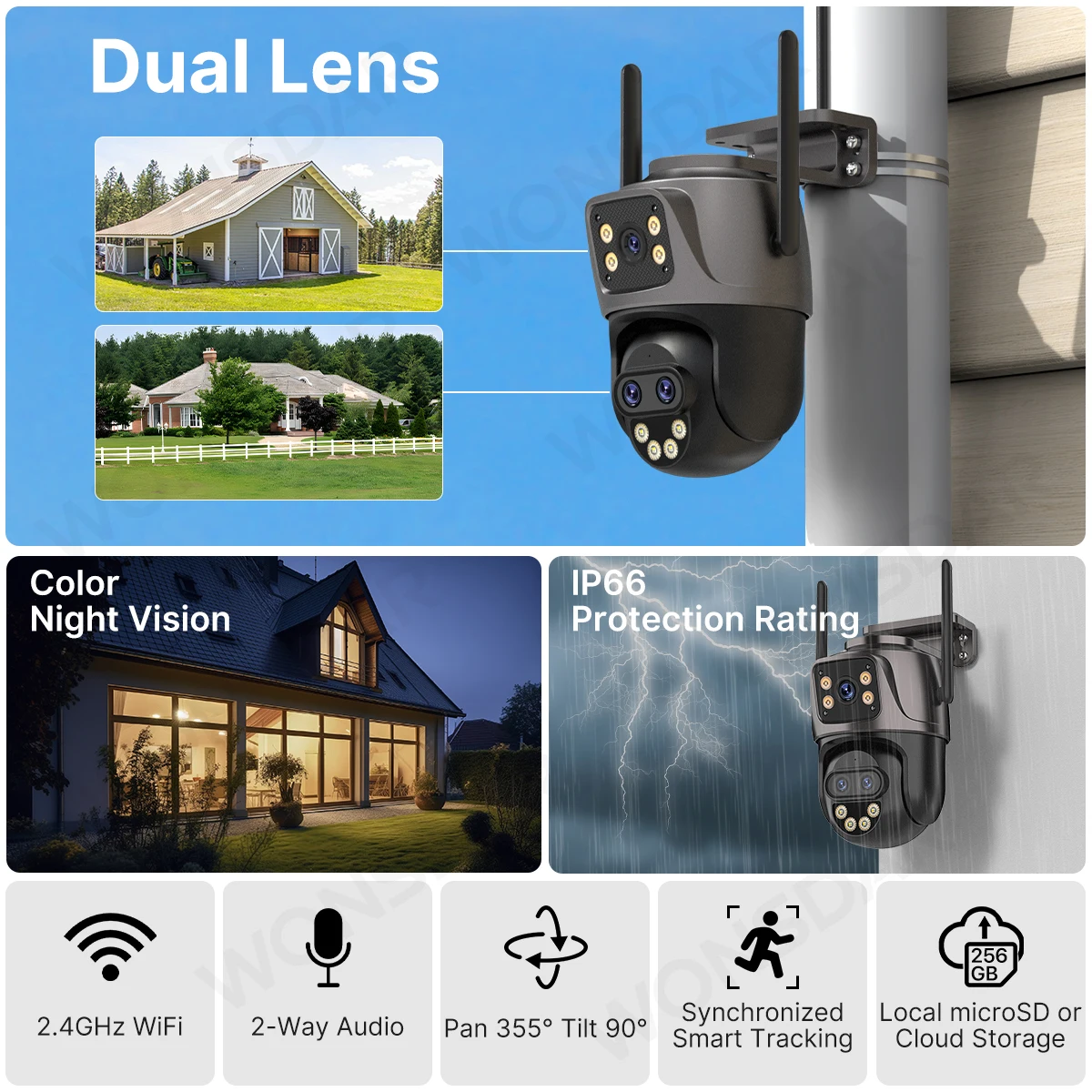
WONSDAR Three Lens Dual Screens HD WIFI IP Camera
Note:
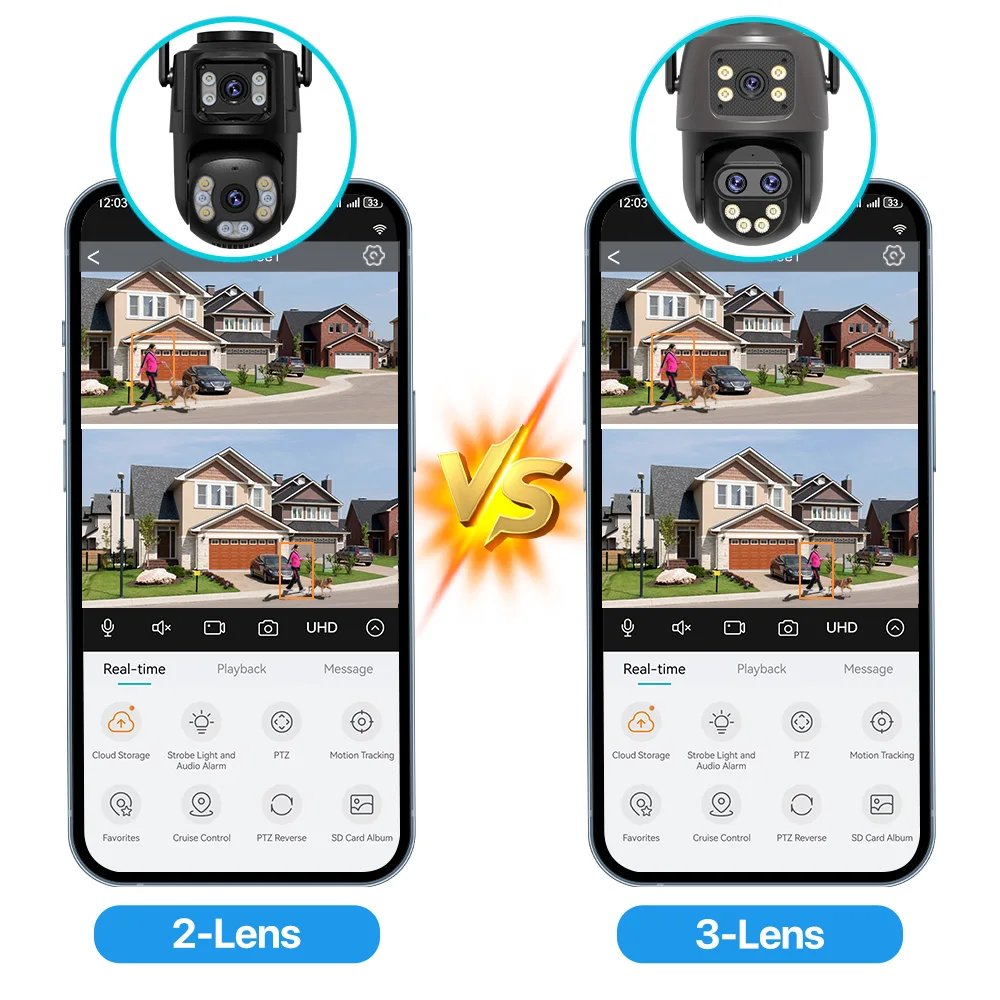
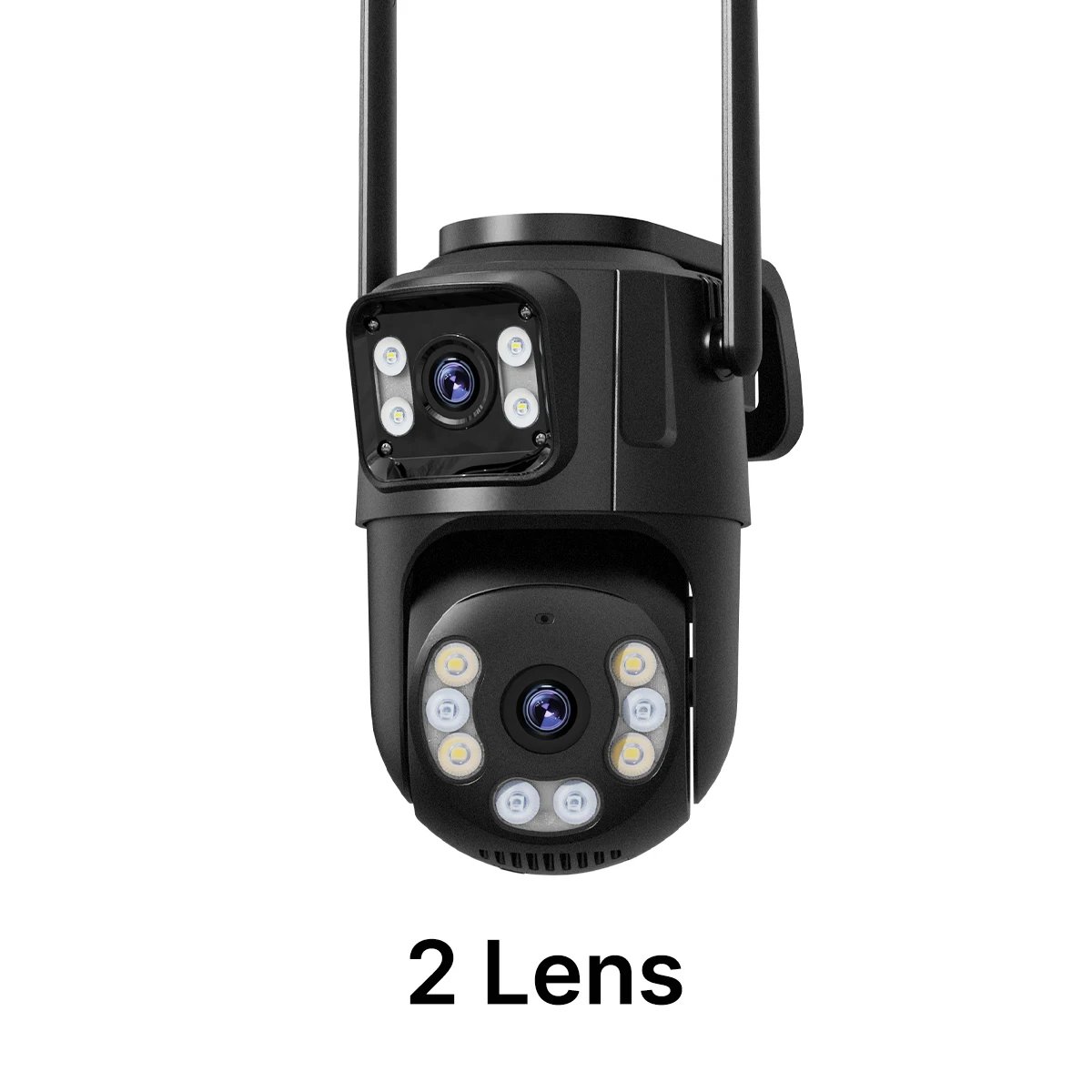
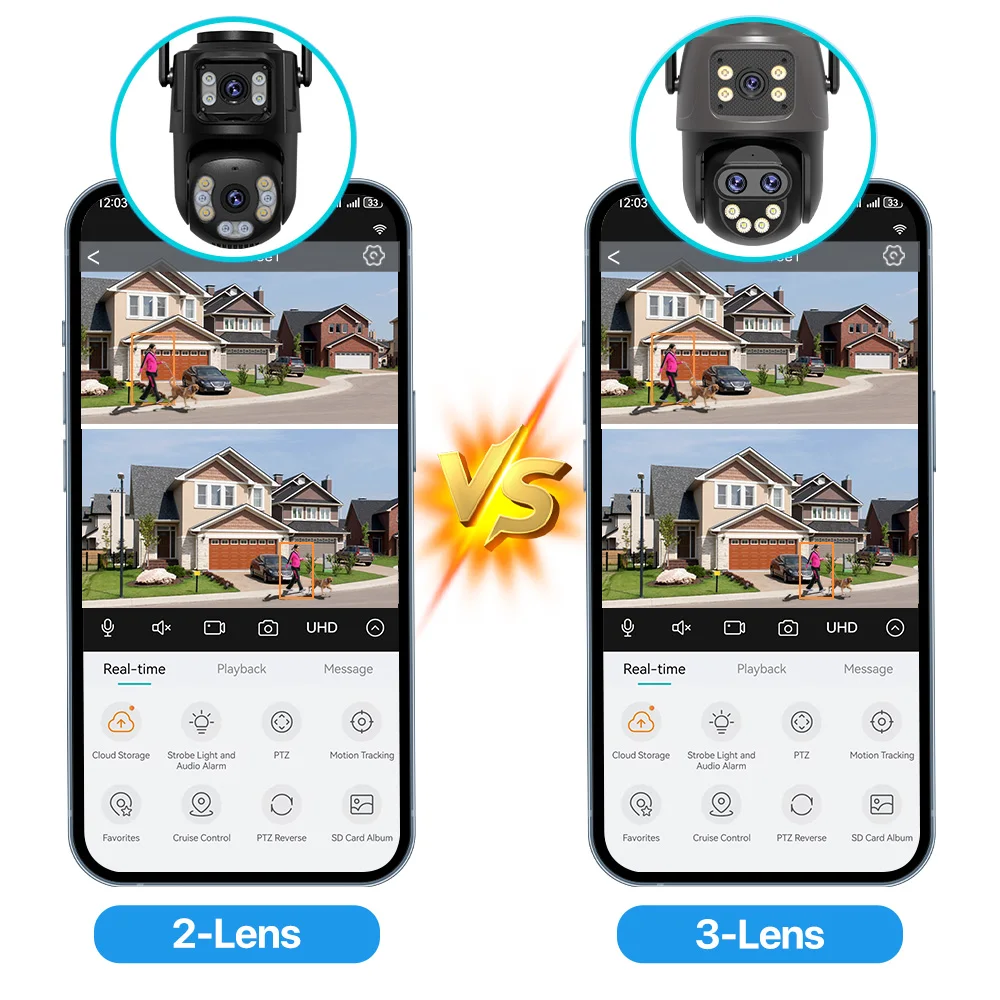
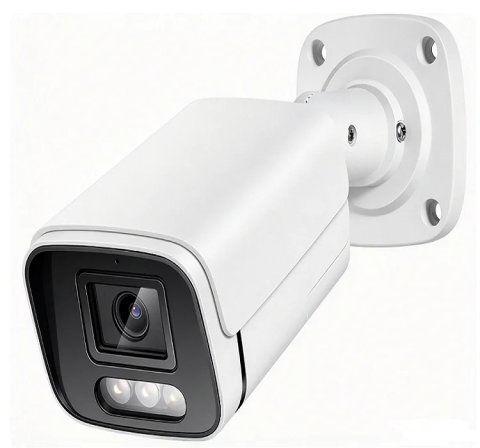
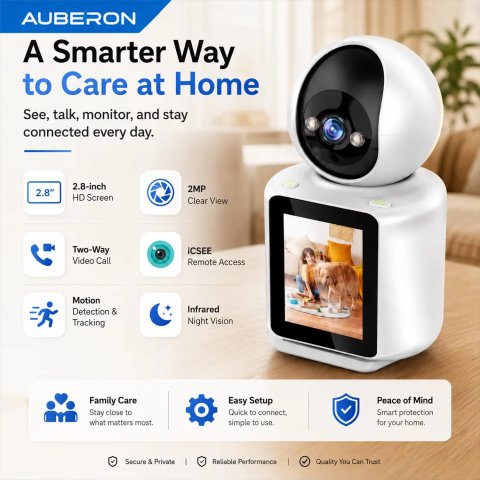
This link contains two different cameras.
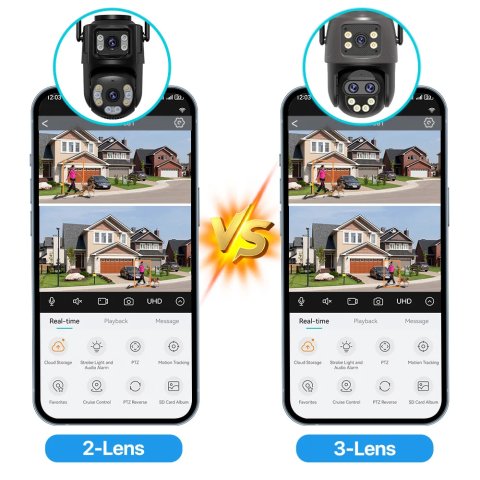
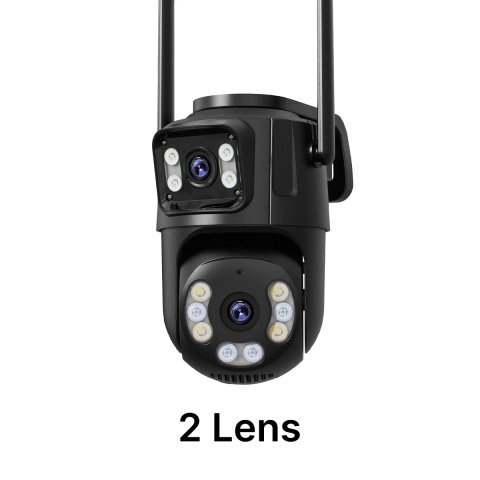
Two different cameras for sale
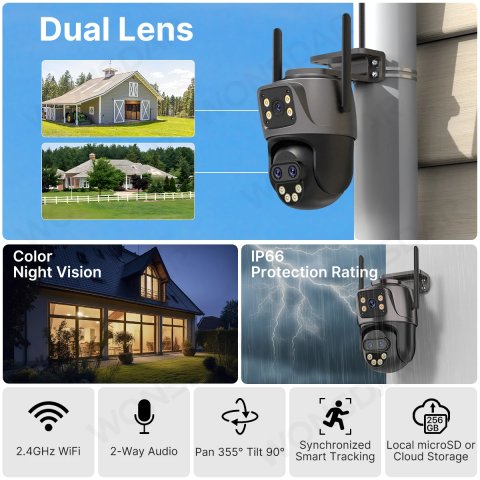
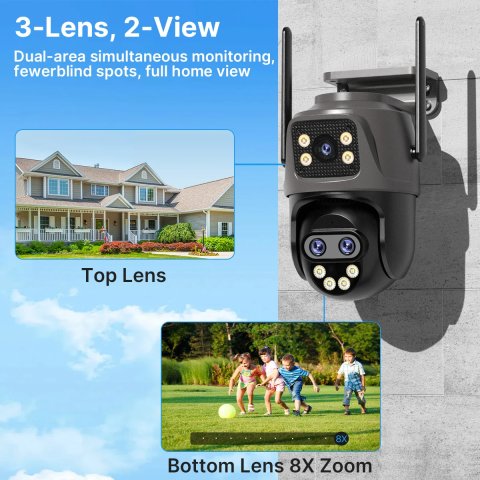
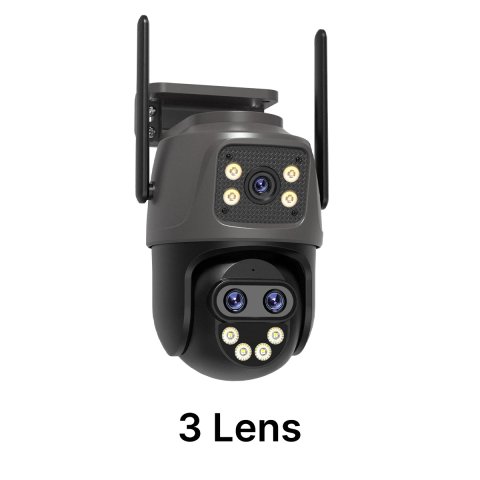
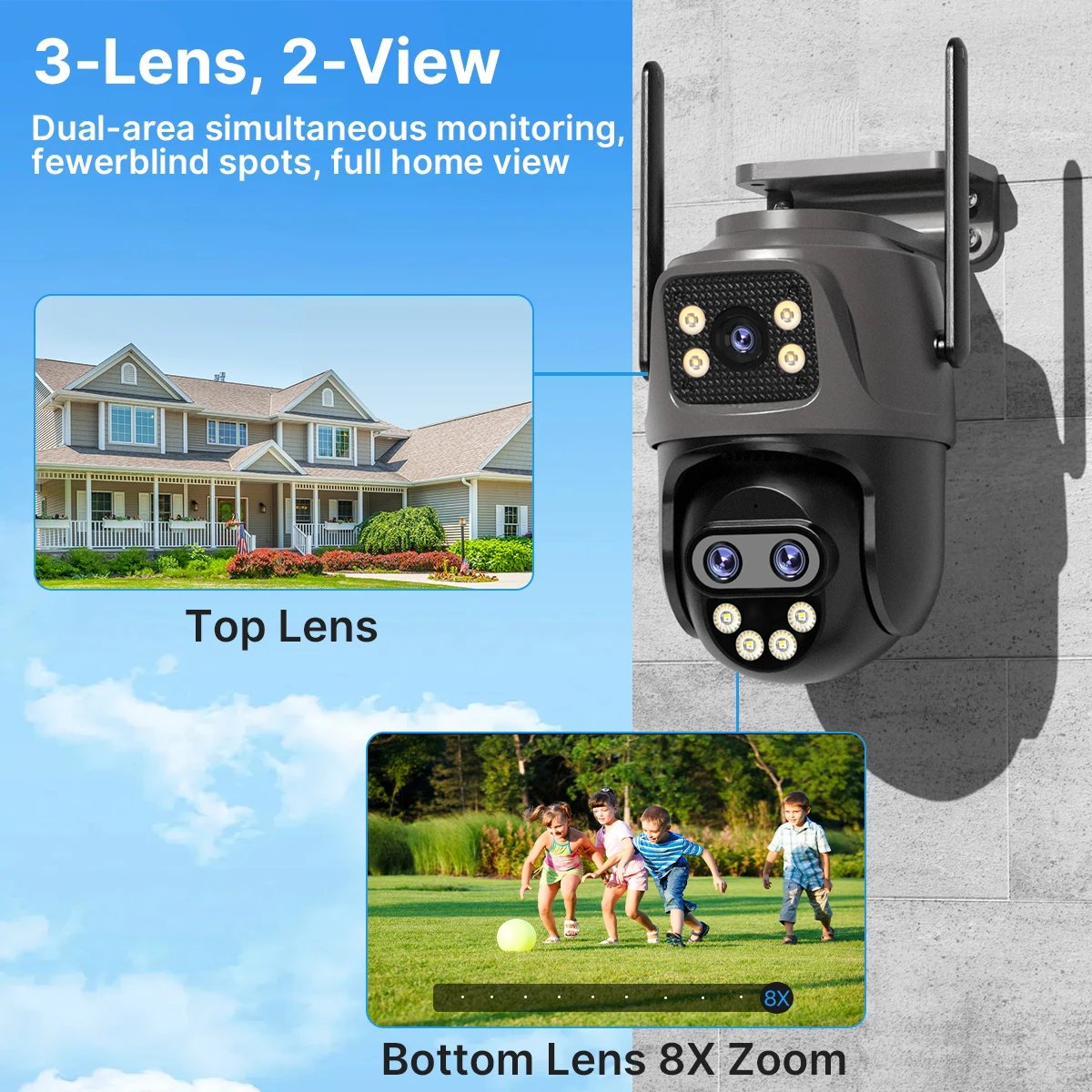
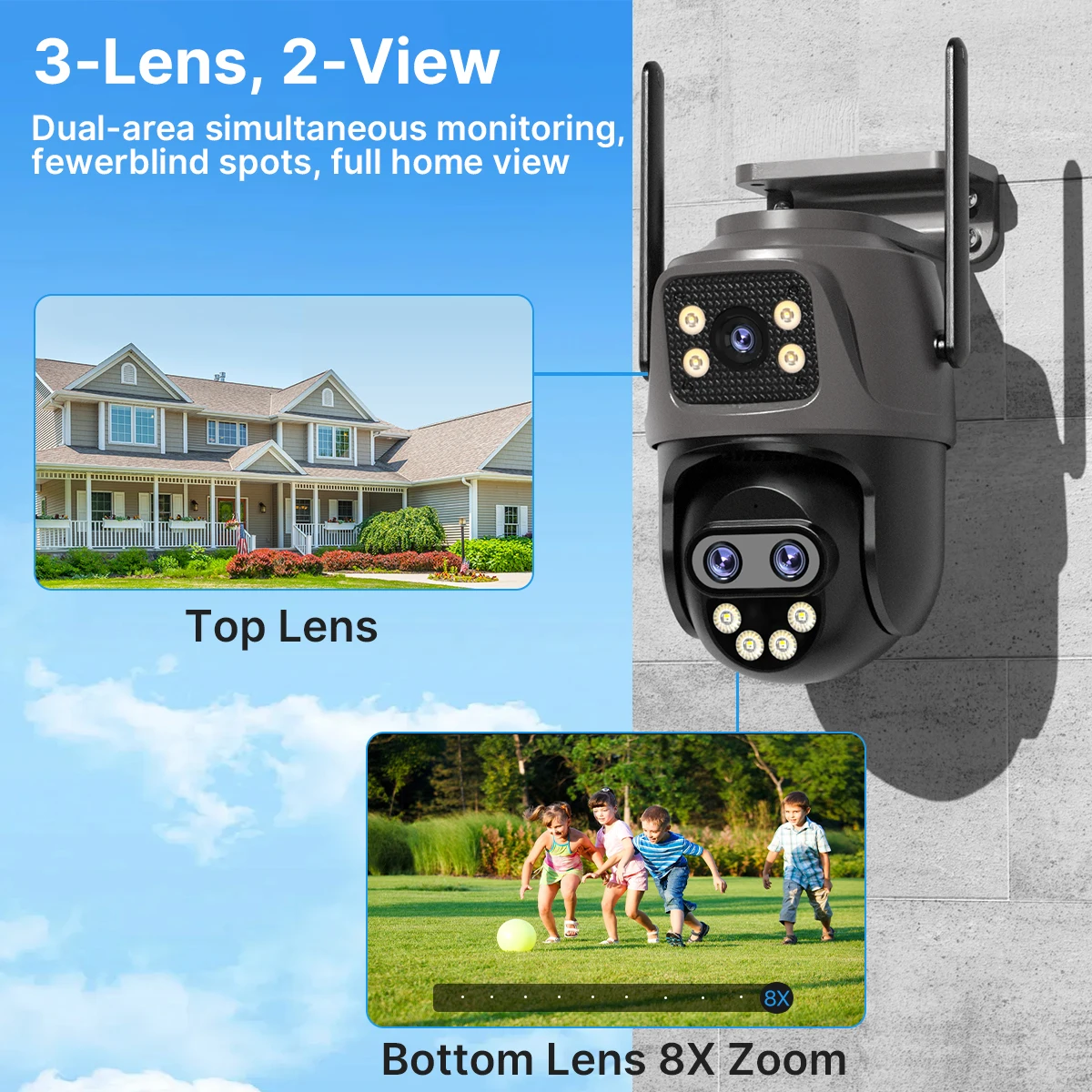
3-Lens 2-Screen
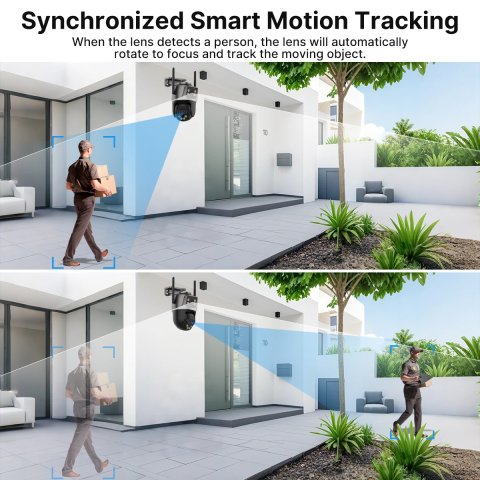
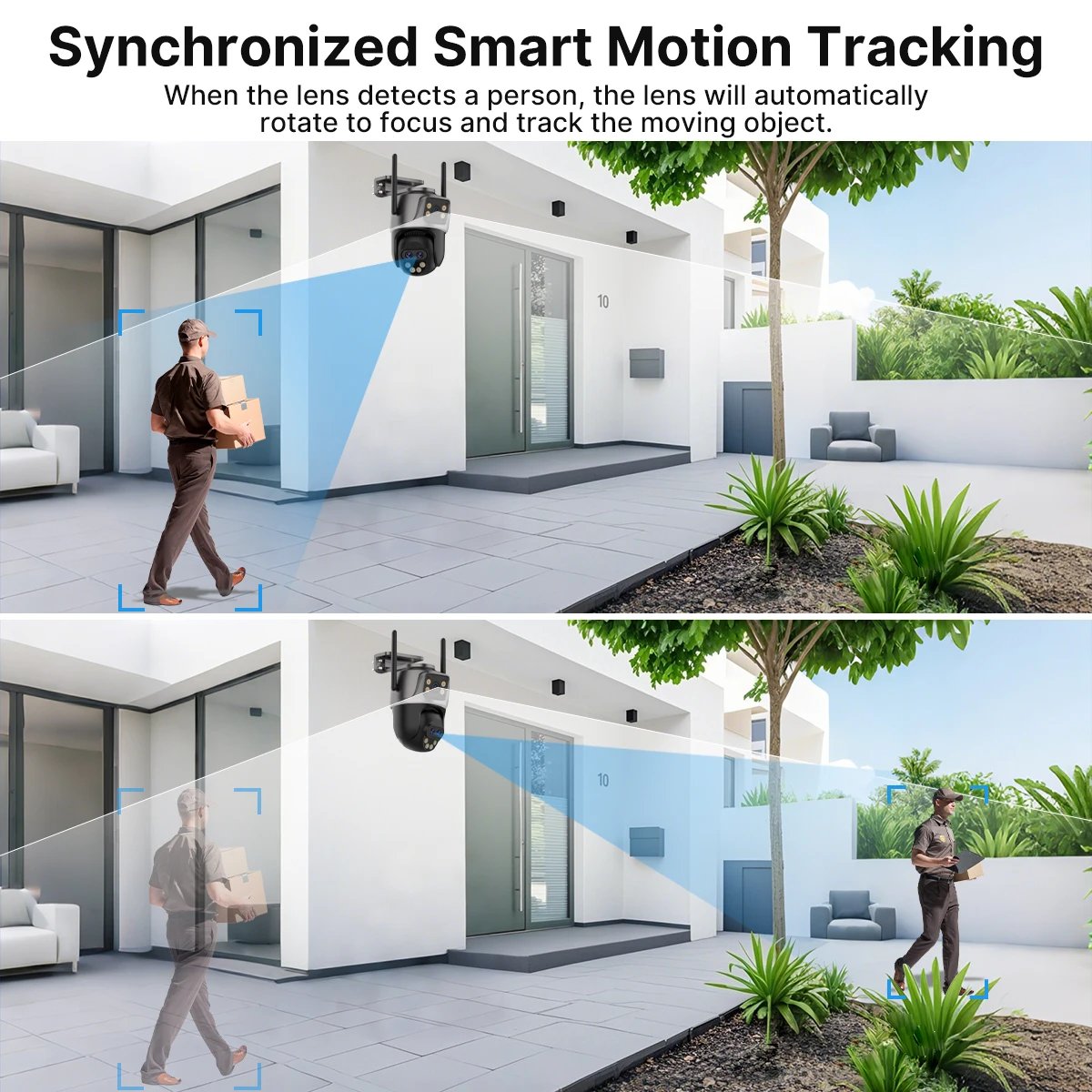
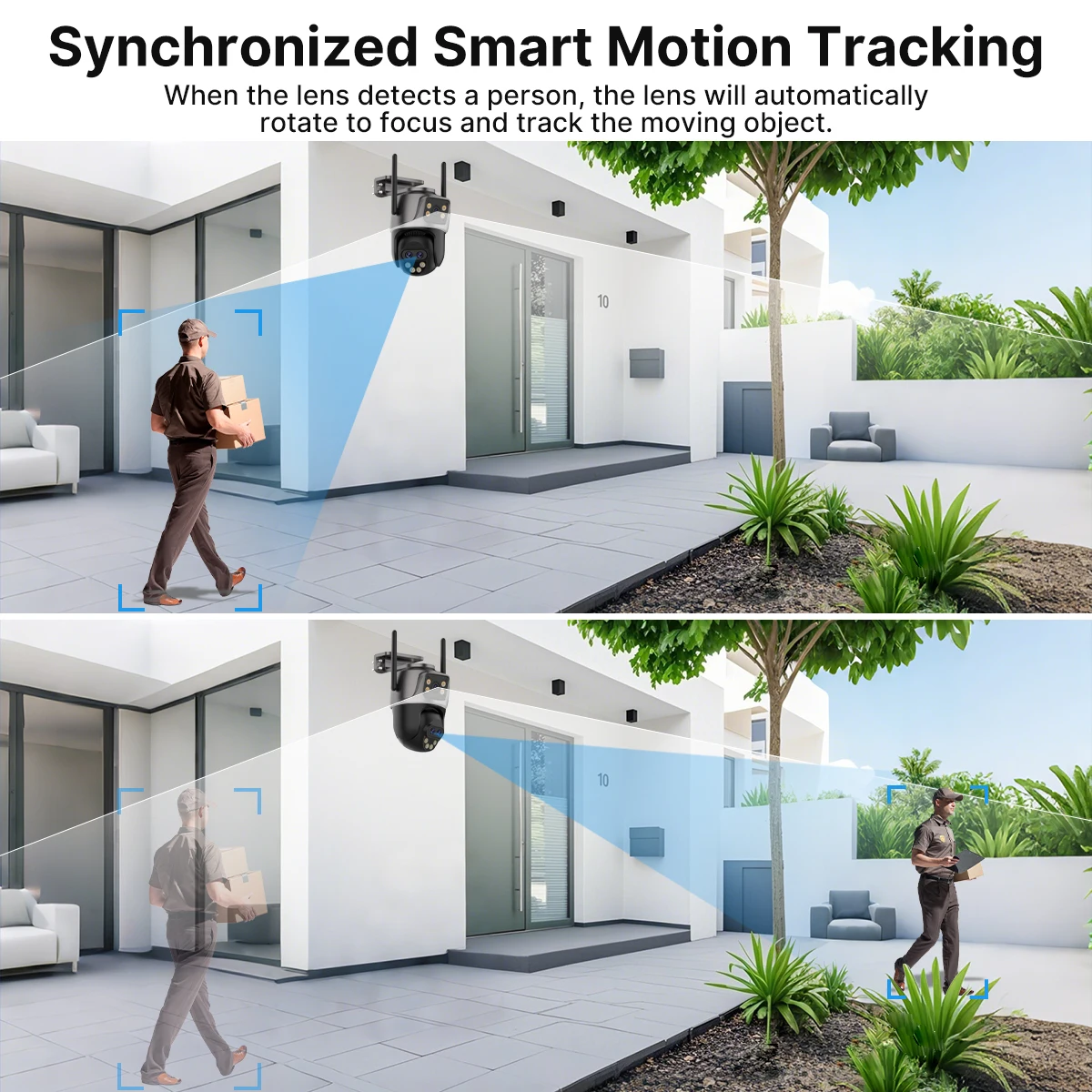
2-Screeen Auto tracking
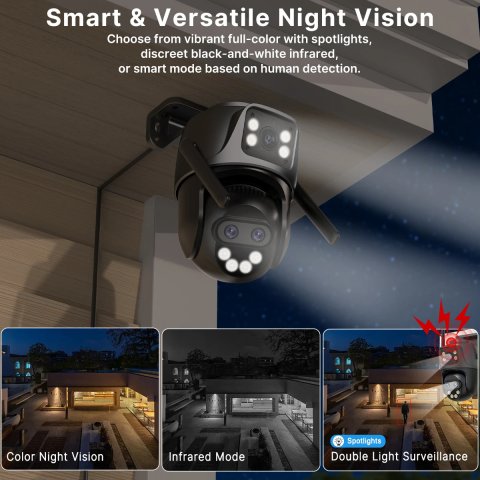
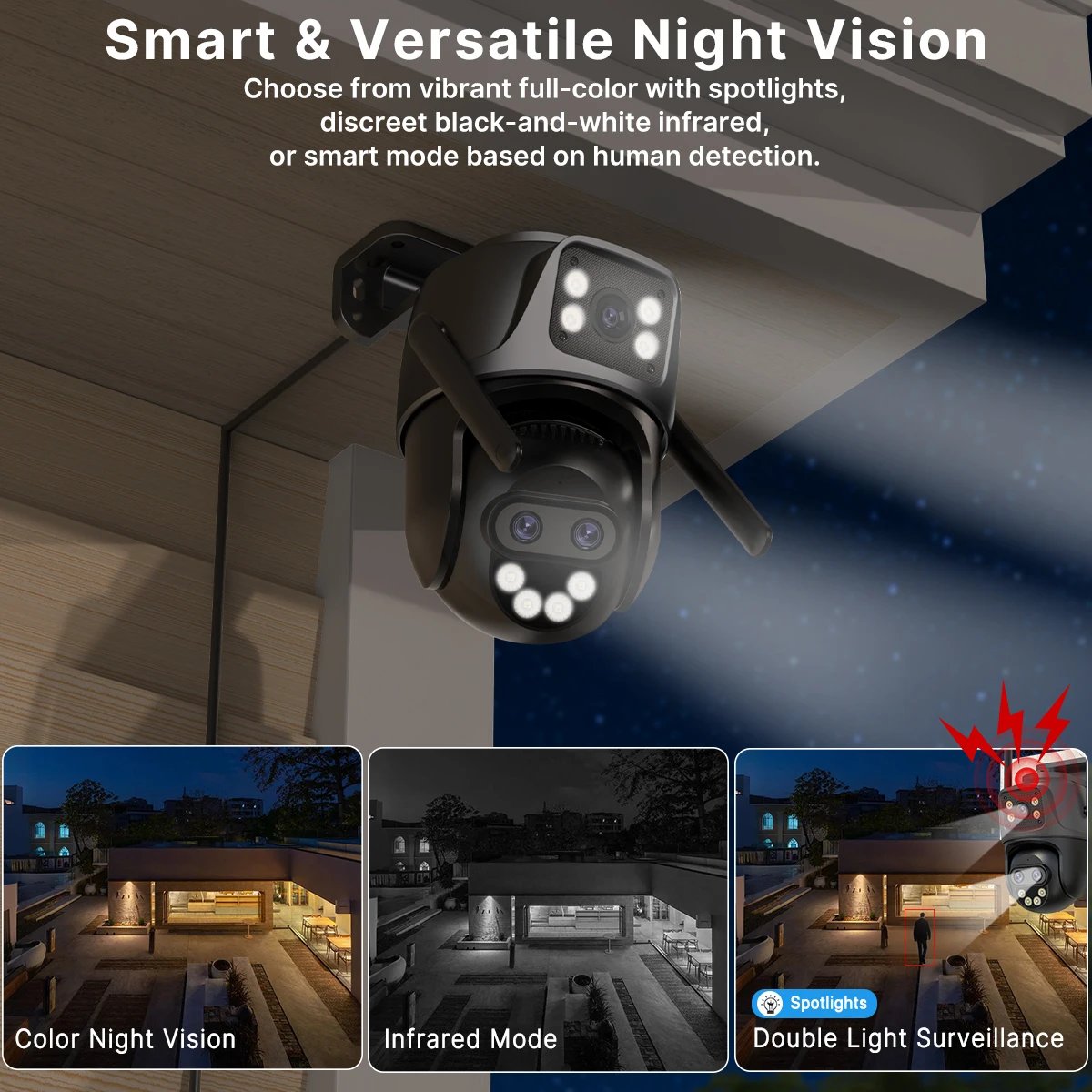
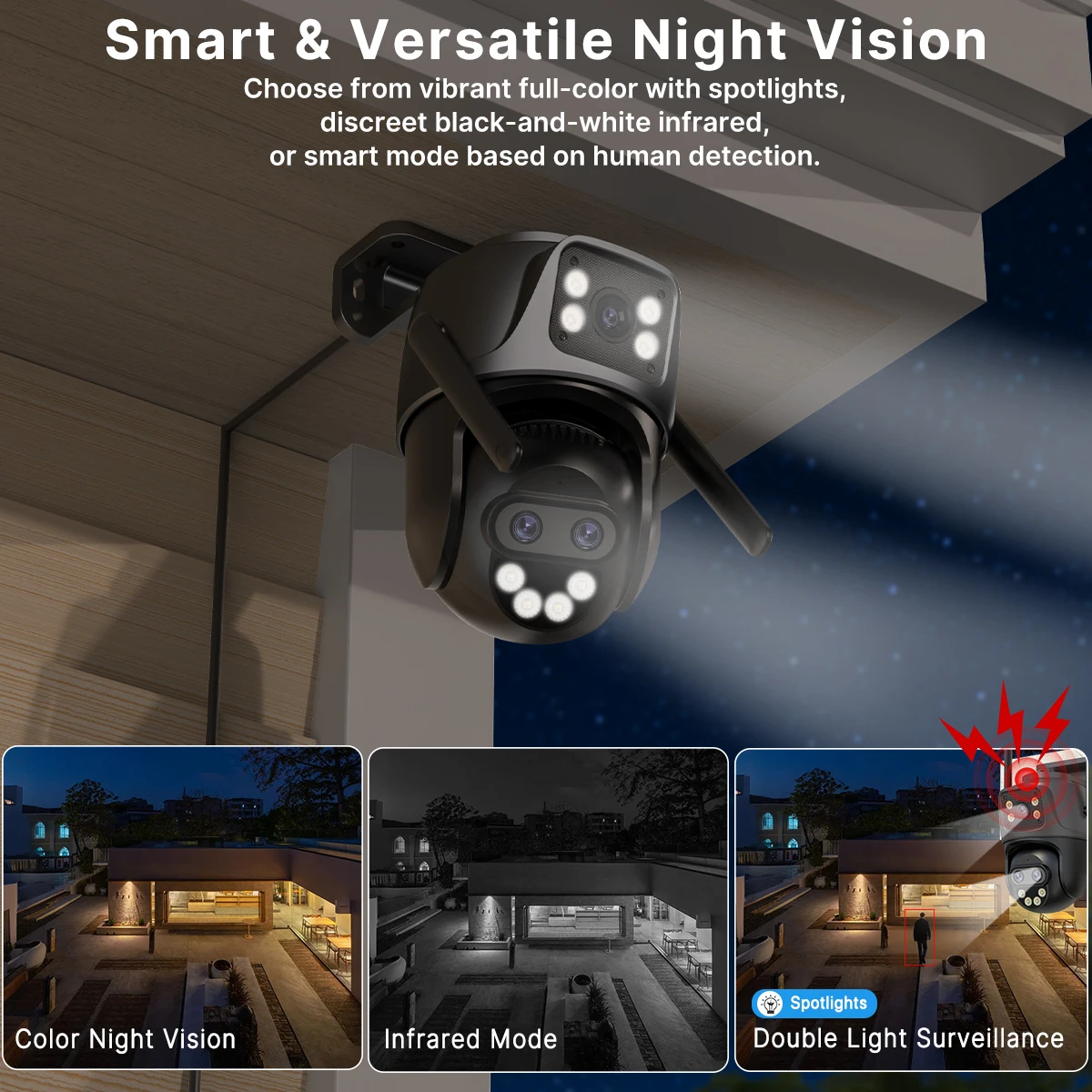
Smart Night Vision, Three-Light Modes for Clear Night Surveillance
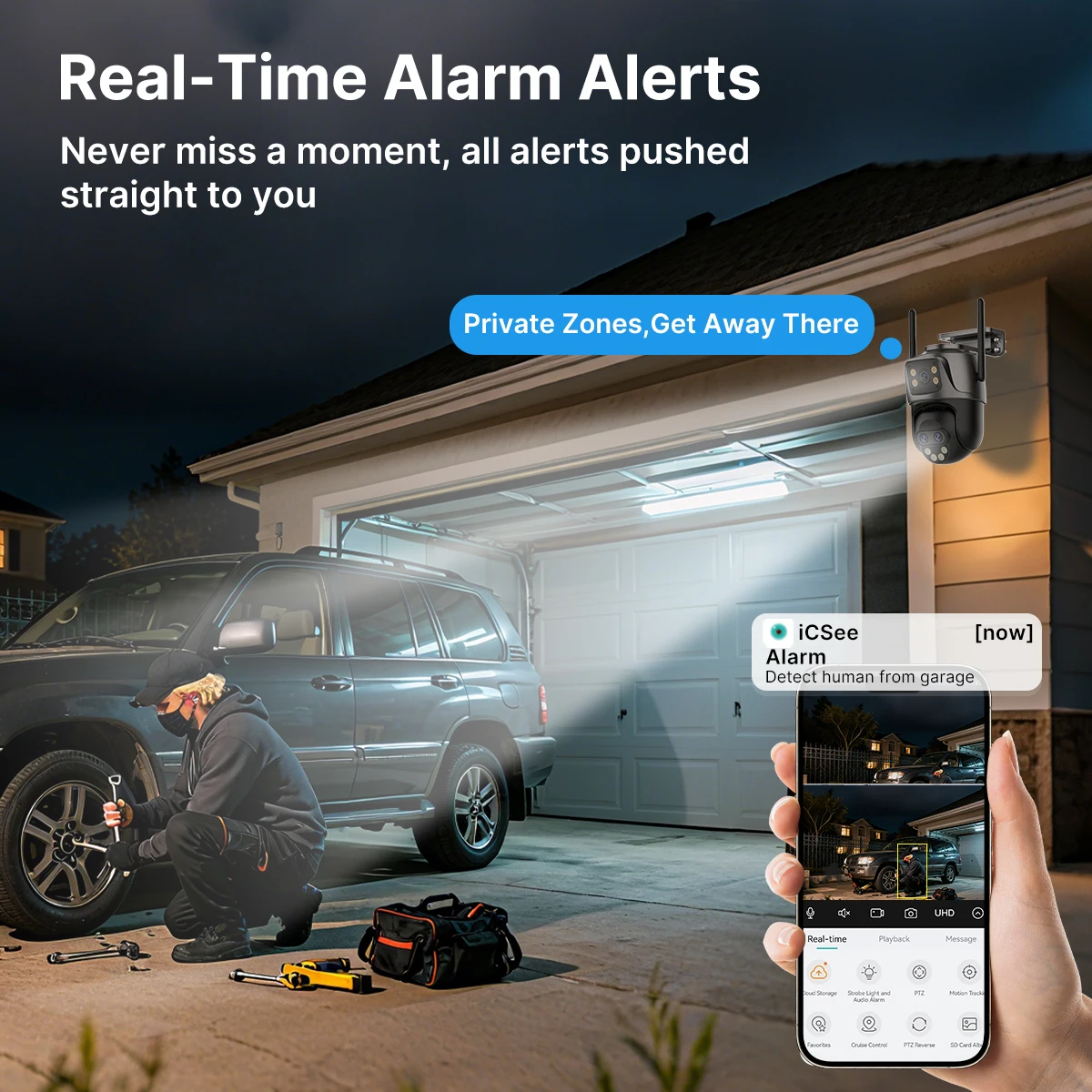
Property Protection with Multi-Alarms
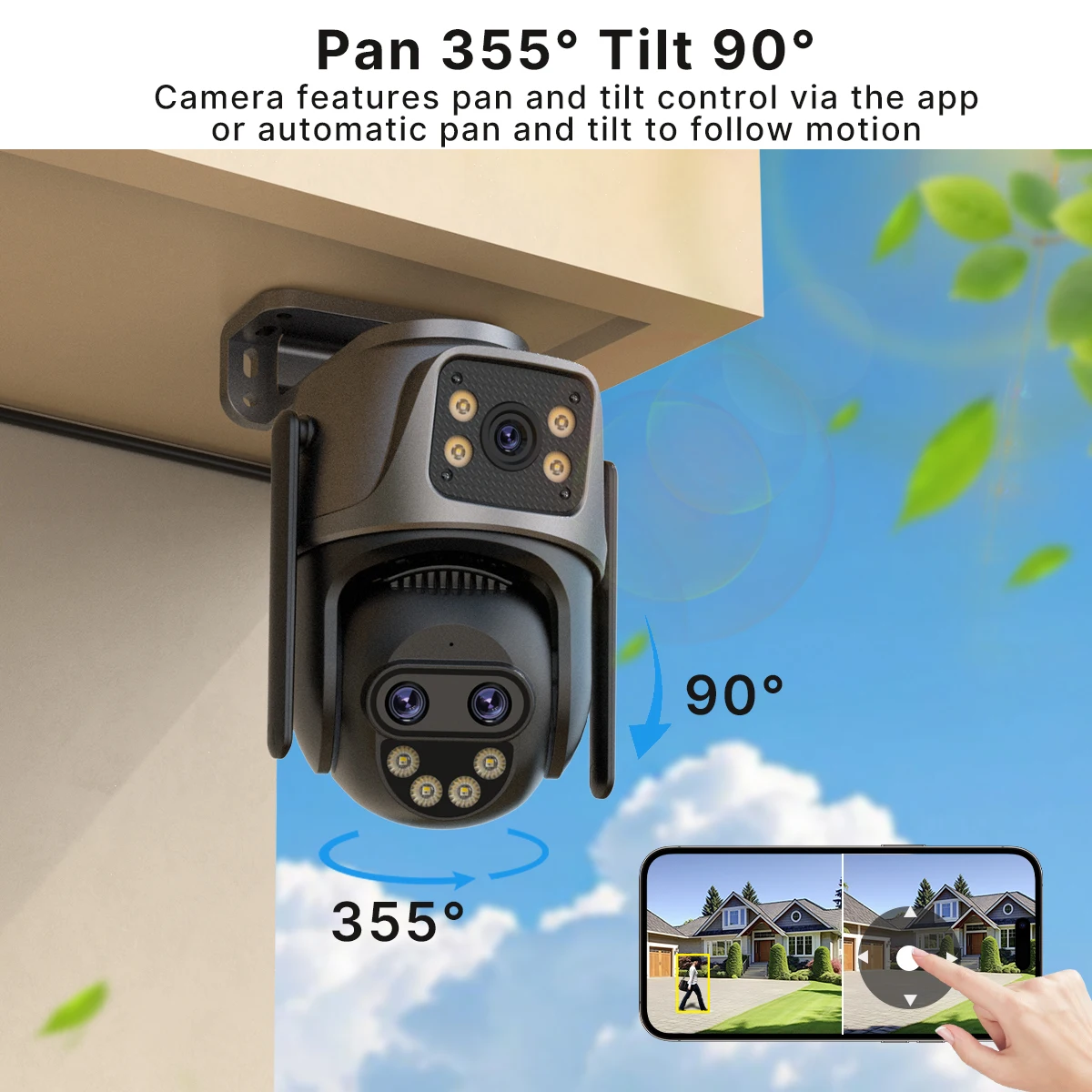
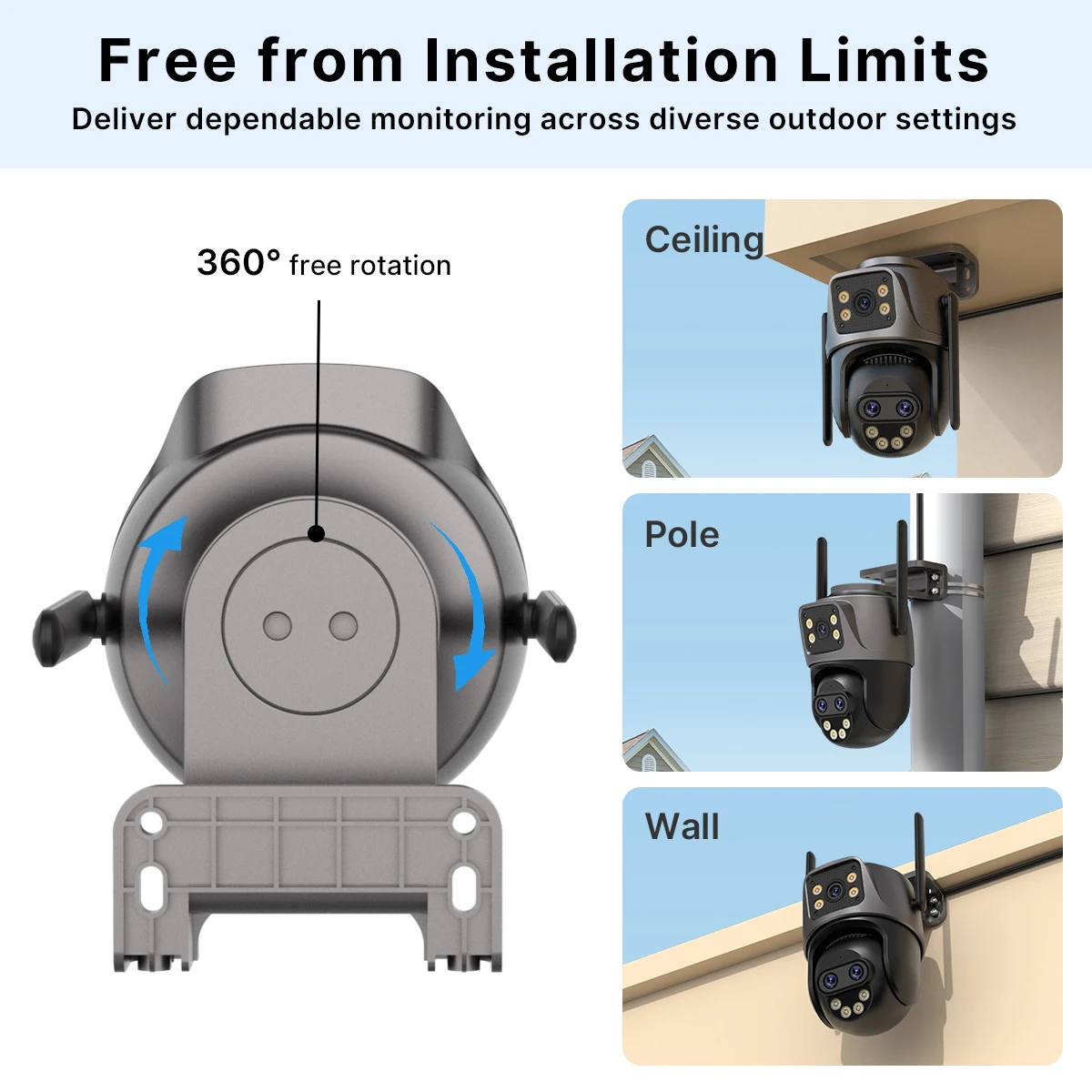
360°Coverage for Your Home
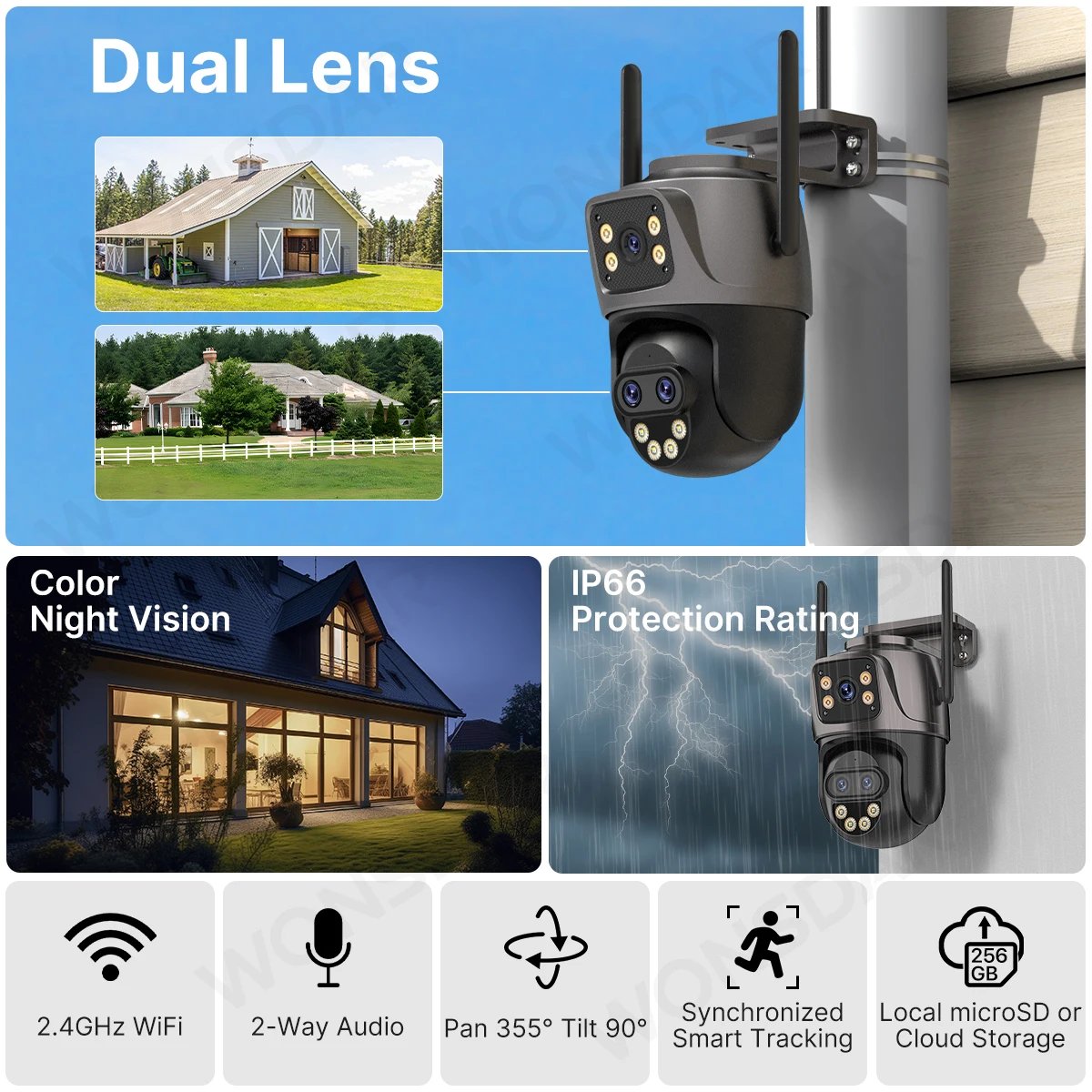
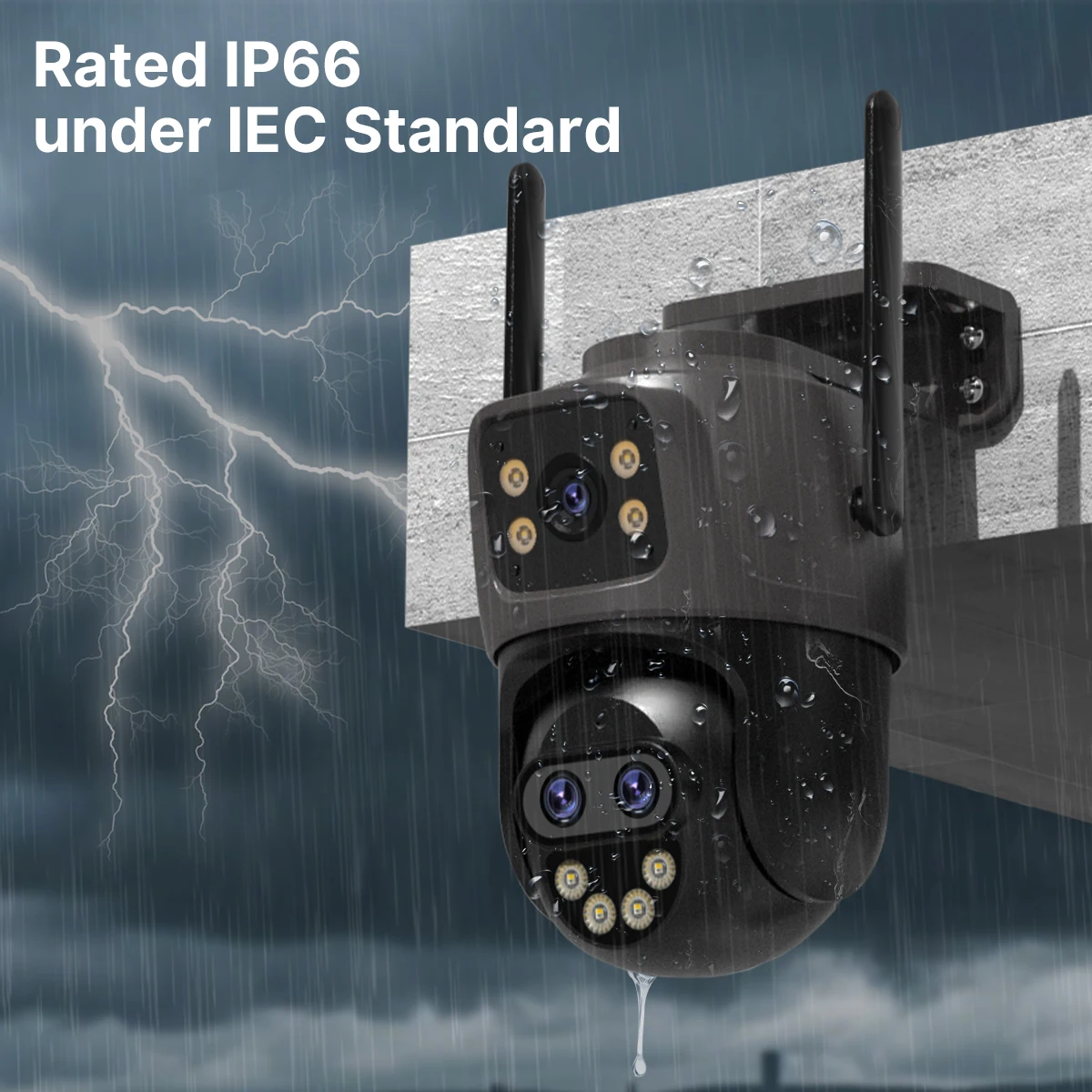
Waterproof IP66
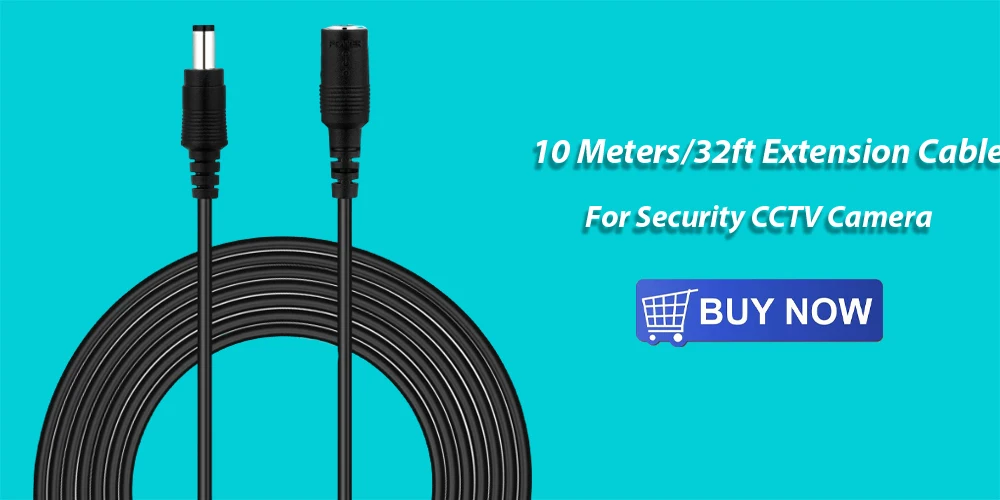
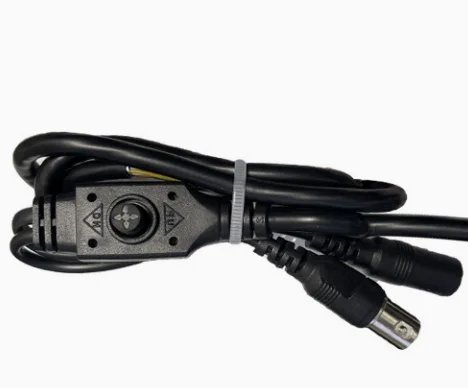
You may require an extension cable of this specific type; kindly click on the image below to obtain detailed information about this product.
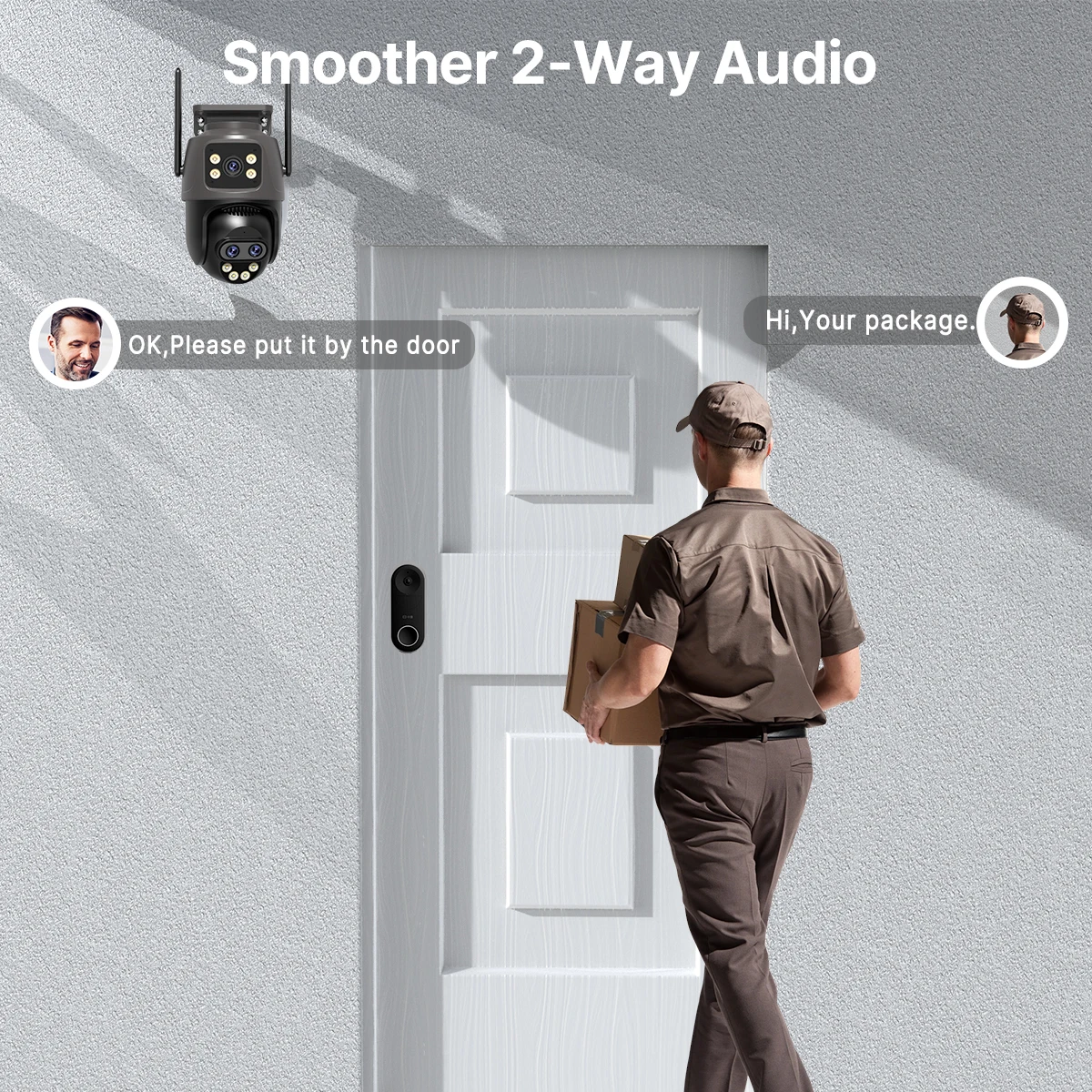
Smoother 2-Way Audio, Real-Time Two-Way Communication
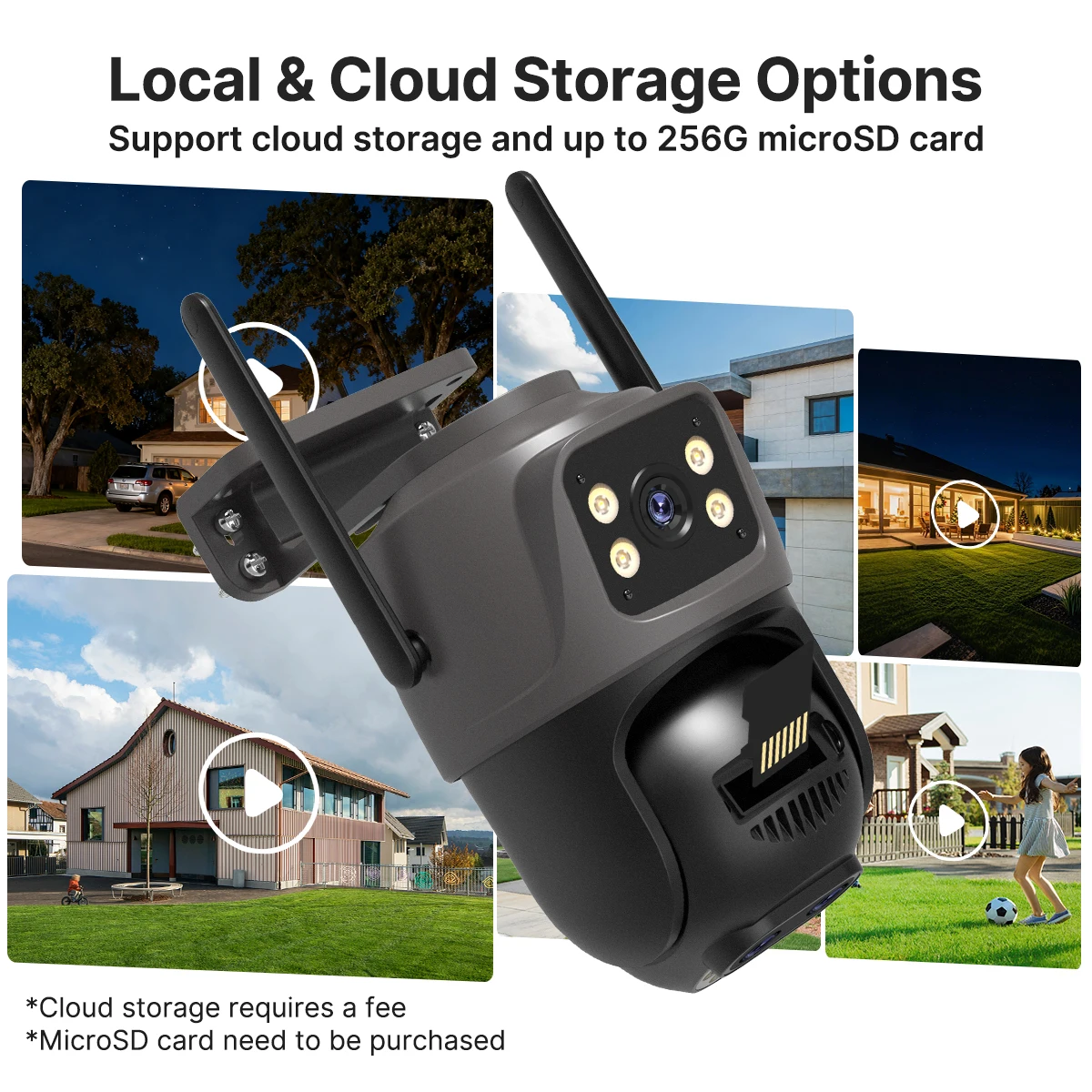
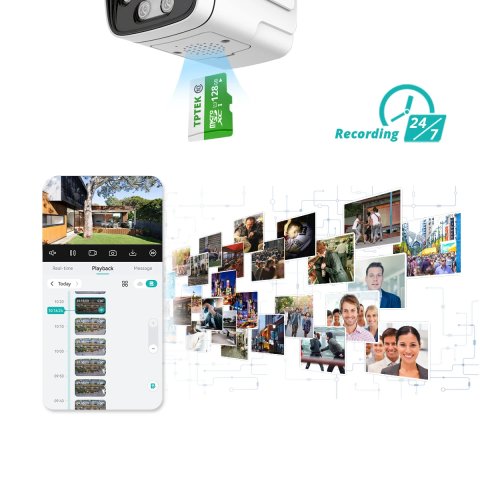
Support SD card & cloud service (Need to pay)
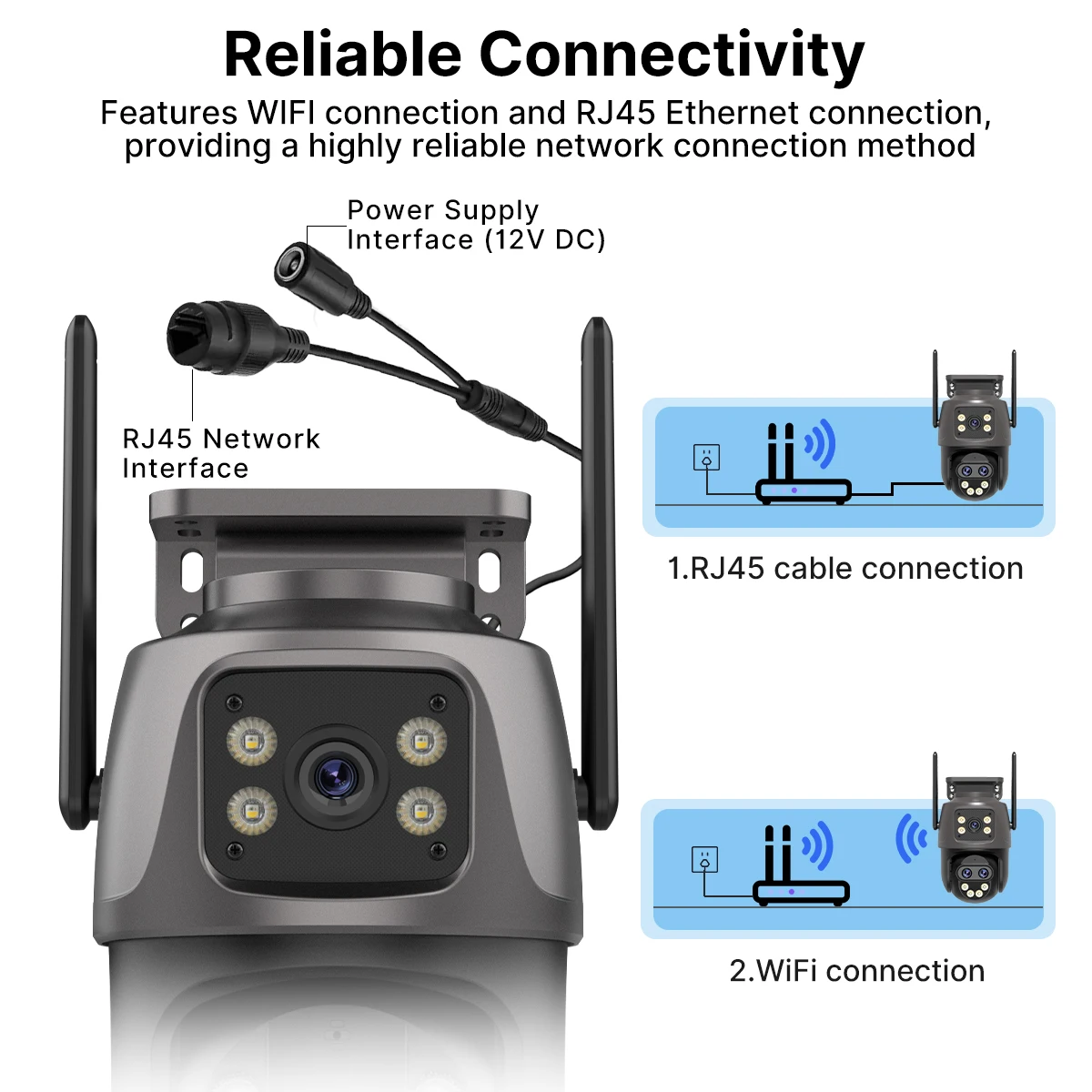
Wired connection & Wireless connection
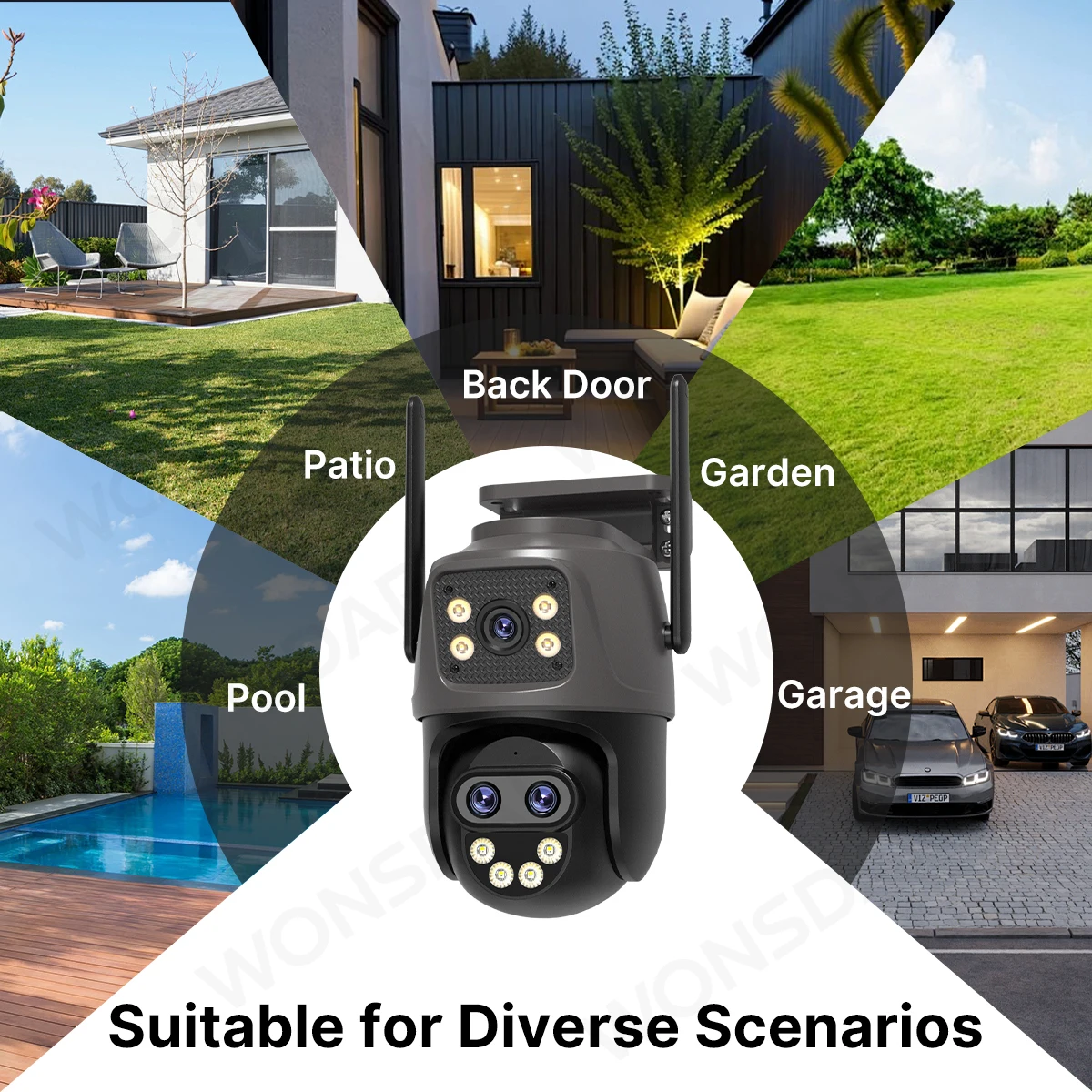
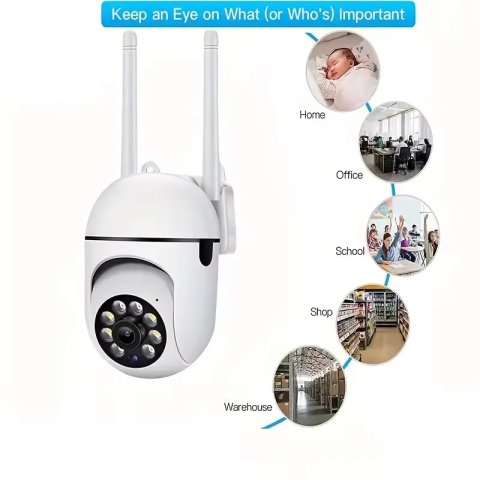
Suitable for Diverse Scenarios
Free from Installation Limits
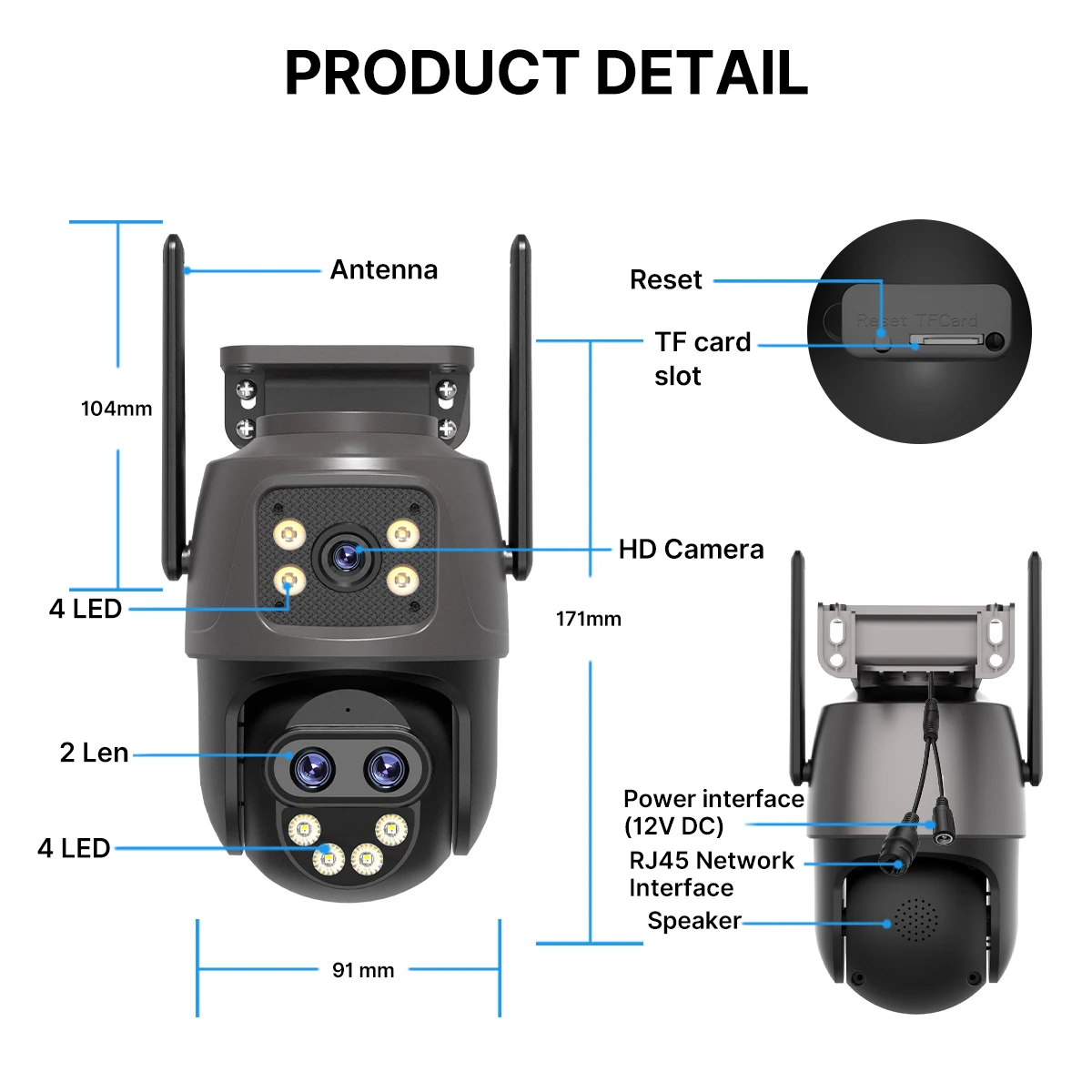
Pruduct detail
How to Configure the Camera in the iCSee App
① Obtain the icsee application by downloading it from the Google Play Store or other available app marketplaces.
② Locate the reset button situated on the underside of the camera. Press and hold this reset button continuously for 10 seconds. Upon hearing the confirmation tone signaling a successful reset, it indicates that the camera settings have been restored to default.
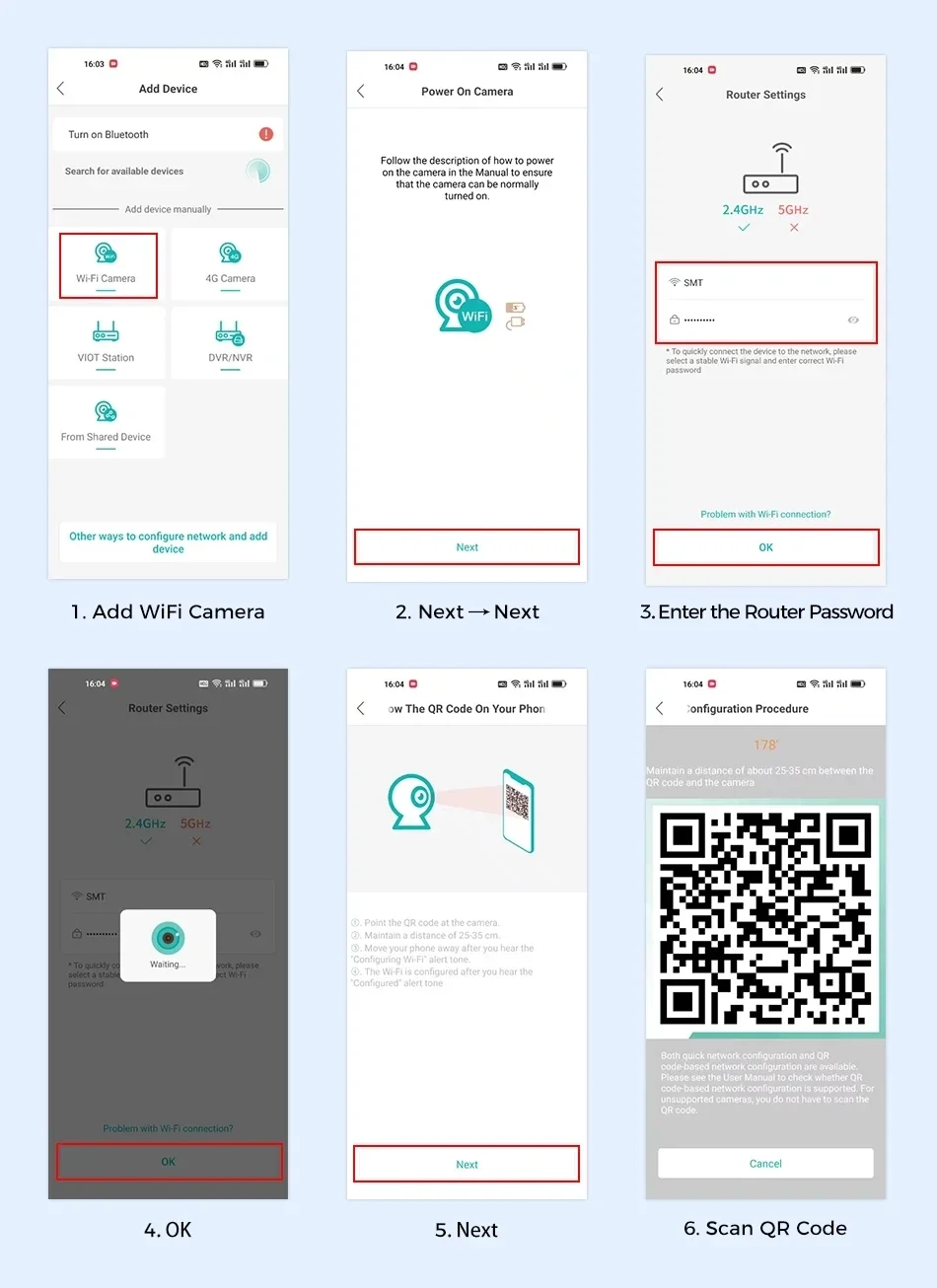
③ Establish a connection to the camera by using the 2.4GHz WiFi frequency band. Adhere closely to the six steps illustrated in the accompanying image to complete the connection process successfully.
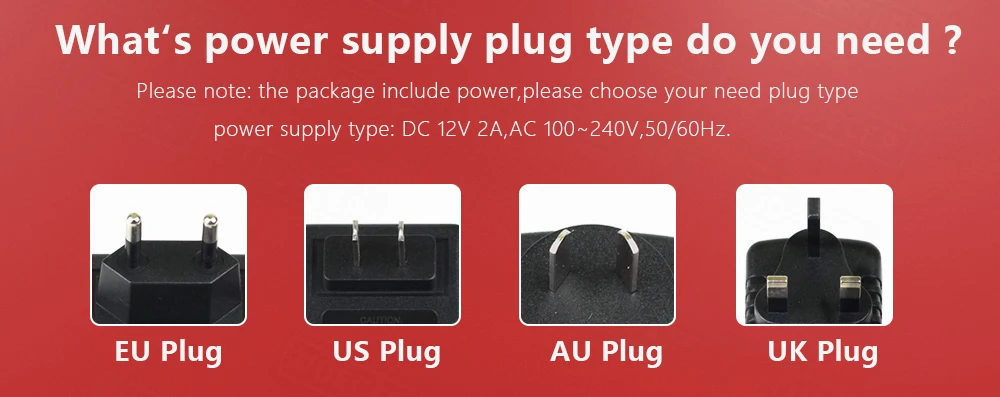
What's power supply plug type do you need ?
| Shipping Cost |
|
| Shop Location |
No reviews found!

No comments found for this product. Be the first to comment!