







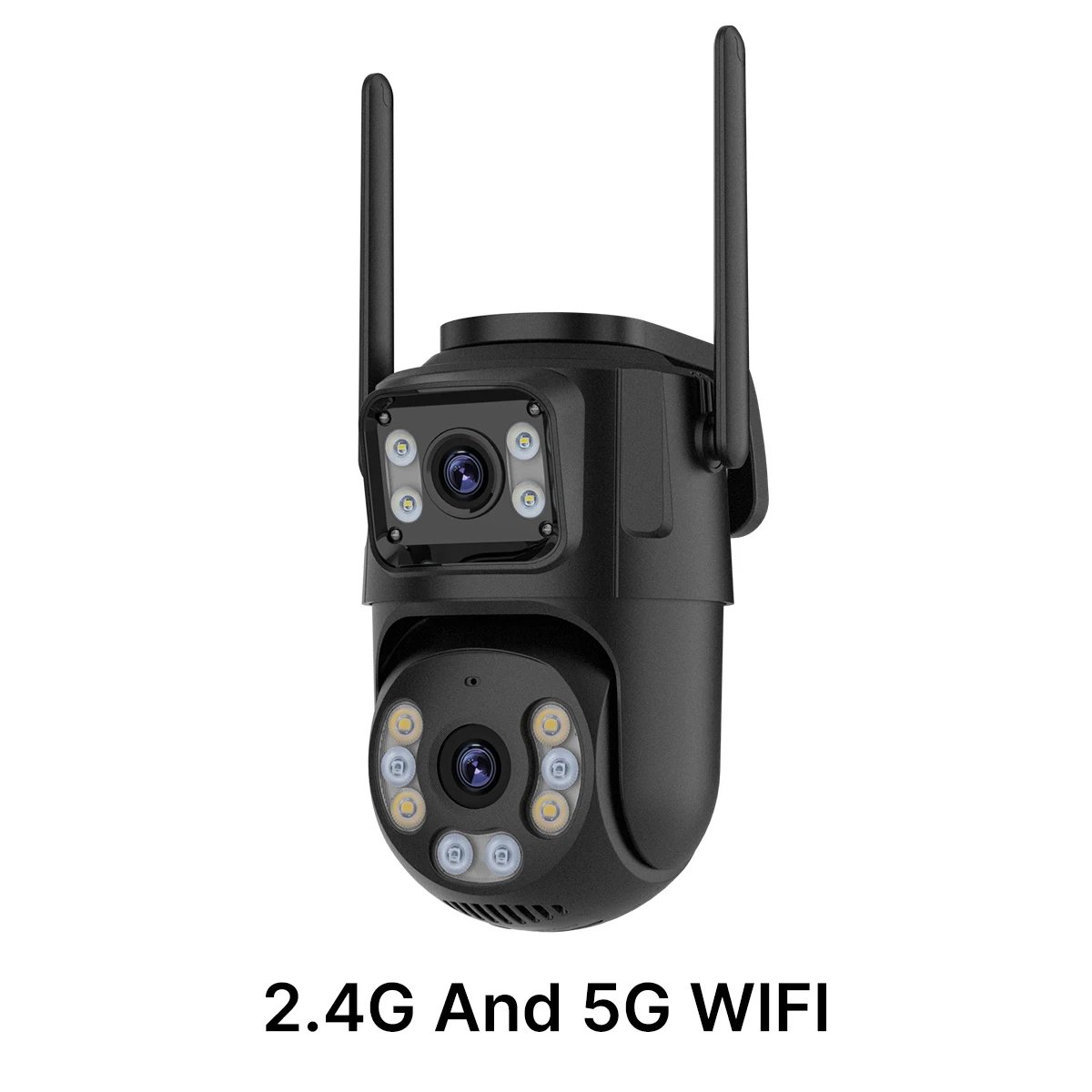
Note:
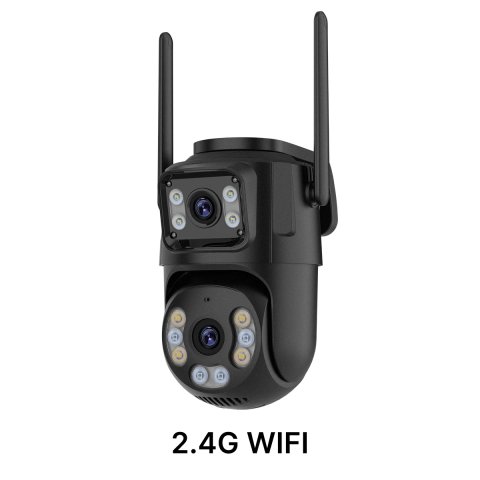
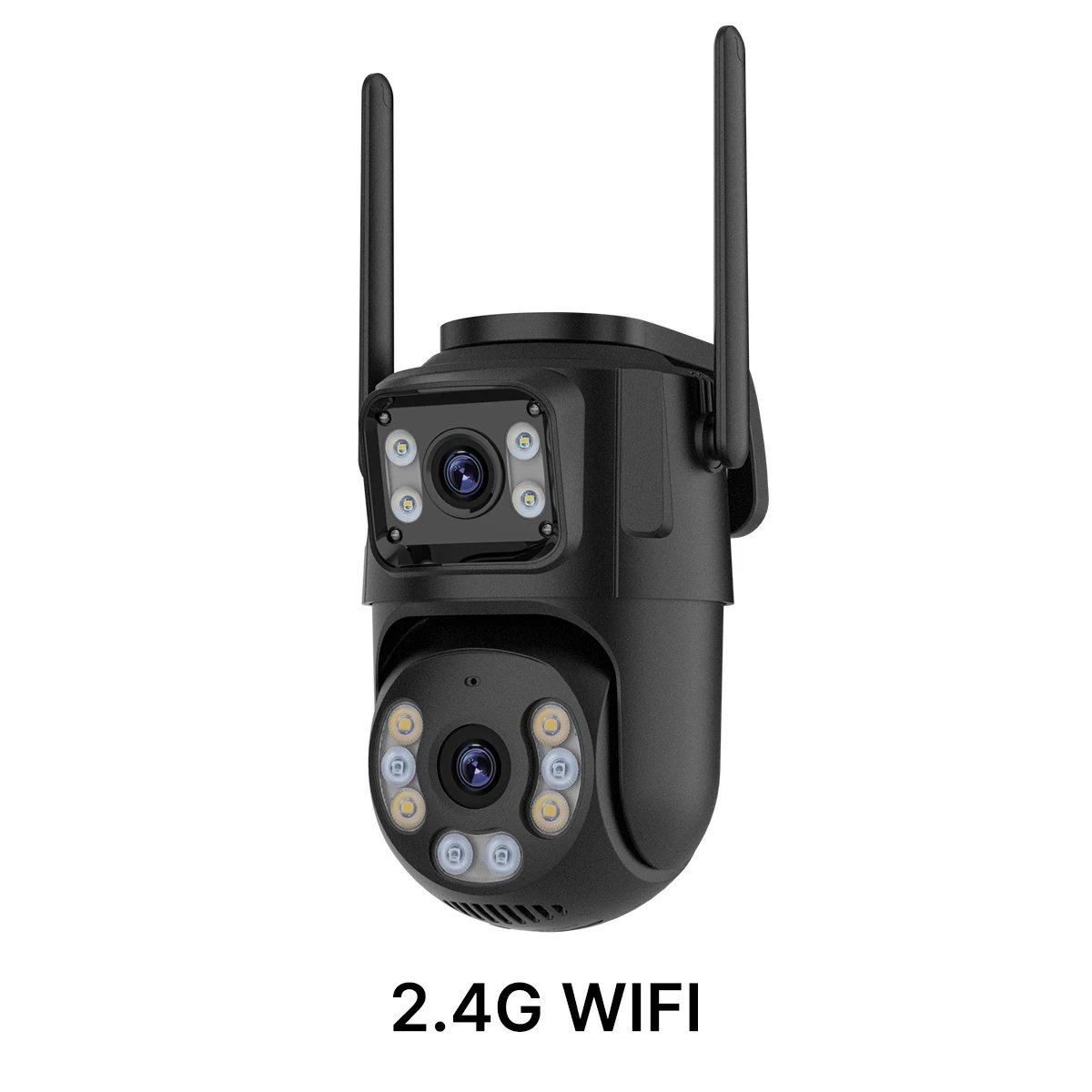
Prior to establishing the video connection, please ensure you watch our instructional video carefully. (Important: The connection requires a 2.4 GHz Wi-Fi network; 5 GHz frequency networks are incompatible.)
Important Notes:
If you experience a connection failure, press and hold the reset button adjacent to the card slot on the camera's rear for a duration of 8 seconds. When you hear a beep sound, it confirms that the restart was successful. Afterwards, follow the provided connection tutorial video to re-establish the link.
steps are shown in the video:
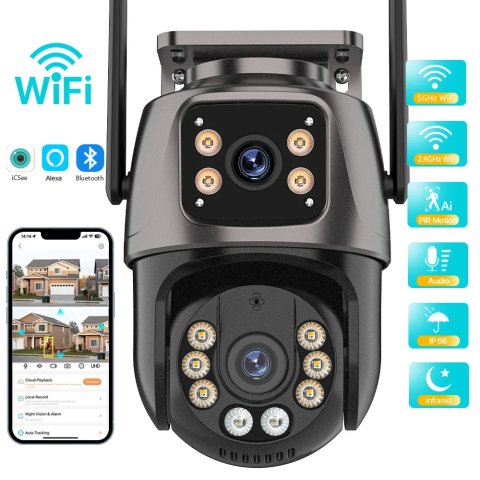
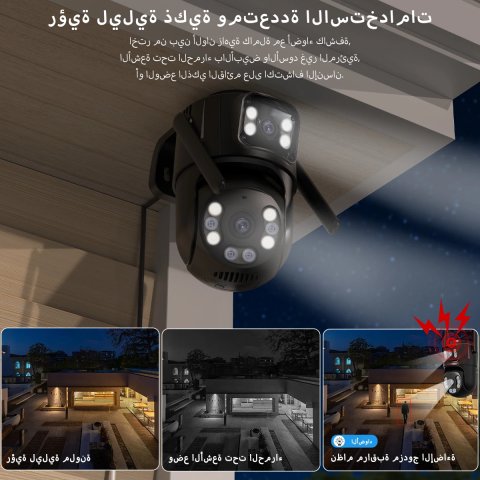
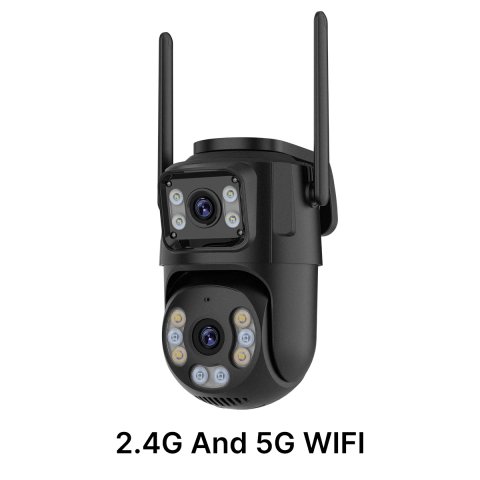
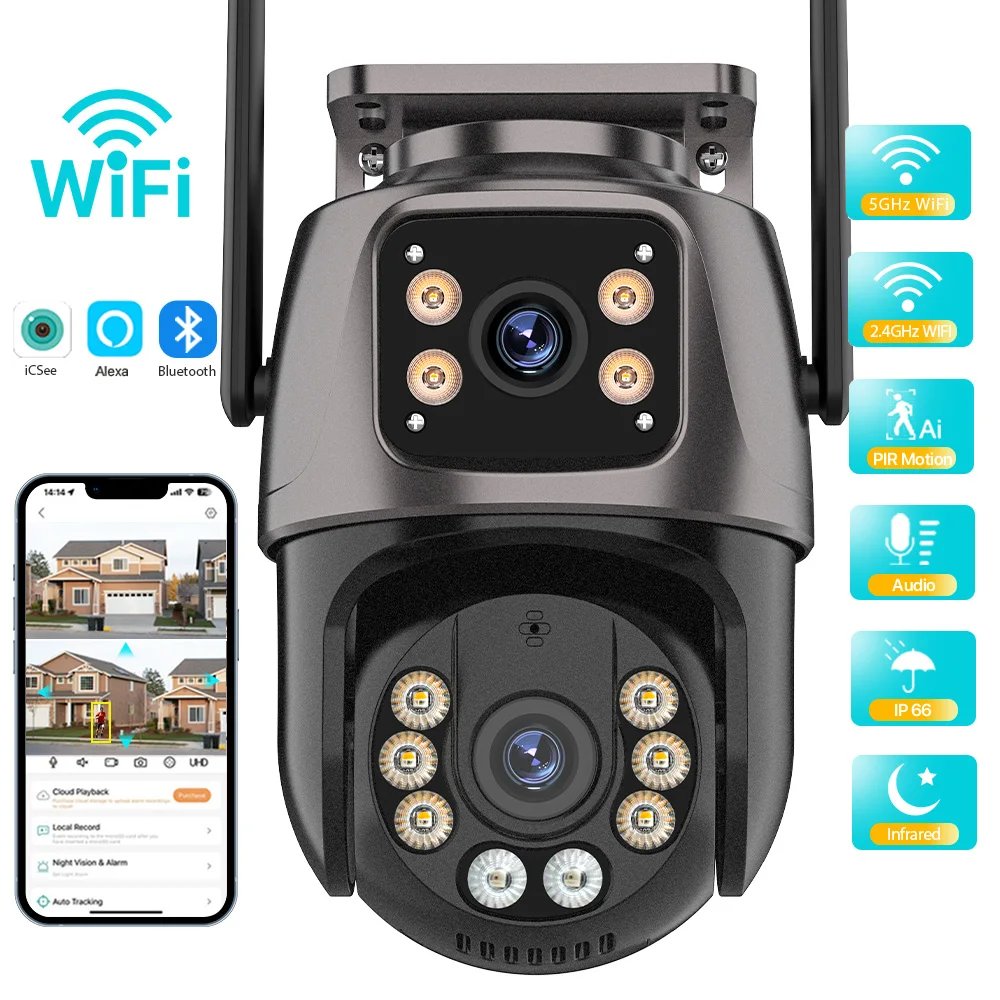
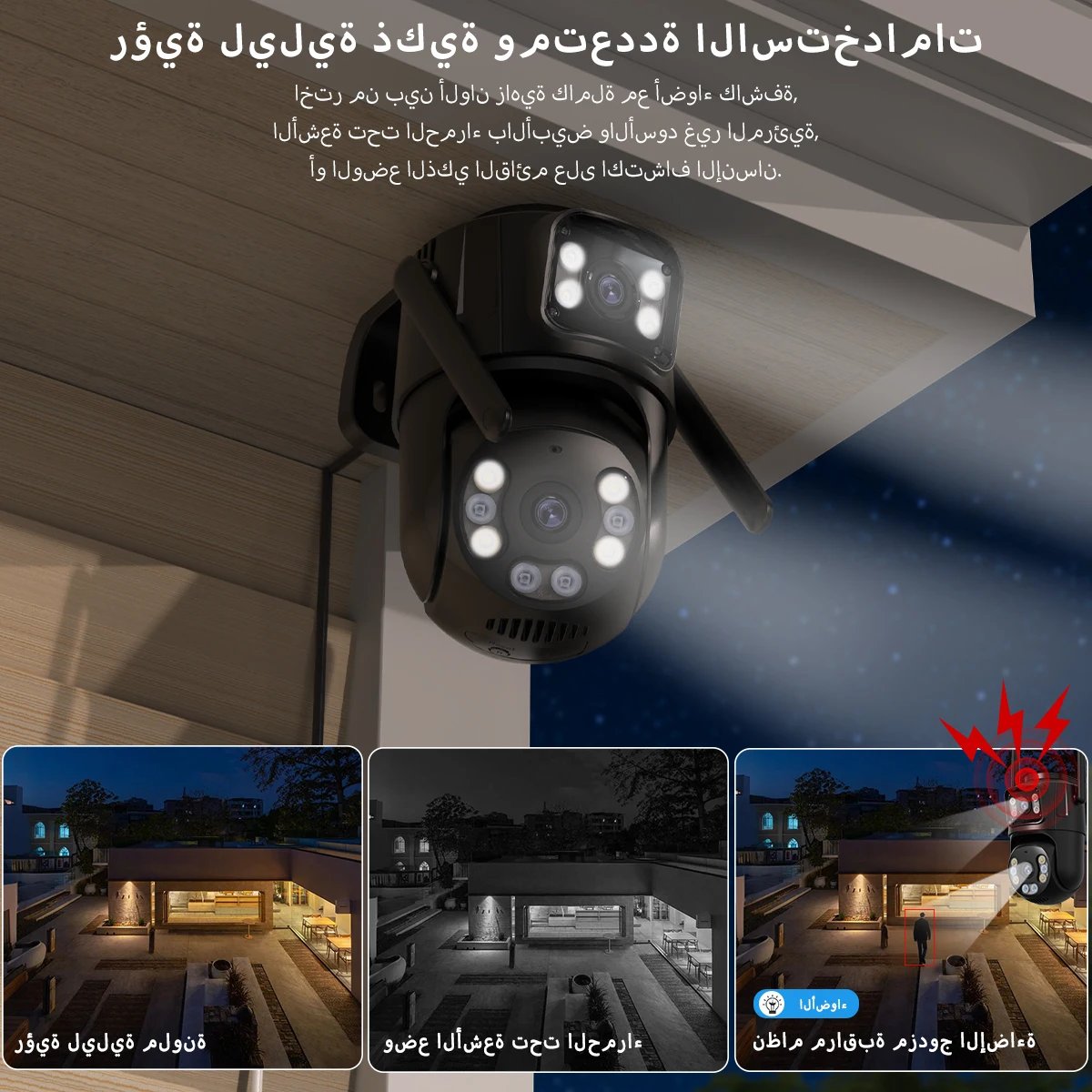
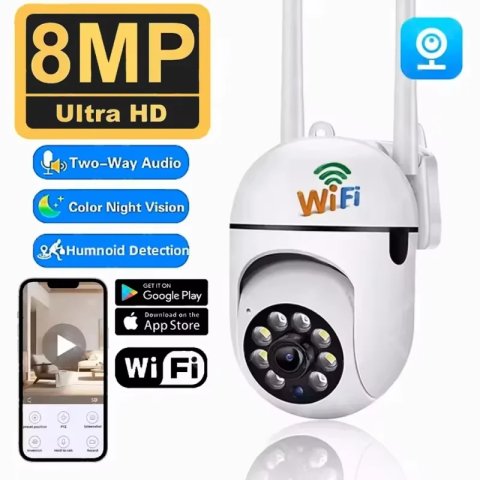
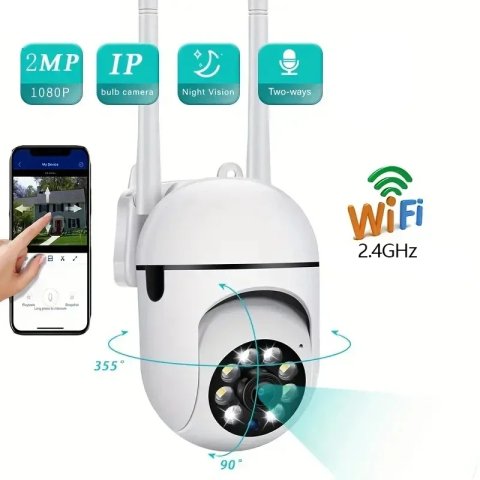
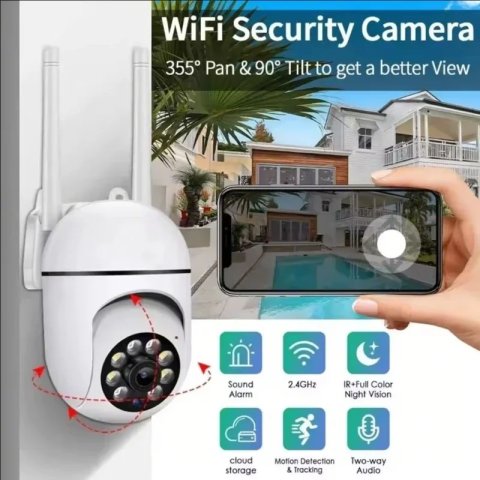
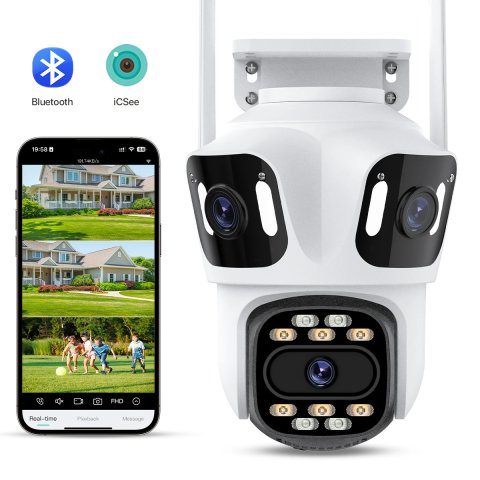
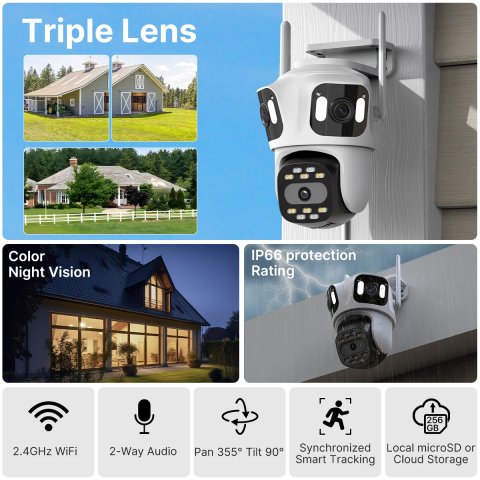
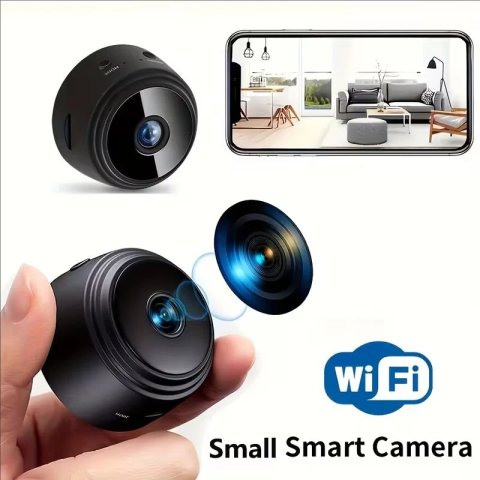
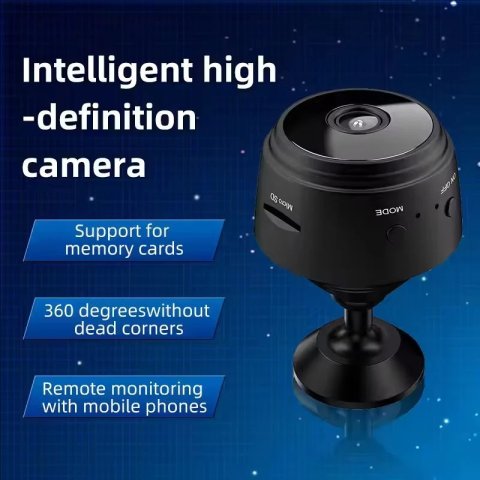
2.4 GHz Wi-Fi IP Camera


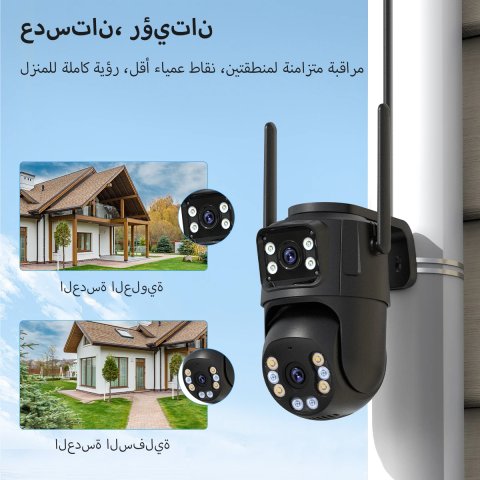
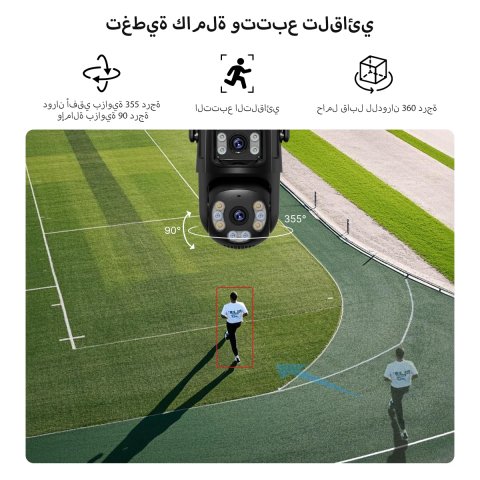
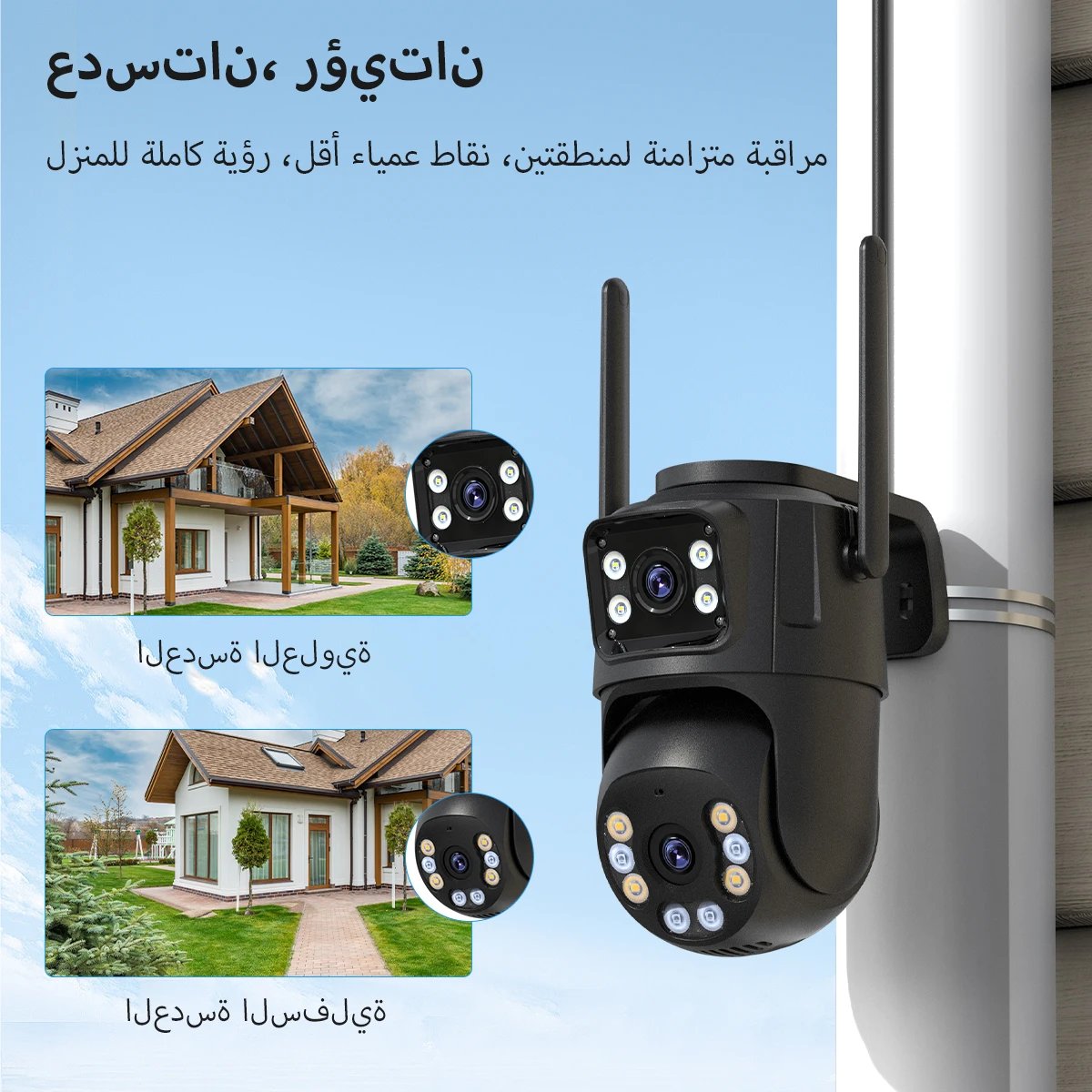
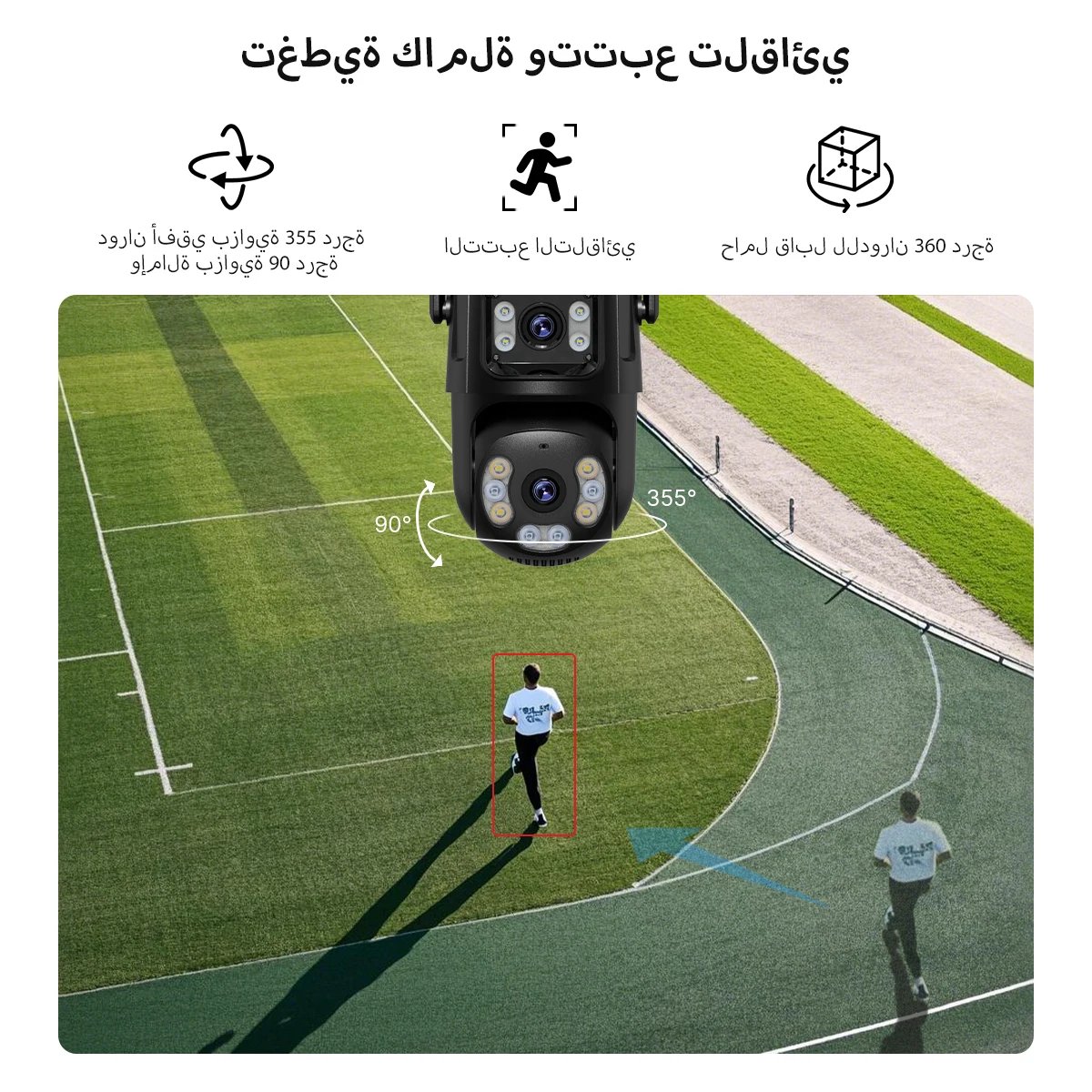
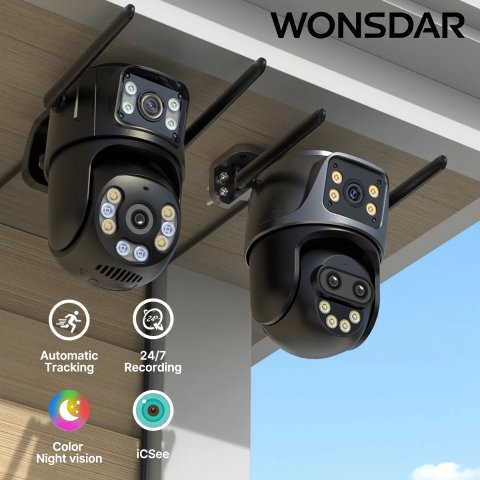
Full Coverage & Auto Tracking 
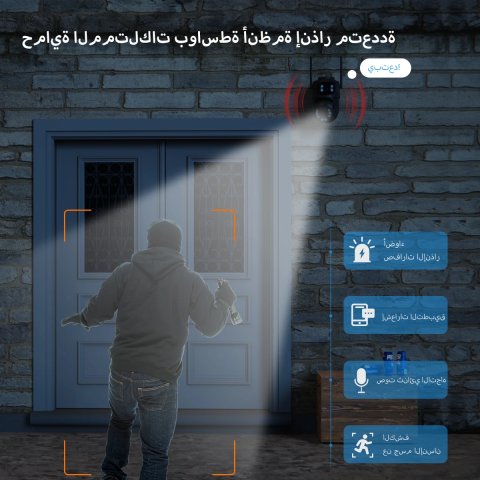
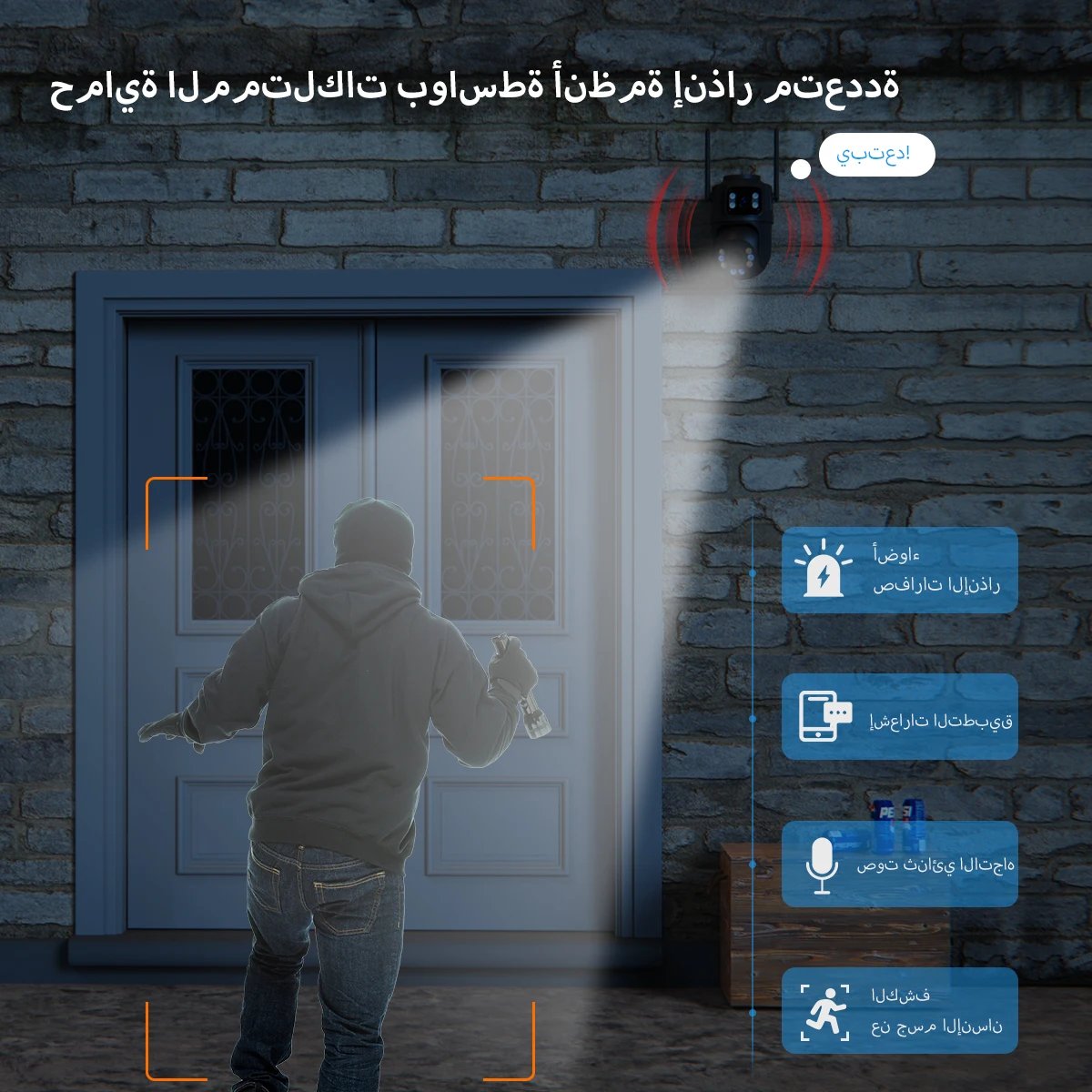
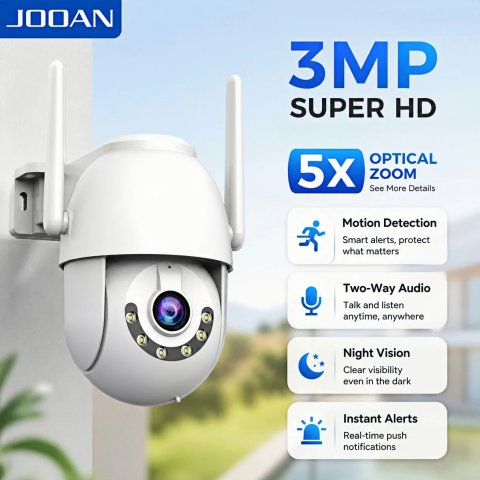
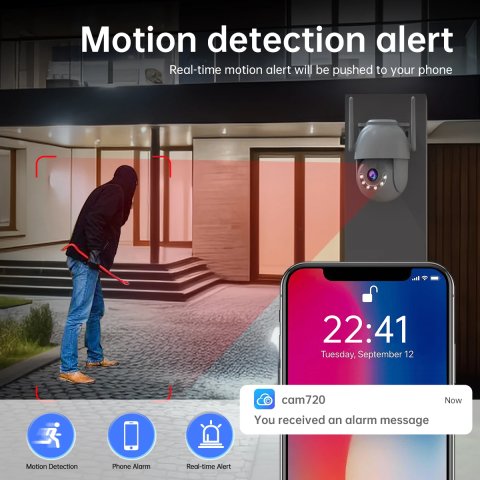
Real-time alarm alerts, instant notifications about intrusions


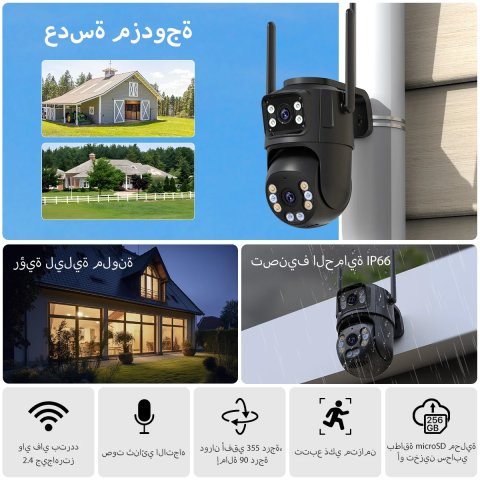
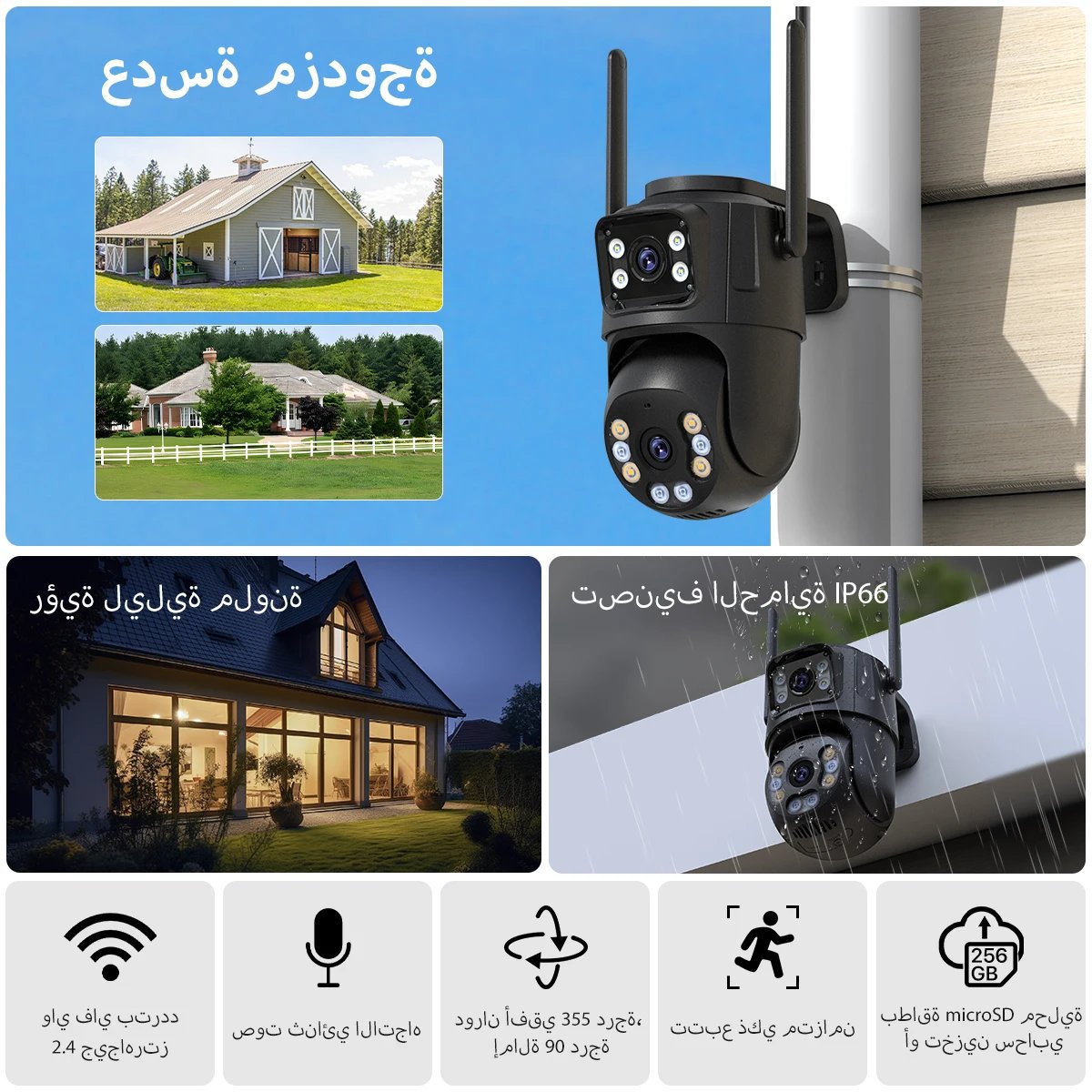
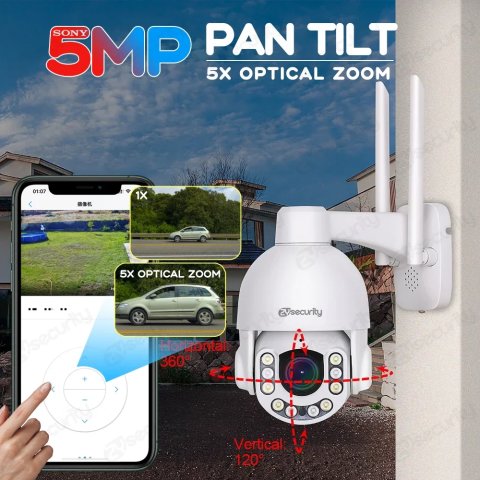
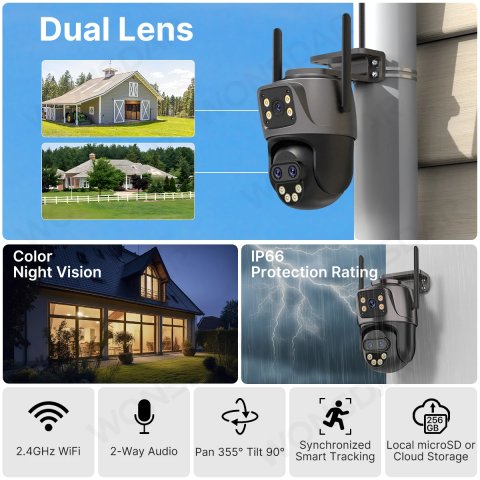
Pan and tilt rotation and horizontal 355 ° Vertical 90 °

Weather-proof for outdoor conditions


Clear two-way audio and audio recording

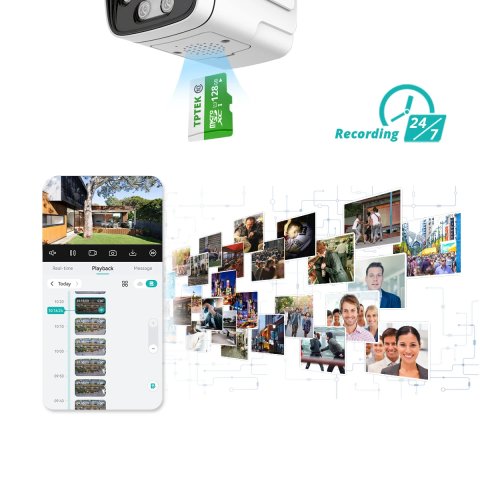
Options for local storage and cloud storage

Free installation limits, 360 ° Rotation for a variety of configurations

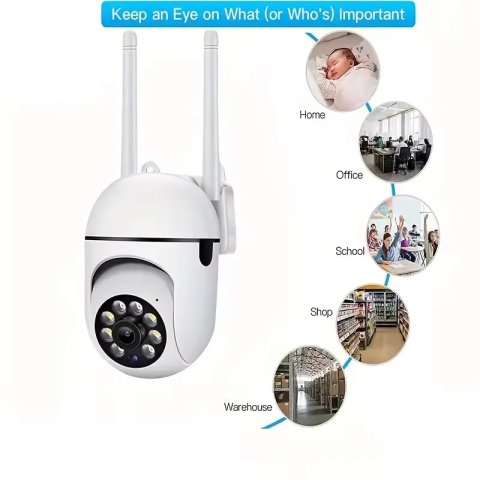
Suitable for many places

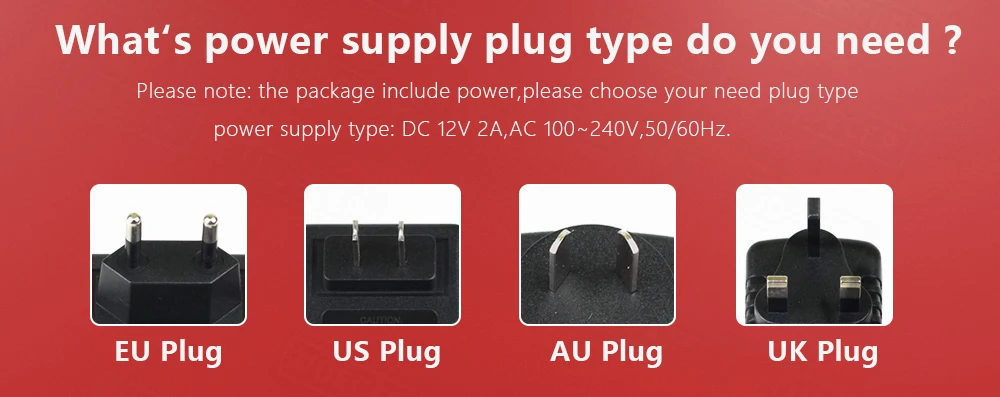
What's power supply plug type do you need ?
| Shipping Cost |
|
| Shop Location |
No reviews found!


No comments found for this product. Be the first to comment!