






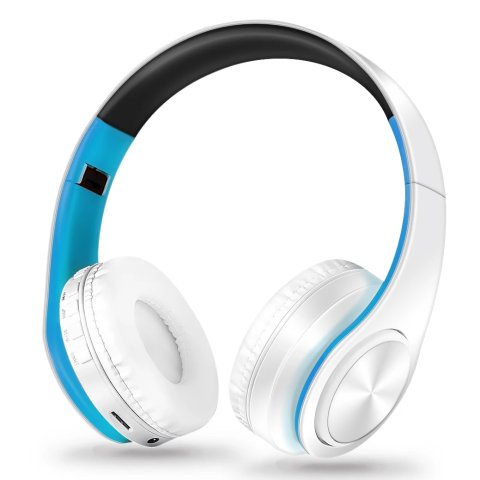

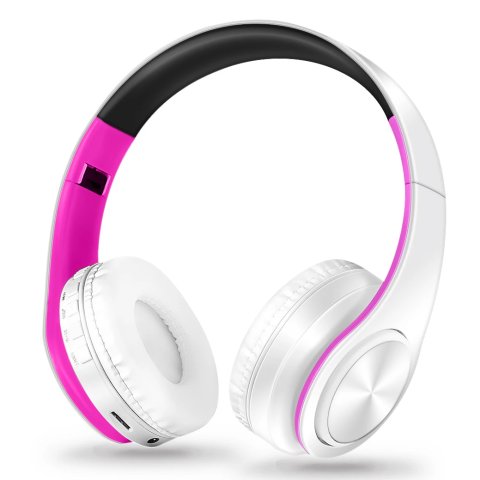
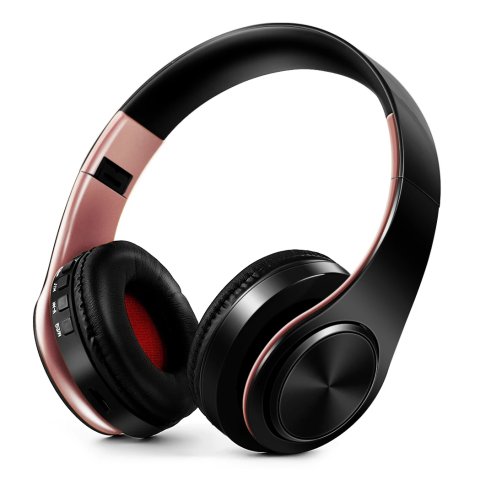
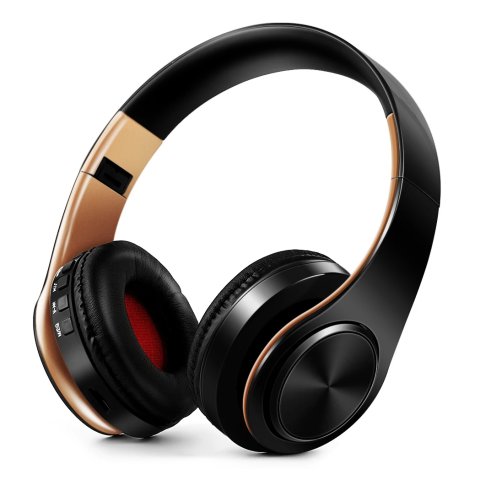
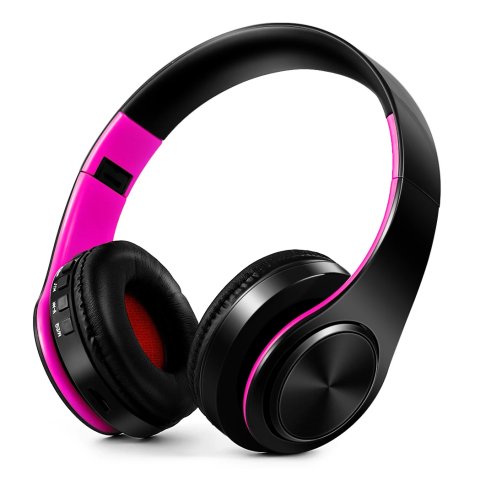
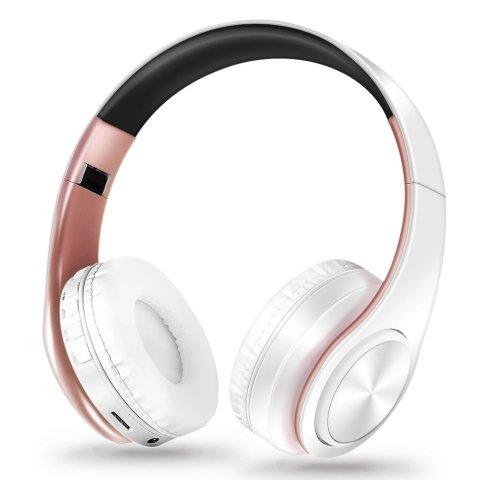
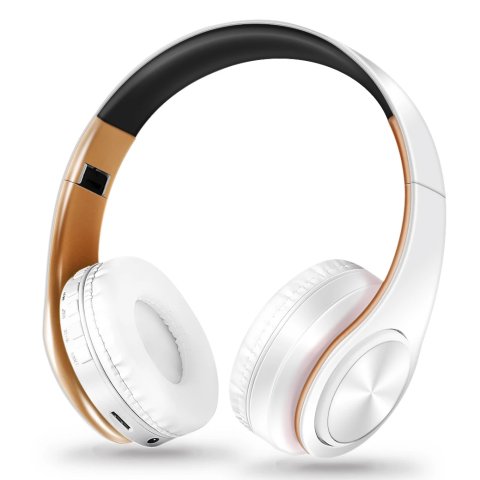
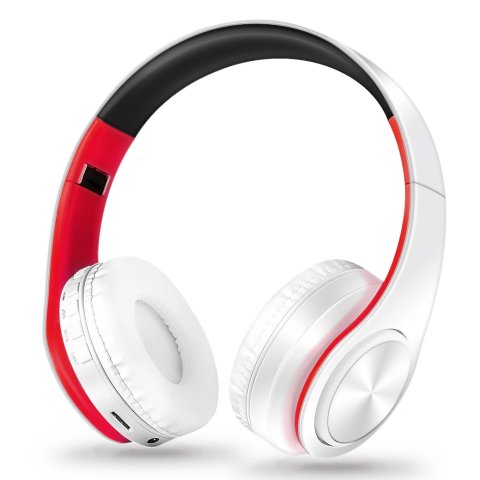
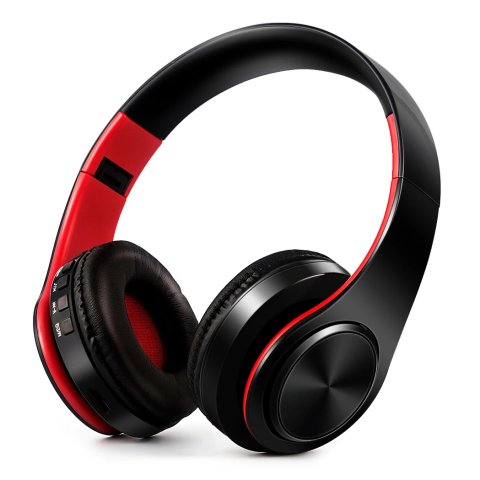
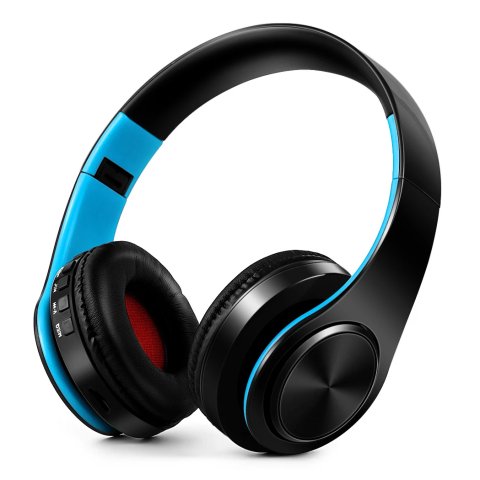
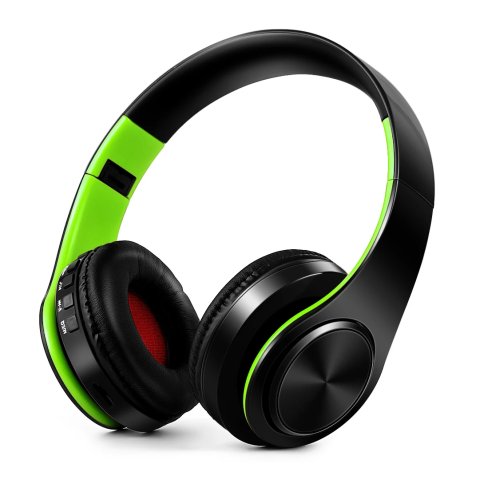
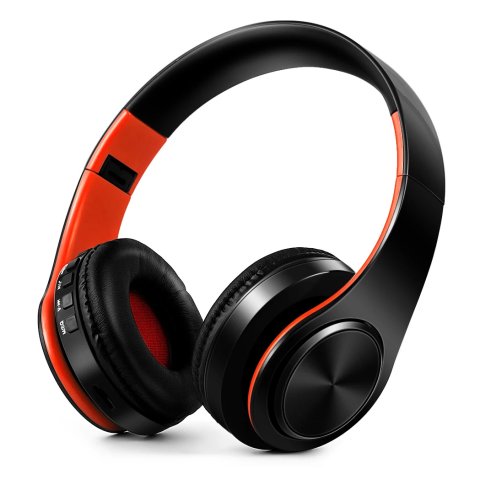
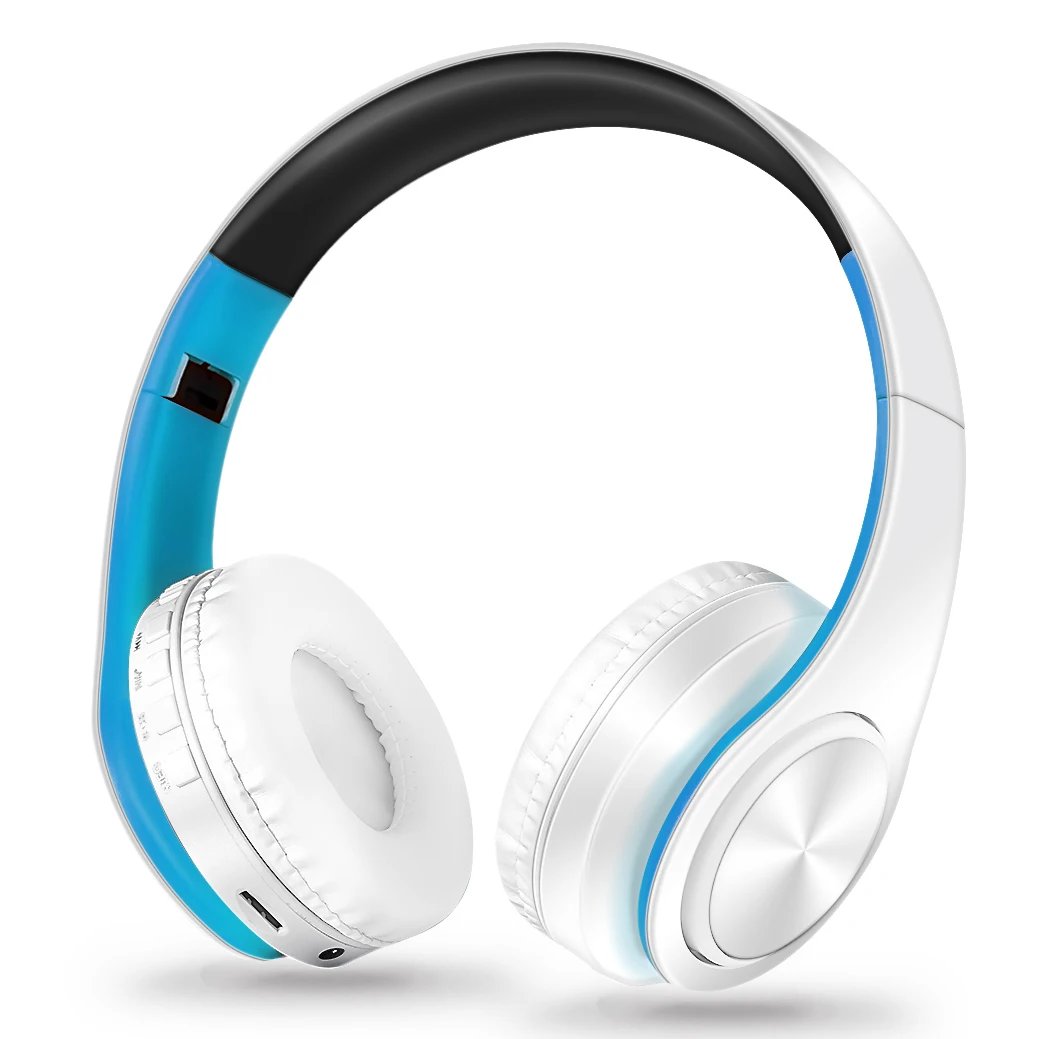

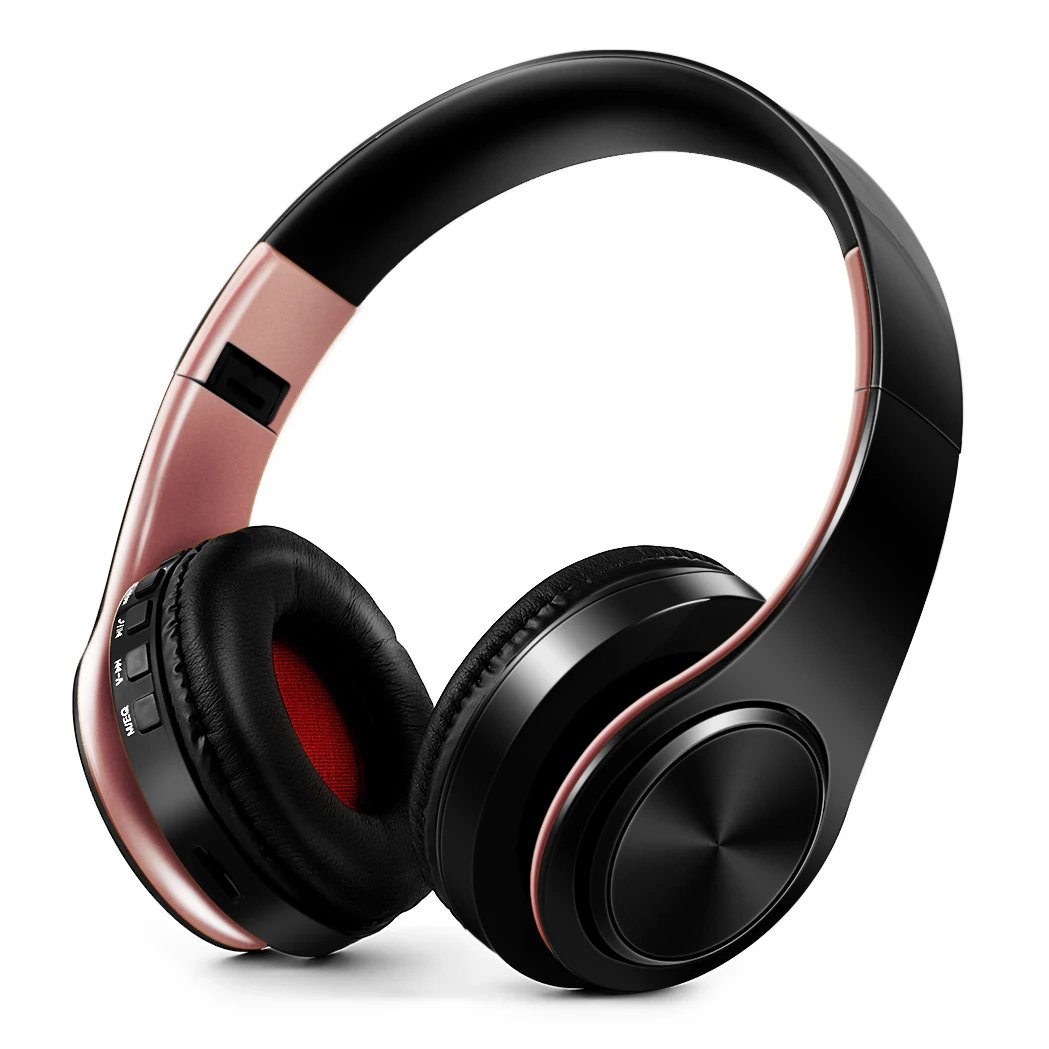
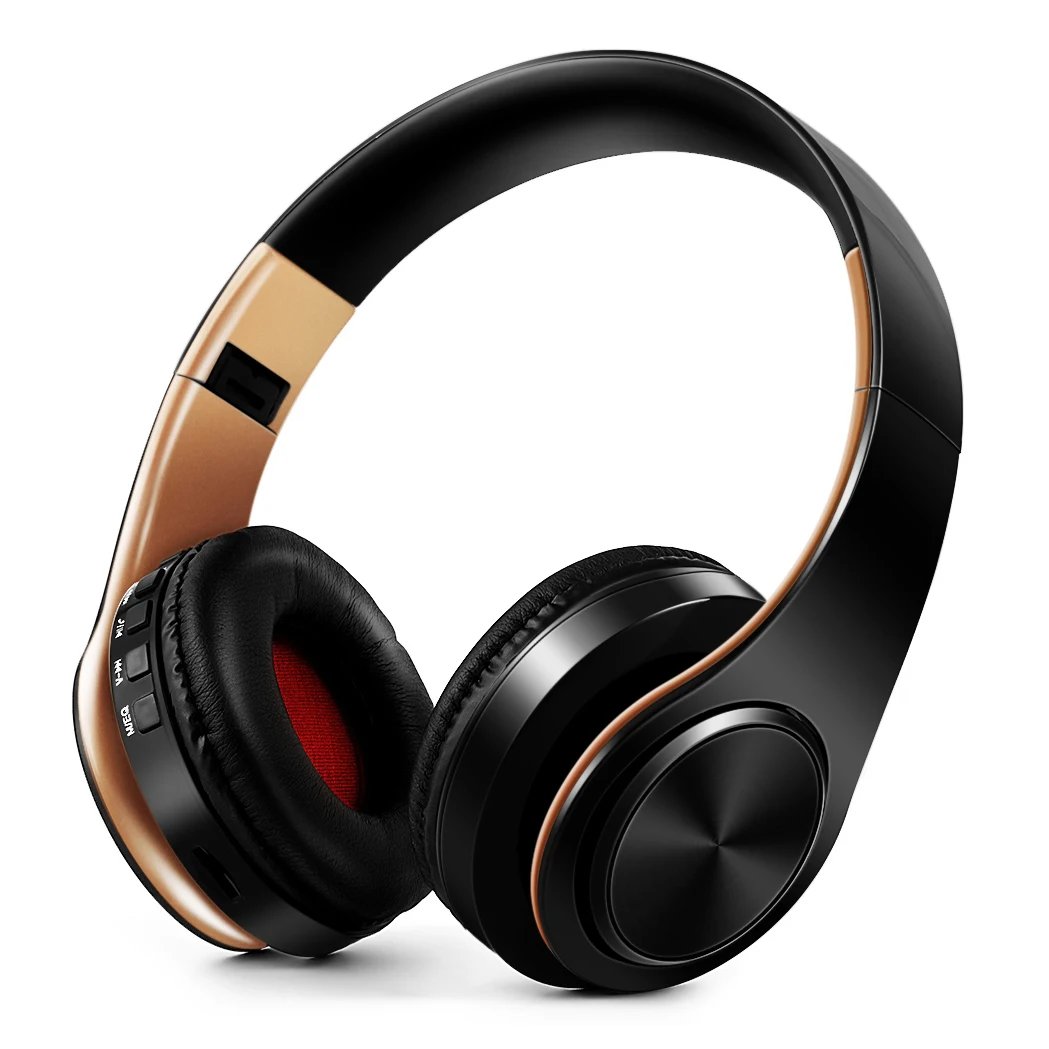
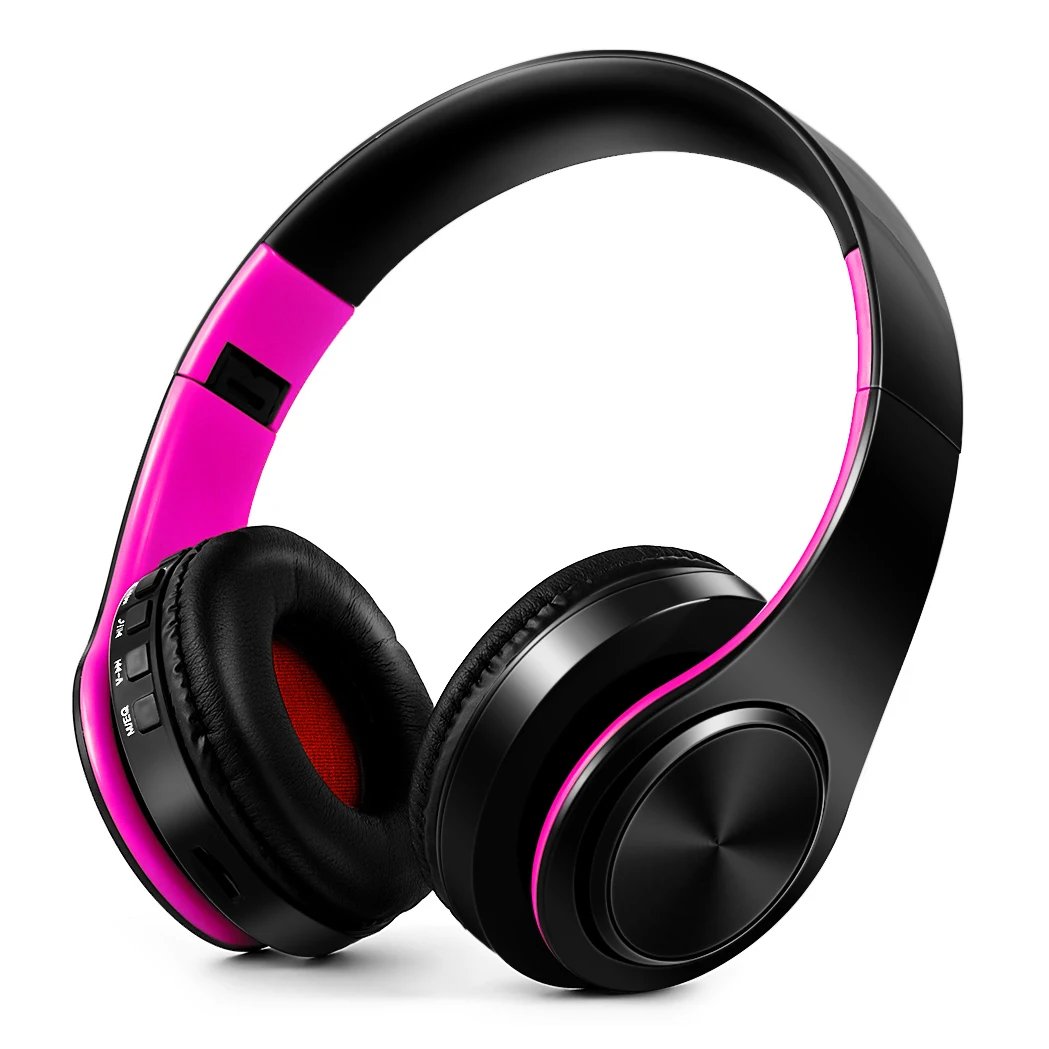
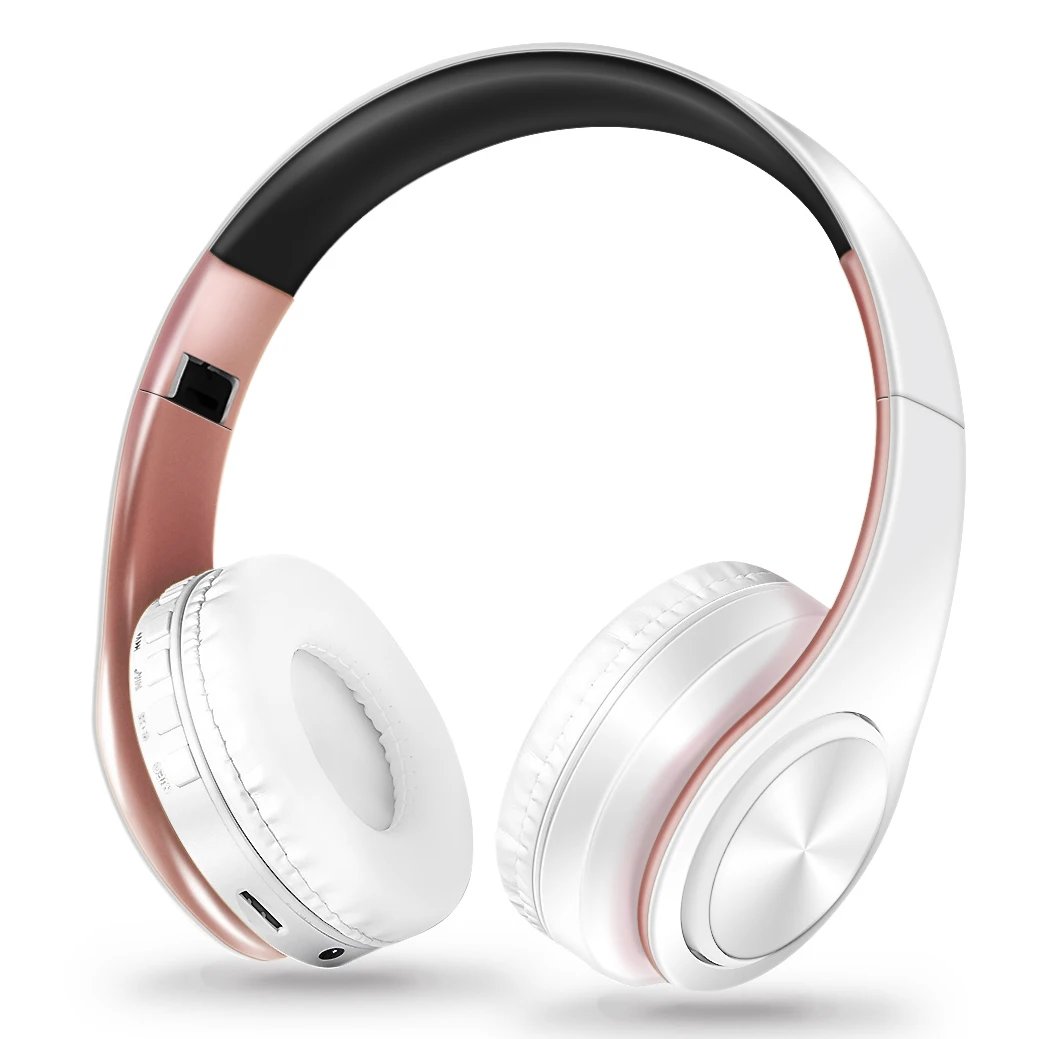
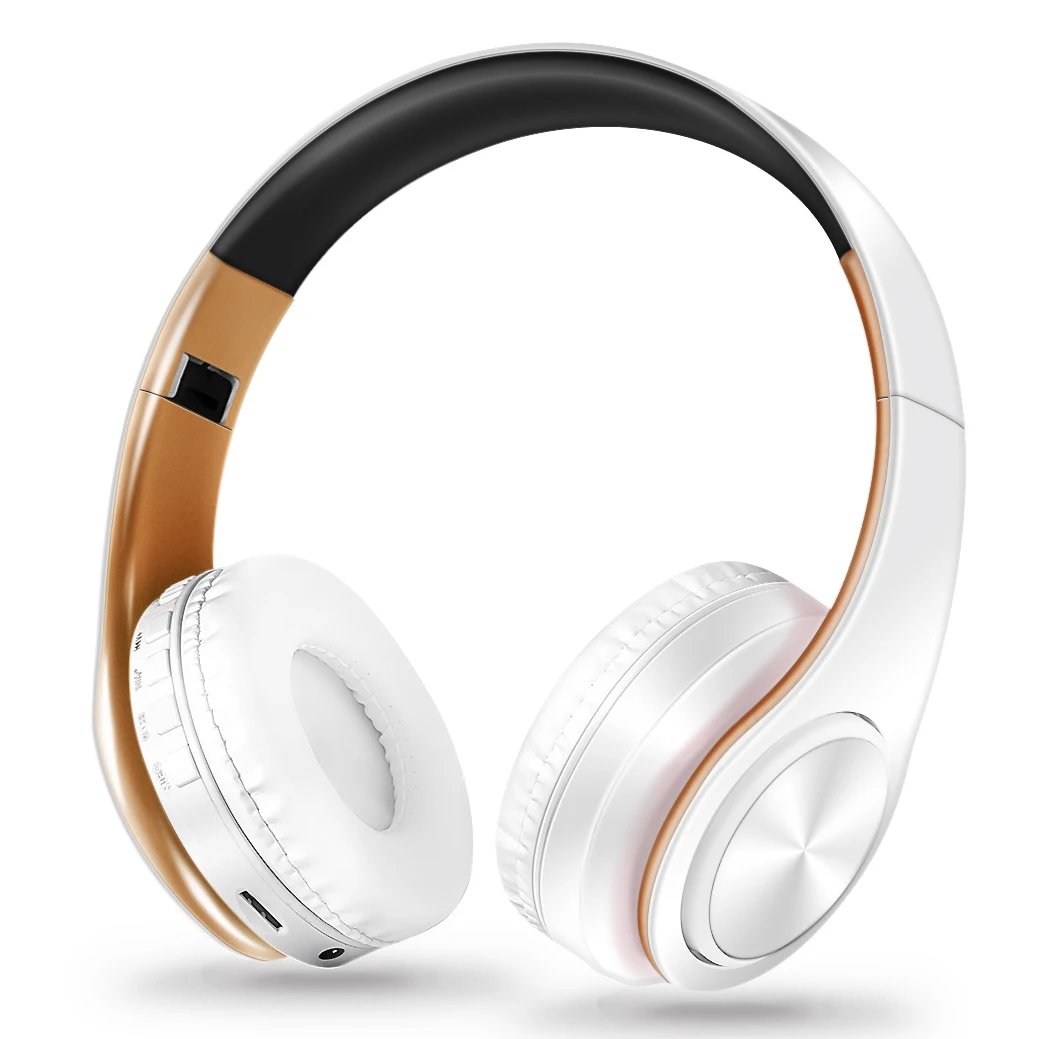
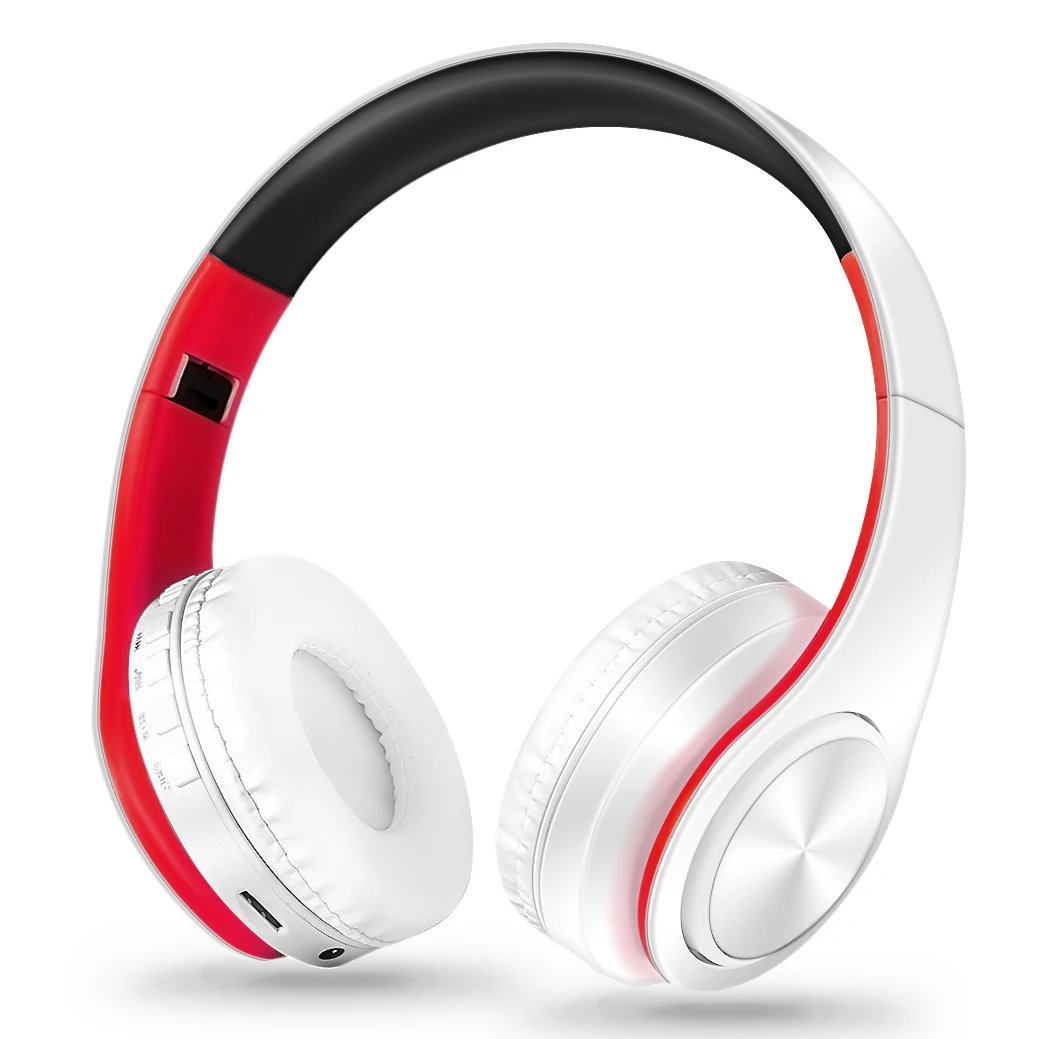
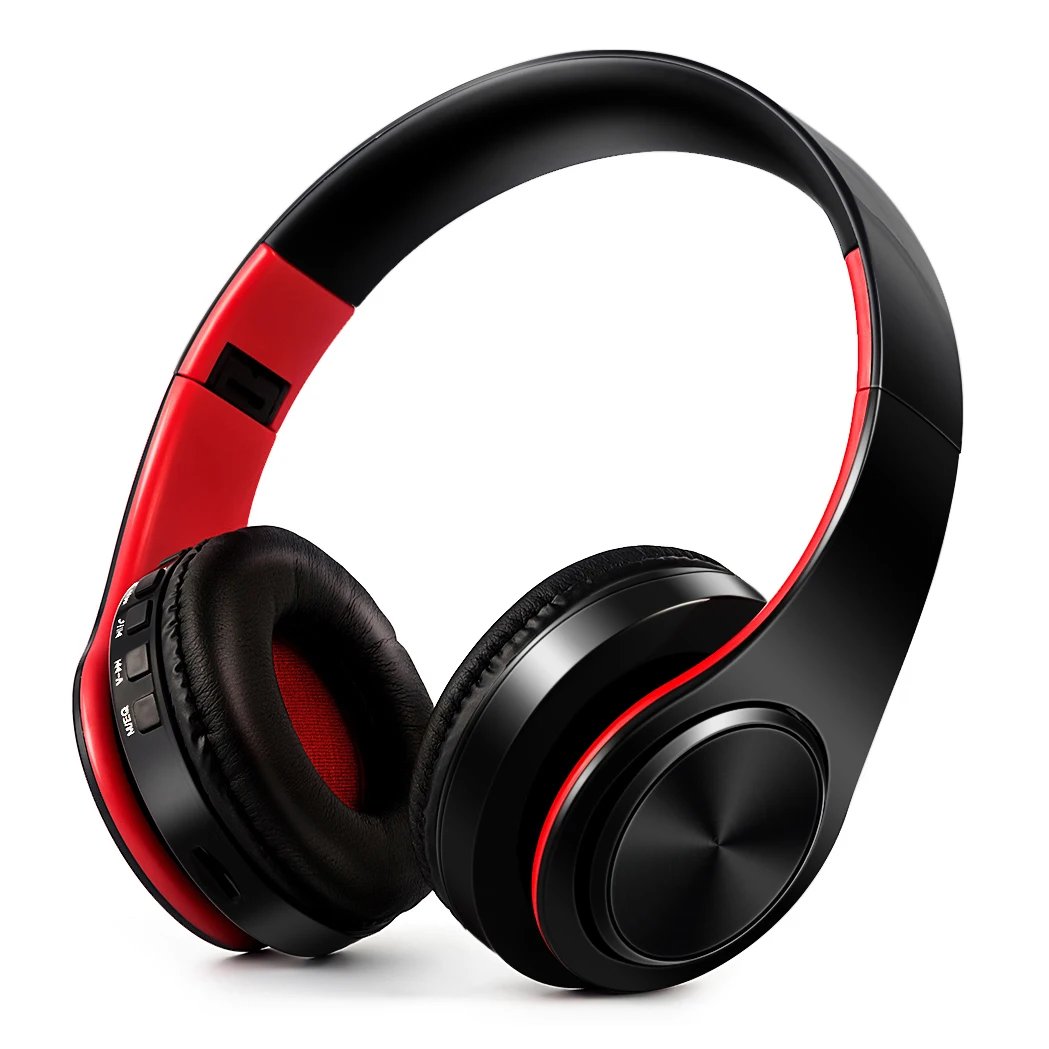
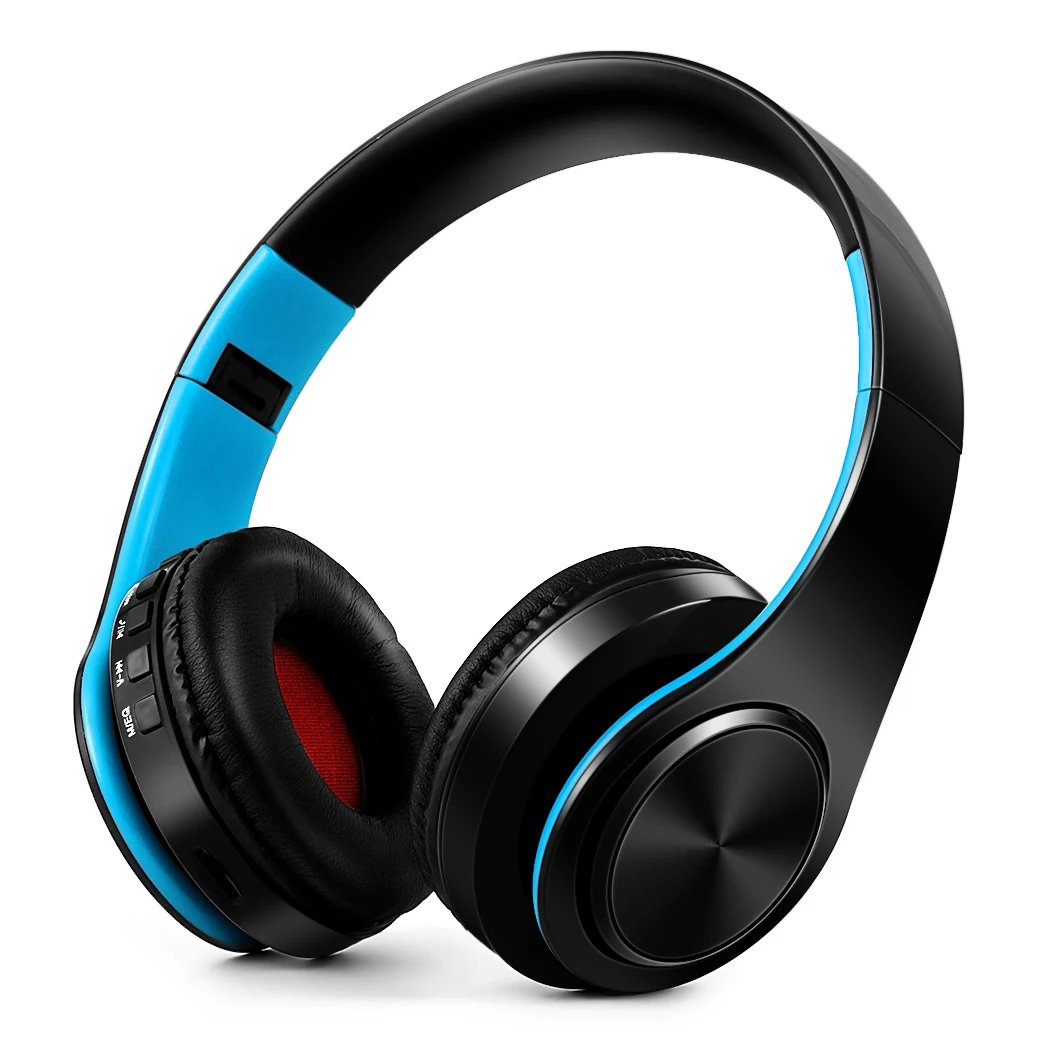
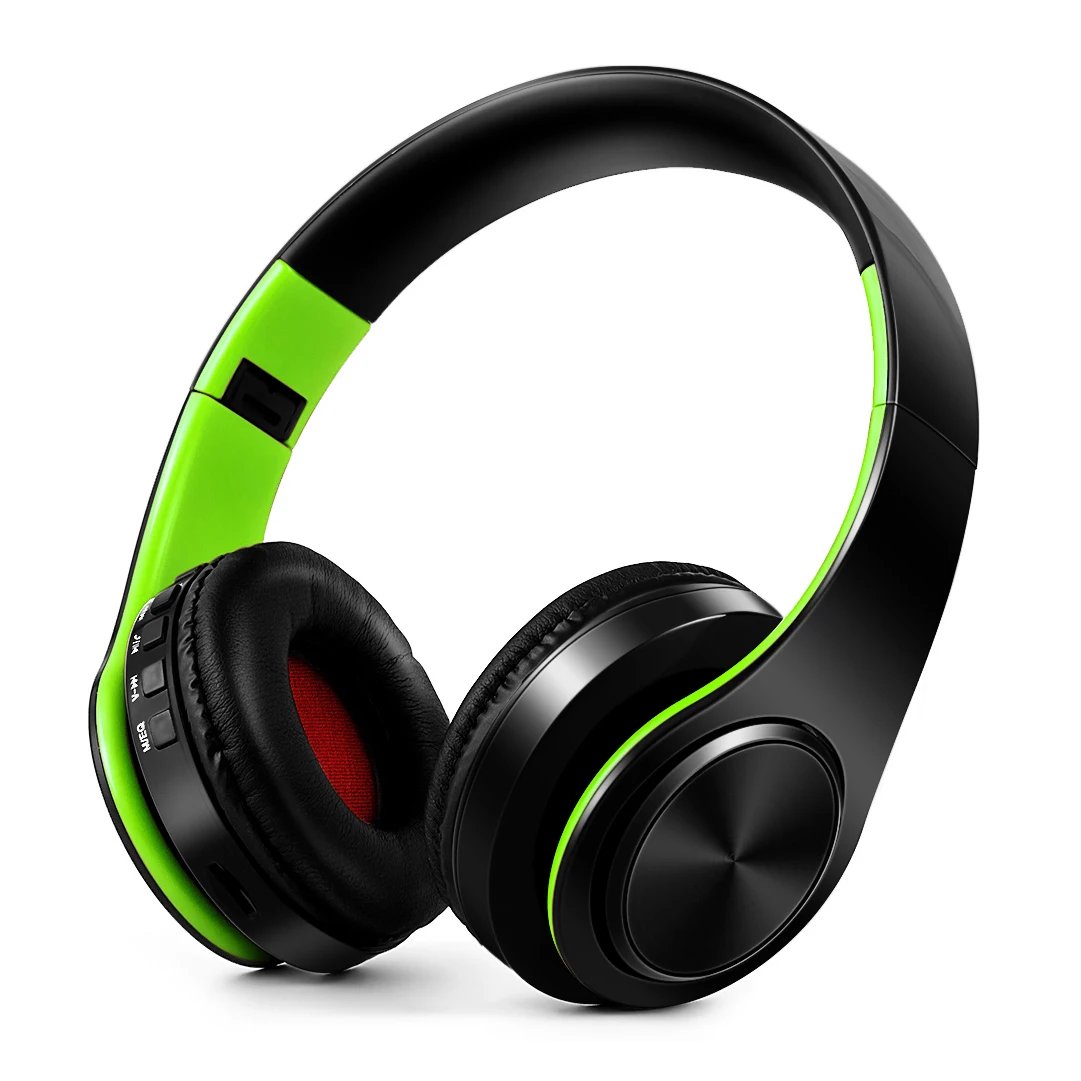
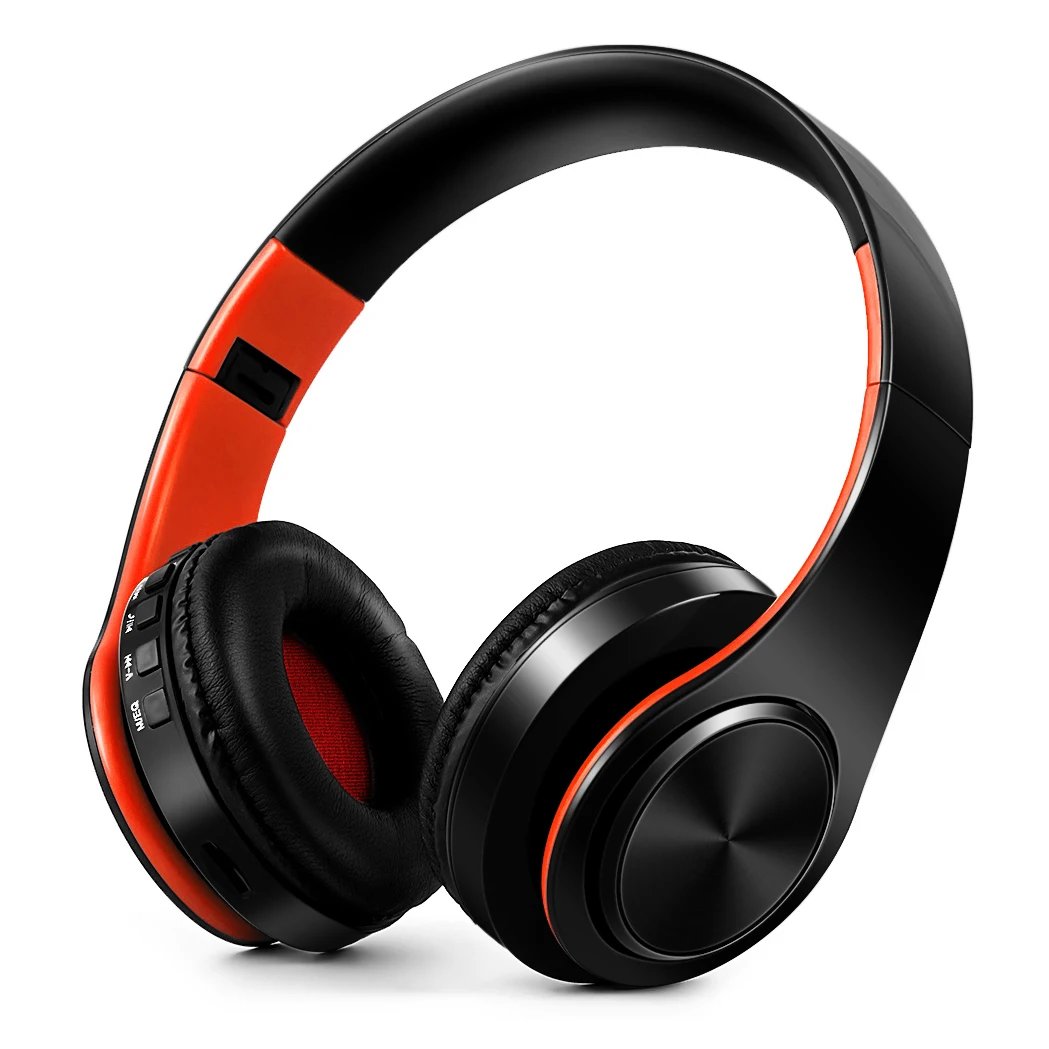
AYVVPII Wireless Stereo Bluetooth Headphones with FM Radio and SD Card Support Featuring Built-in Microphone for Mobile Phones, iPhone, Samsung, Tablets, and MP3 Players

Seller: rhruls rhruls |
Reviews (0)
 0  0  1
67.33 SAR
In Stock
AE-14:350853#White blue
Supplier shipping cost:
  Calculating shipping for the current selection. Please wait…
Shipping estimate for the current selection and quantity to the delivery country. Reviewed at checkout.
  Estimated Delivery:
  10–20 days to your address (estimated, if ordered today)
Share: 

AYVVPII Stereo Wireless Bluetooth Headphone FM and Support SD Card with Mic for Mobile Iphone Sumsamg Tablet MP3


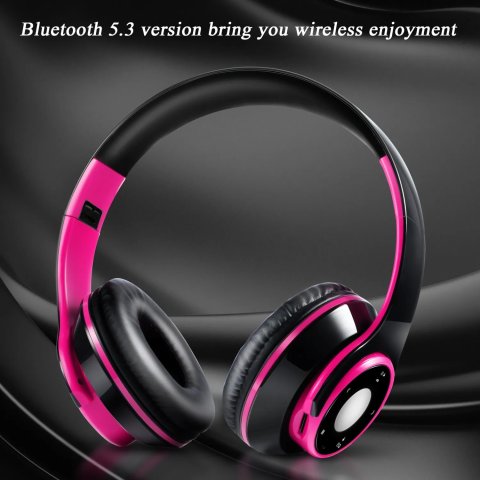
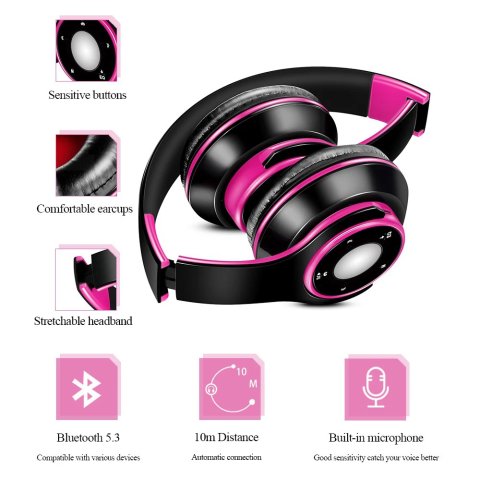
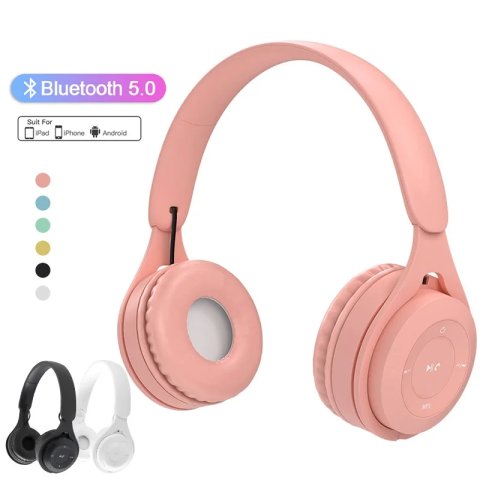
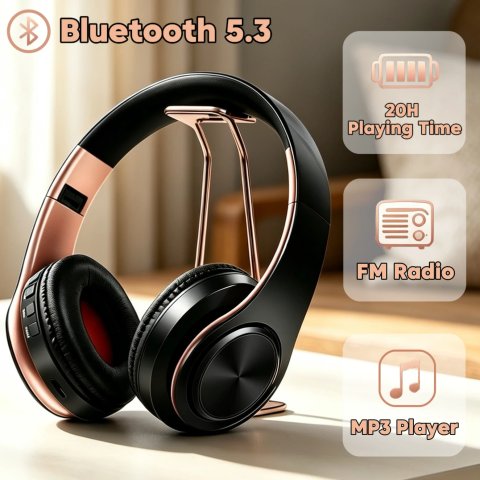
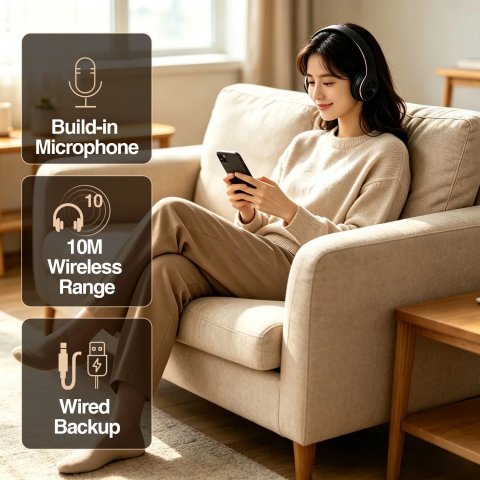
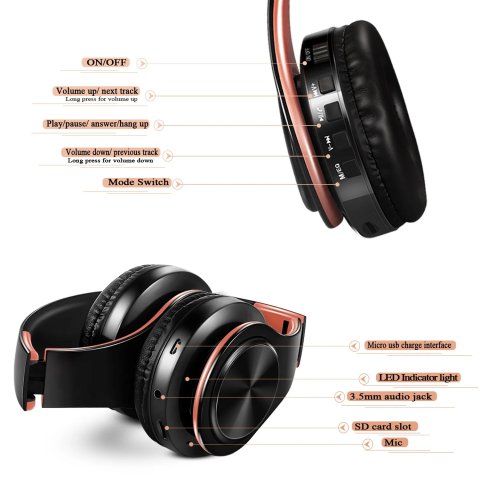
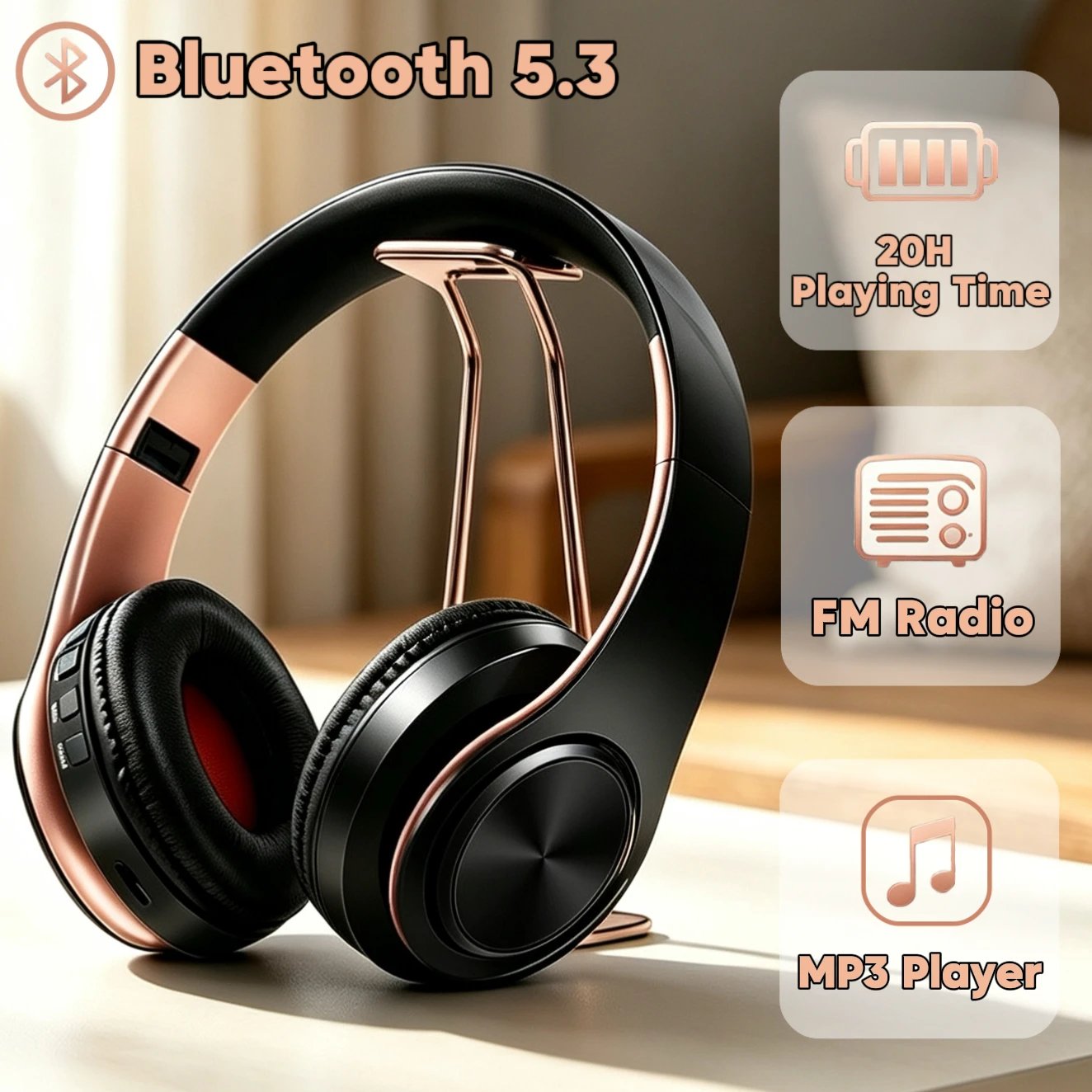
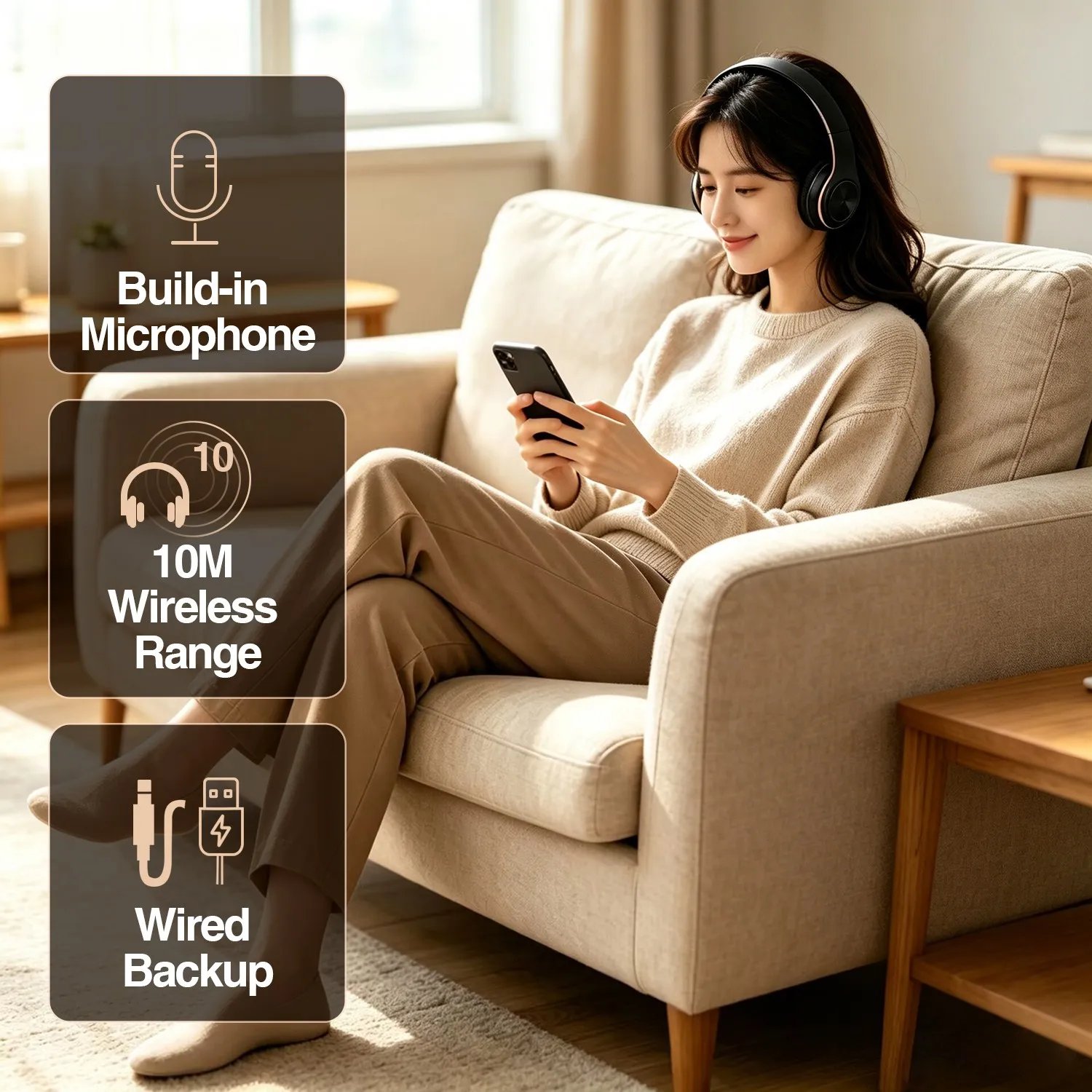
>Multiple functional features includedFeaturing Bluetooth version 5.3, the headphones offer multiple functionalities including MP3 playback, FM radio, stereo music streaming, and hands-free phone calls. They also include a standard 3.5mm audio jack, allowing for straightforward wired connections to various devices lacking Bluetooth support.


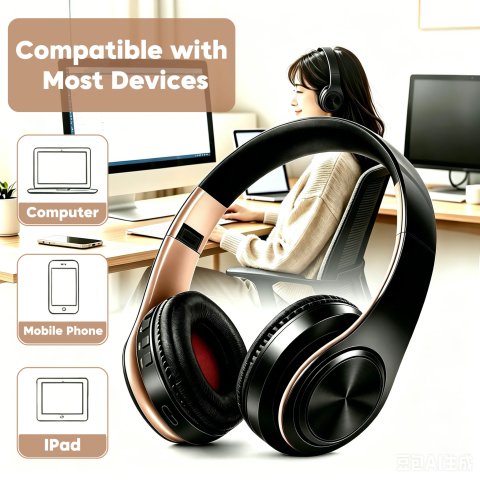
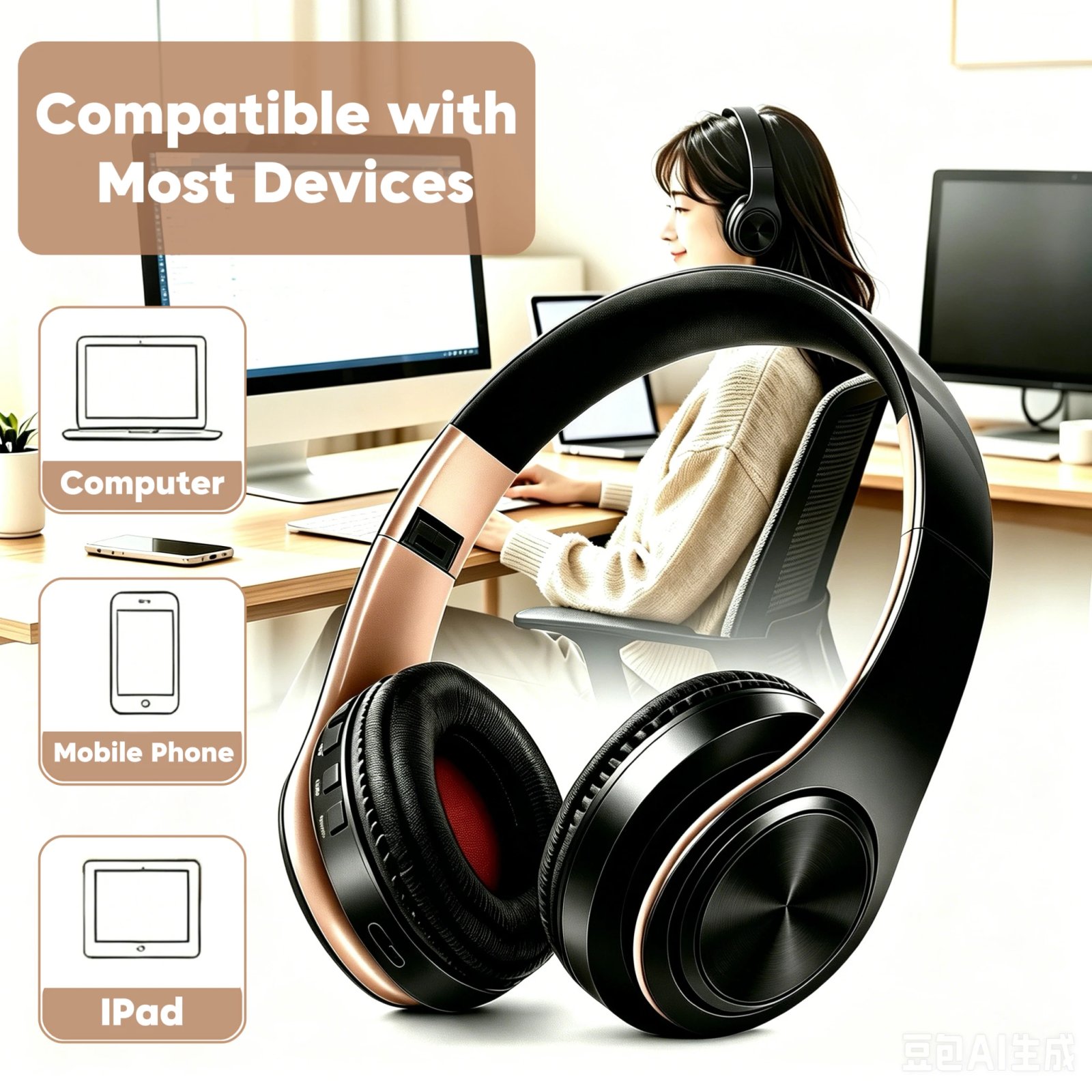
>Compatible with a wide variety of audio devices equipped with Bluetooth functionality, including smartphones, tablets, laptops, and desktop computers, making it highly versatile.This headset supports connection to any audio device that has Bluetooth capabilities, such as mobile phones, tablet PCs, laptops, and desktop computers, ensuring broad compatibility across different gadgets.


>Integrated MicrophoneThis feature enables you to conveniently accept or reject incoming calls anytime and from any location without interruption.


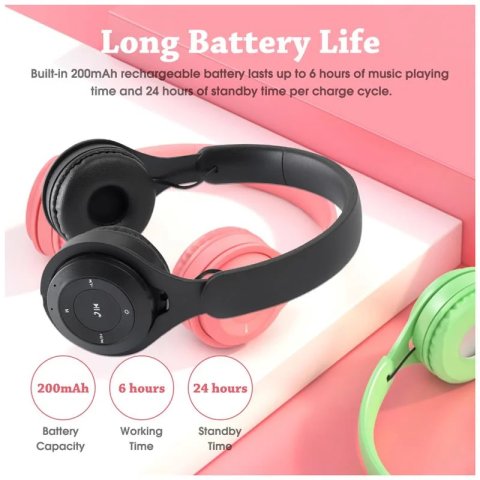
>Extended battery lifeEquipped with a built-in rechargeable lithium battery, the headphone offers up to 20 hours of continuous music playback and can remain on standby for up to 360 hours.


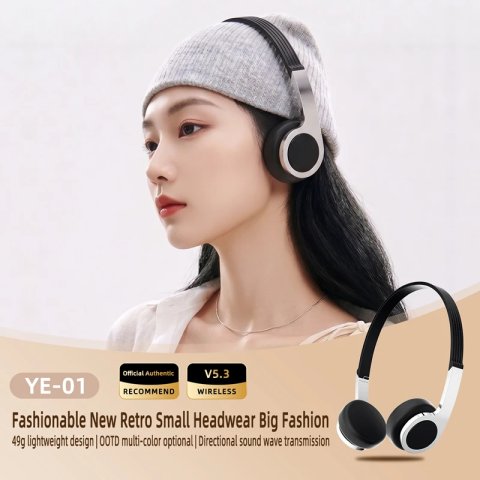
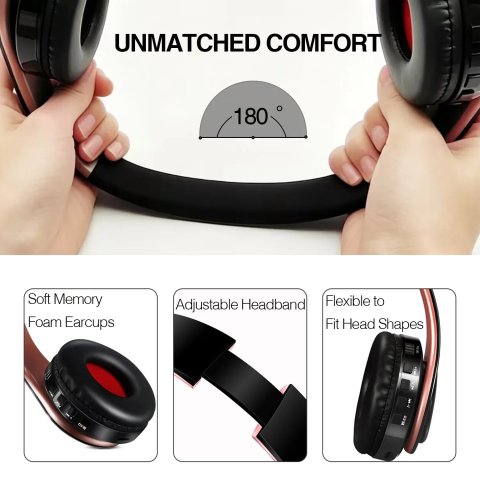
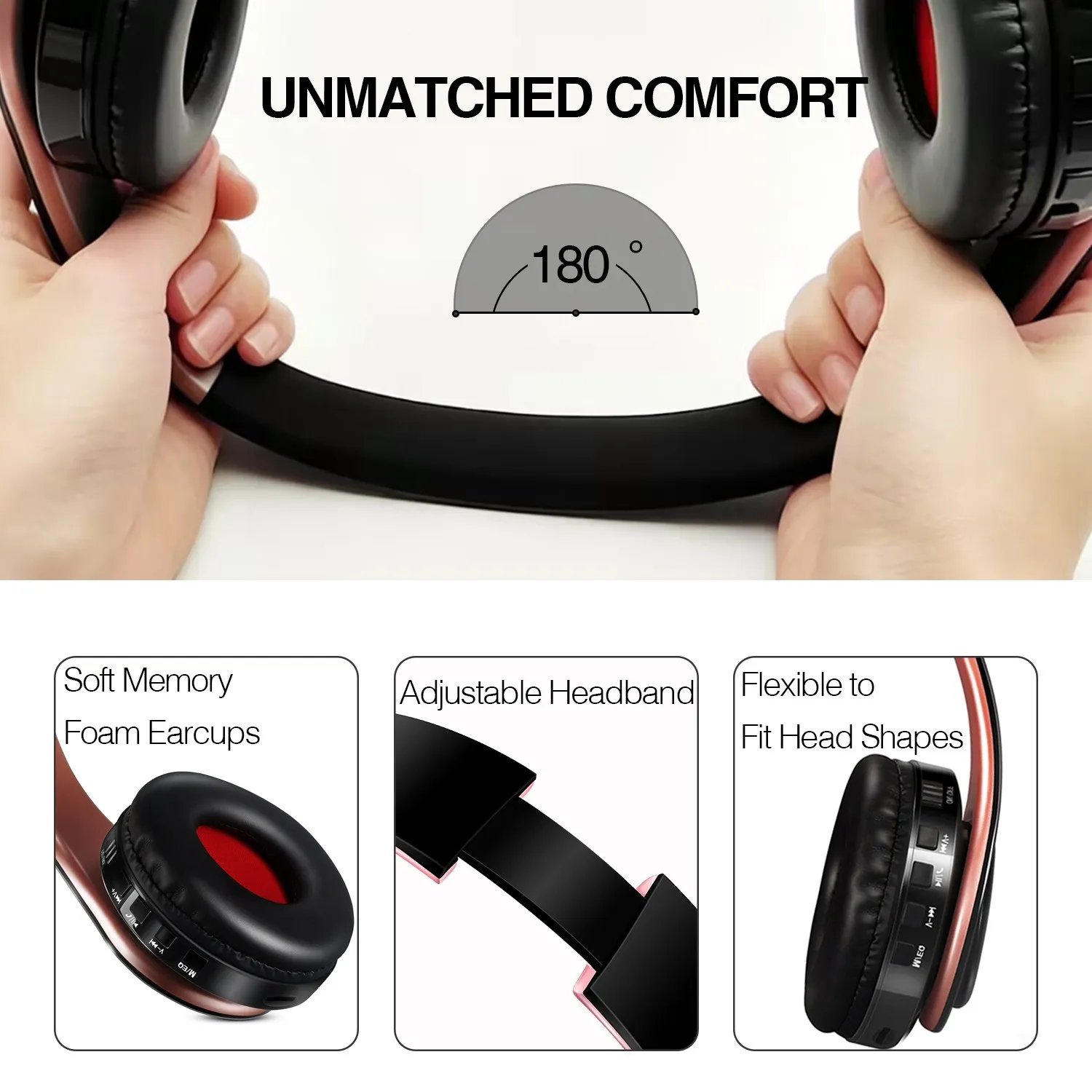
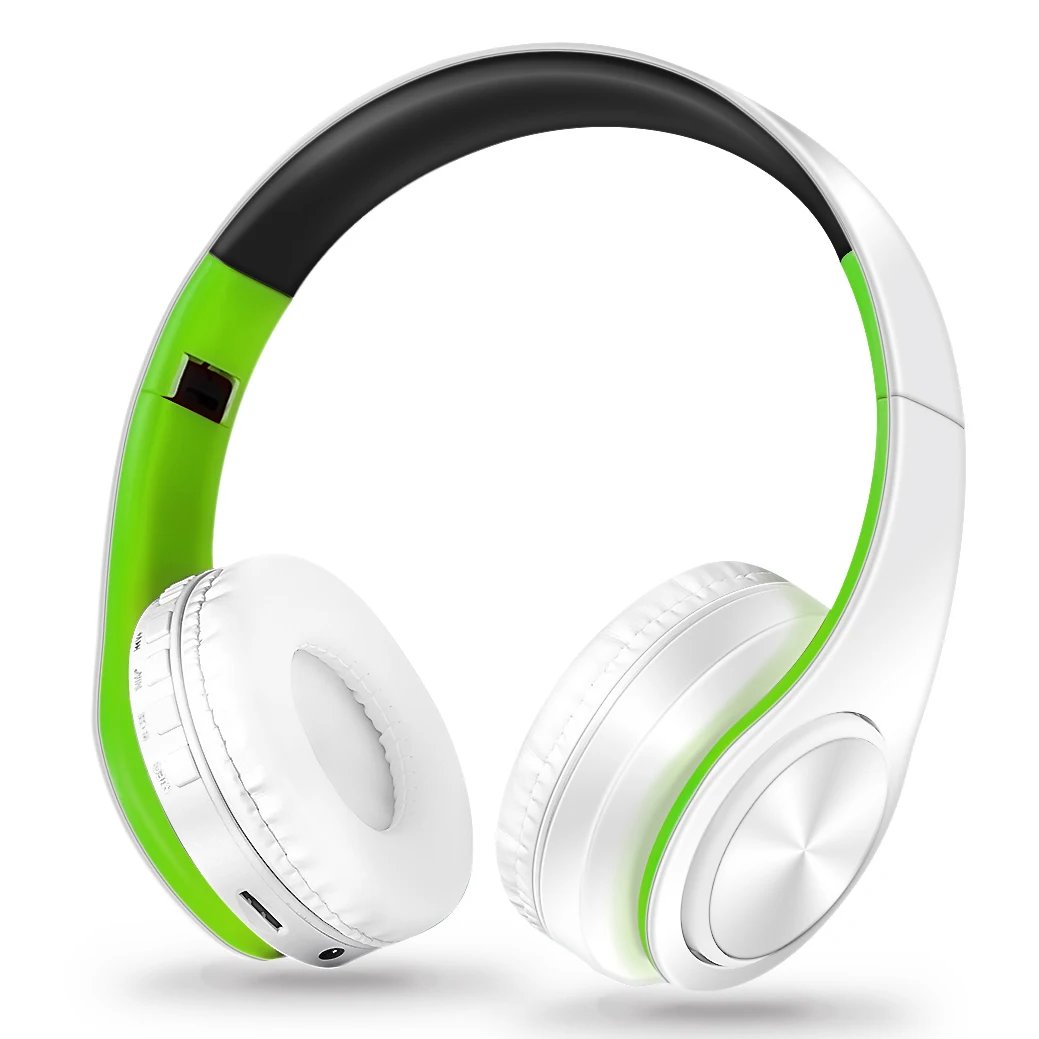
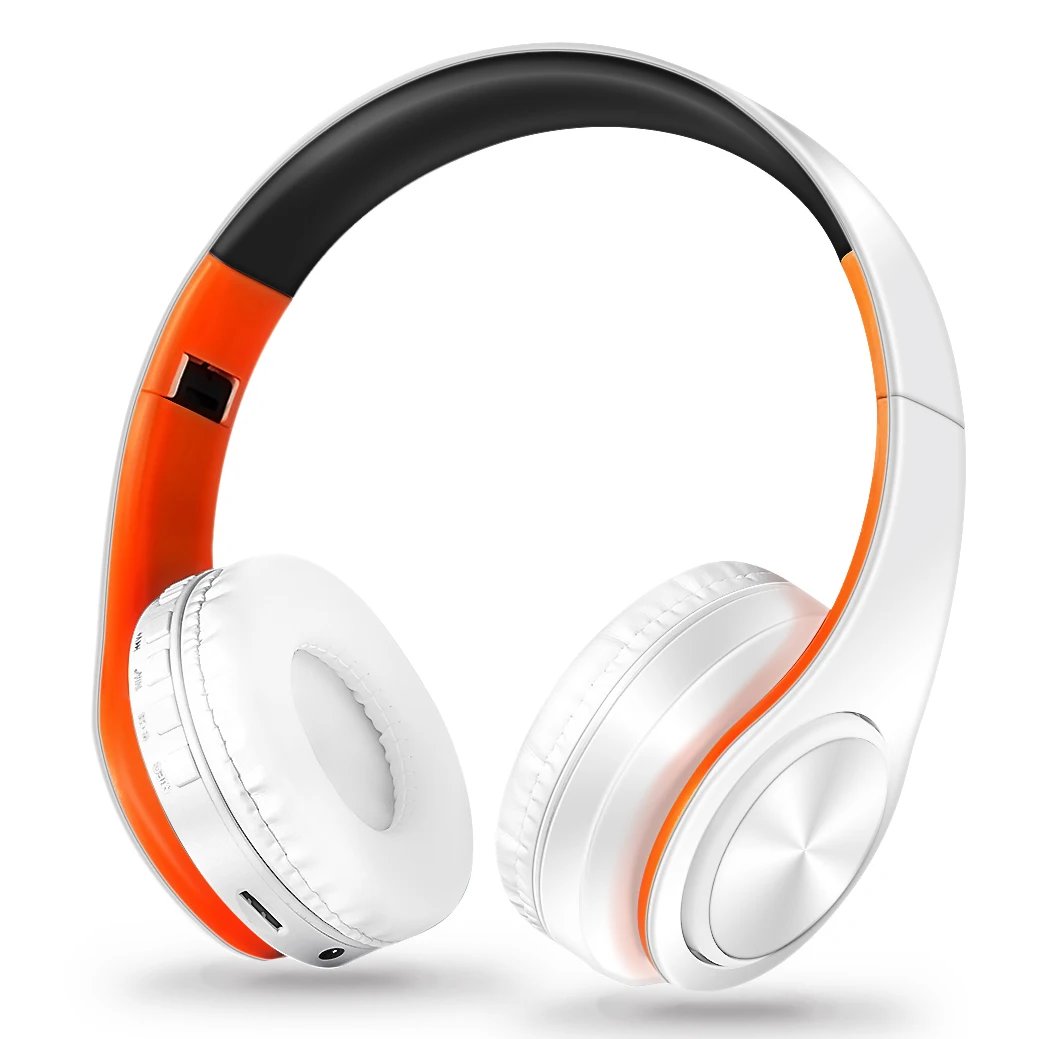
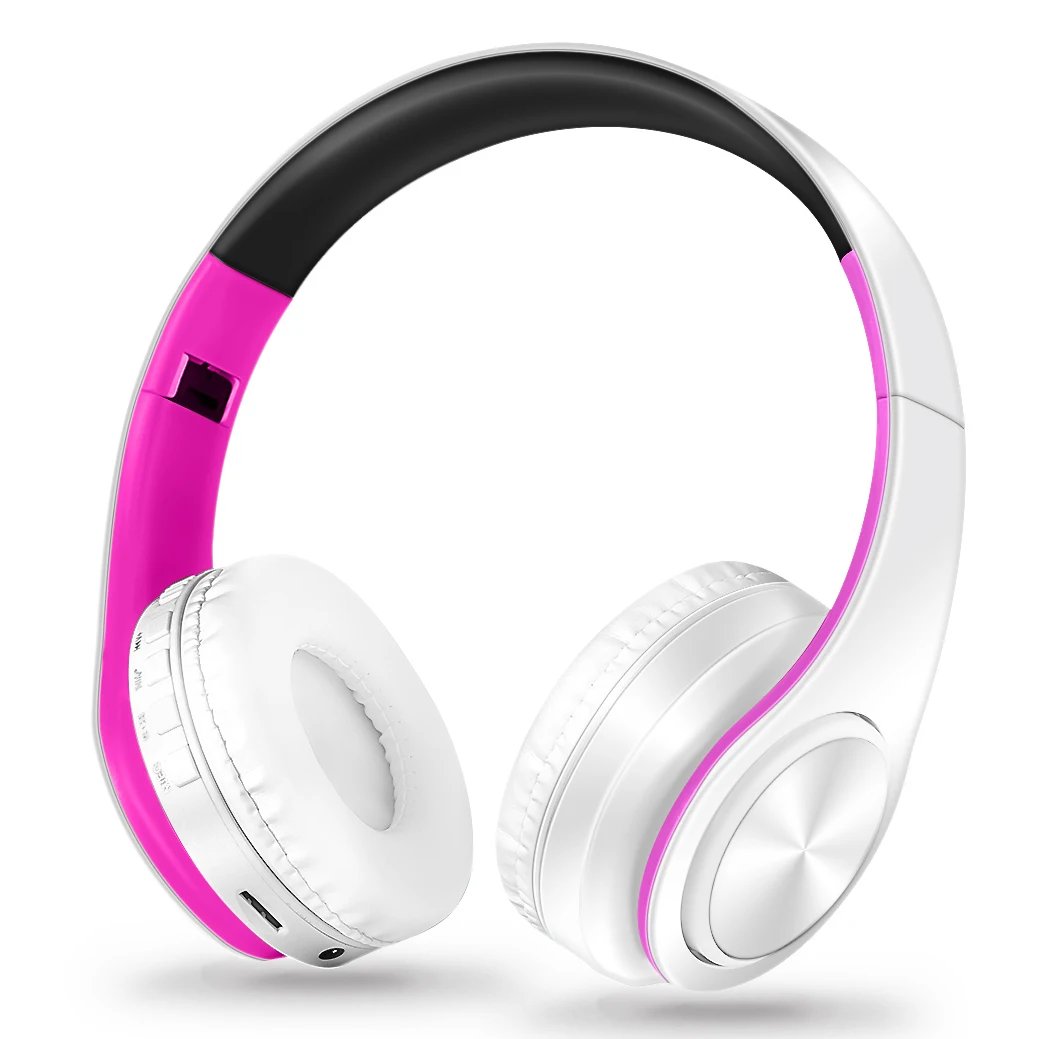
>Ergonomic and collapsible designDesigned with user comfort in mind, the headphones feature large ear cushions that provide a comfortable fit for prolonged use. Lightweight, they exert no undue pressure on the head. Their foldable and adjustable design makes them ideal for travel, sports, and daily activities, suitable for users of all ages and genders including children, teenagers, and adults.


1. How to charge this headset?
Connect your computer and headphone with the USB cable.
2. How to start the headset and listen the music on the computer?
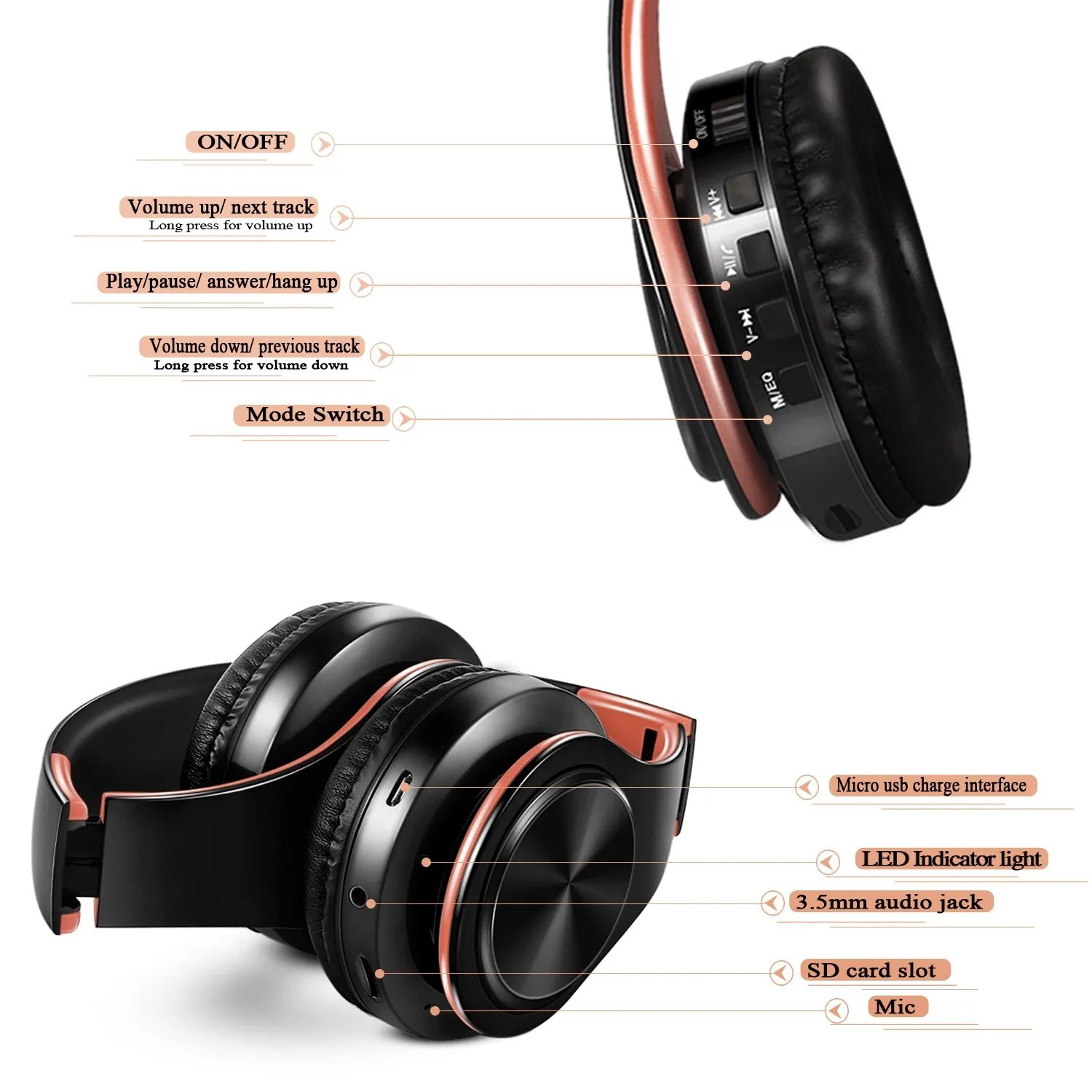
Ensure your computer’s Bluetooth function is enabled and active. Then, press the ON/OFF button on the headphones; a blinking blue light indicates pairing mode. Search for the headphones via your computer, pair them, and upon connection, use your computer to play music through the headset.
3. How to operate the bluetooth headphone with mobile phone?
First, activate Bluetooth on your mobile device, then press the headphone's ON/OFF button; the blue indicator light will blink, signaling readiness for pairing. Locate the headphones in the device list and connect to complete pairing. 
If you receive a phone call, simply press the Hang up/Pause button to answer and chat with your caller. Once the conversation ends, press the same button again to hang up and seamlessly resume listening to your music.
4. How to use the FM function?
Press the MEQ button on the headphones to switch to FM mode. Then, press the PAUSE button to automatically scan for radio frequencies. Use short presses of the Volume + and Volume - buttons to select among the detected stations.
5. How to use the MP3 function?
By inserting a TF memory card into the designated slot, the music playback will start immediately. (Note: TF card is not included.)


Shipping Cost
Shop Location

No reviews found!
No comments found for this product. Be the first to comment!